Small Windows apps that do one job well.
Each one solves a single problem. Try it free, buy it once, keep it forever.
- 14 days free, every feature
- No subscription
- No account needed
No trial, no key, no catch
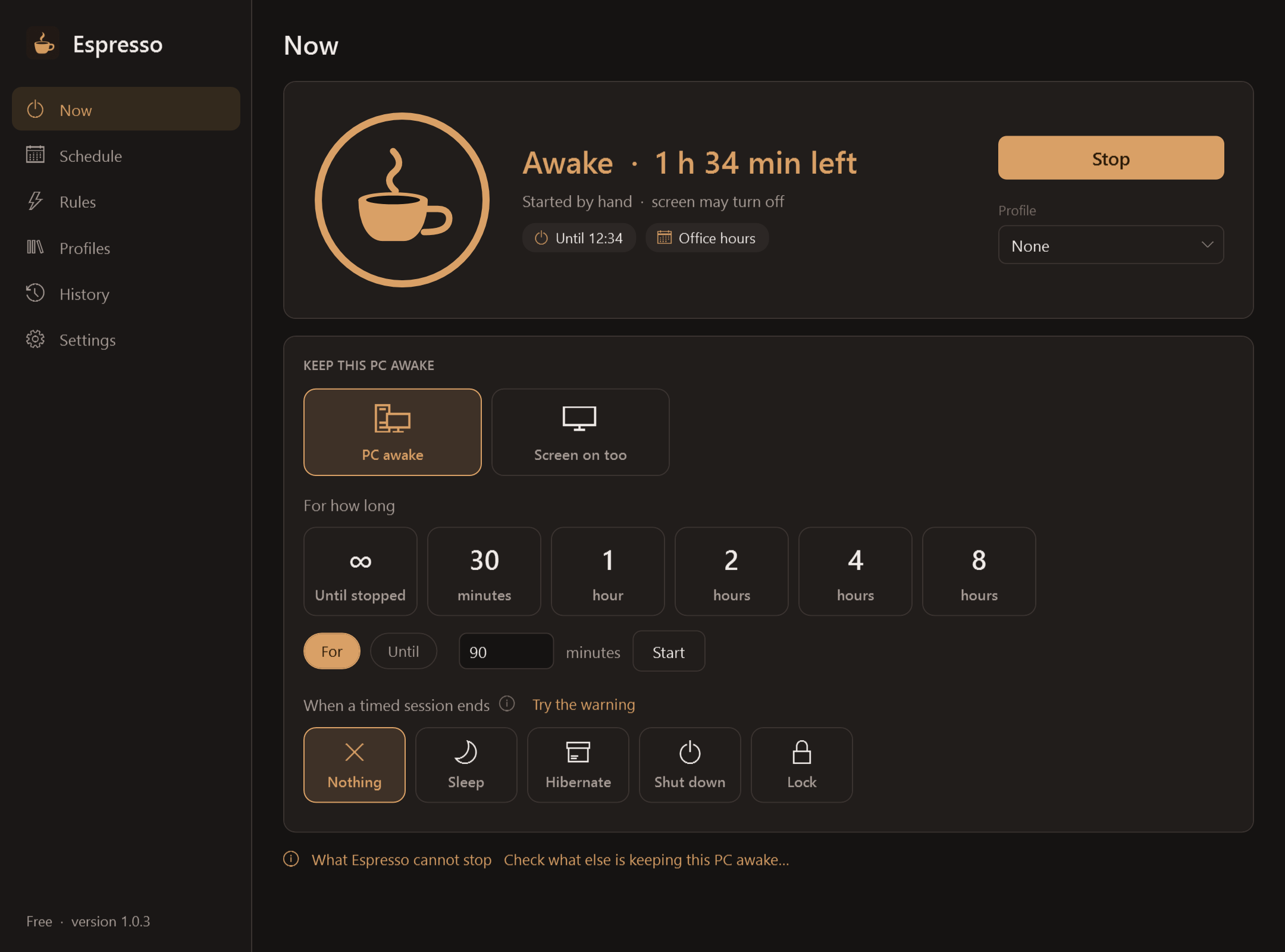
Espresso
System · v1.0.3Keeps your PC awake while it is busy, then lets it sleep.
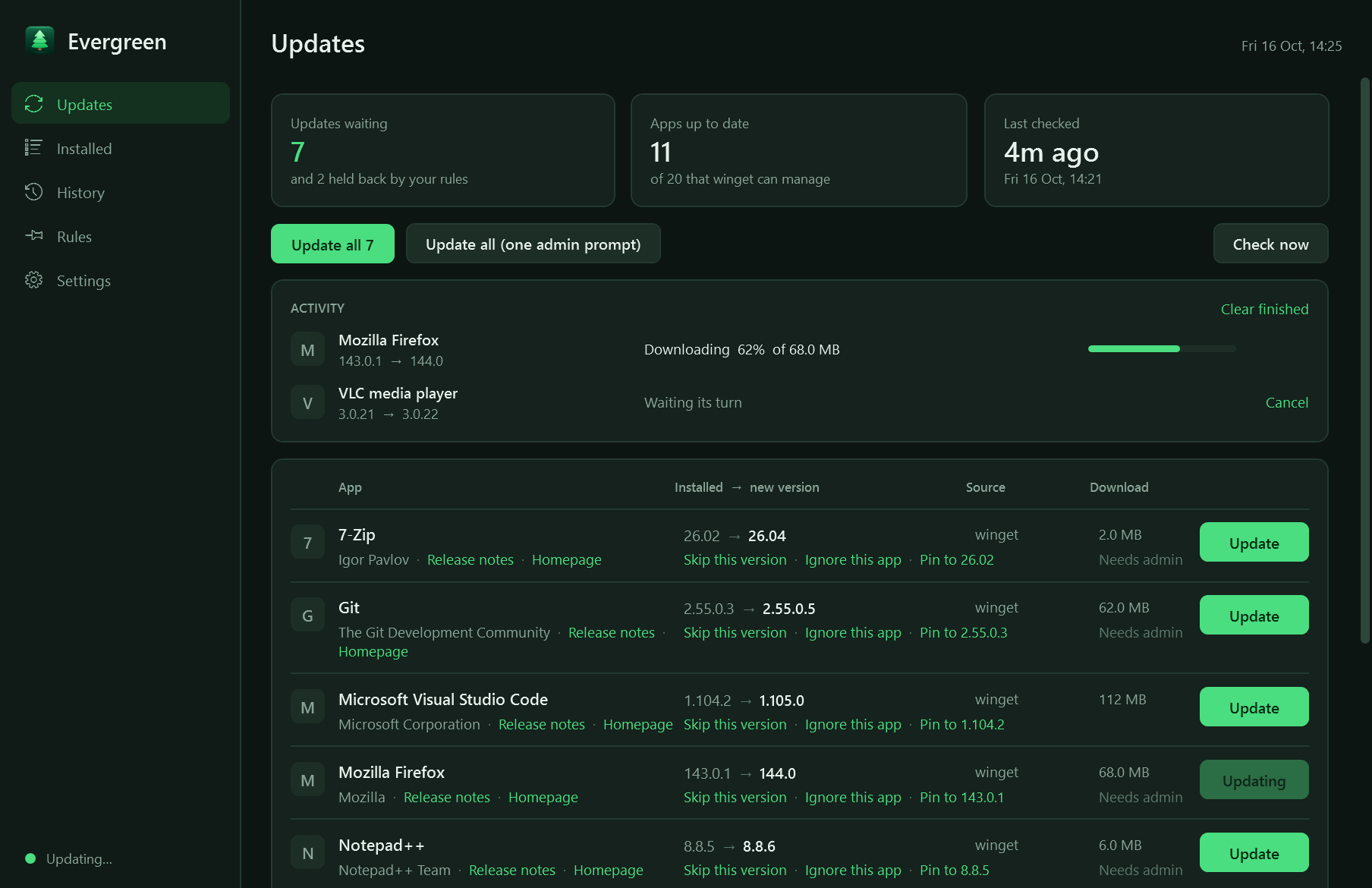
Evergreen
System · v1.0.3See which of your apps have updates, and update them in one click.
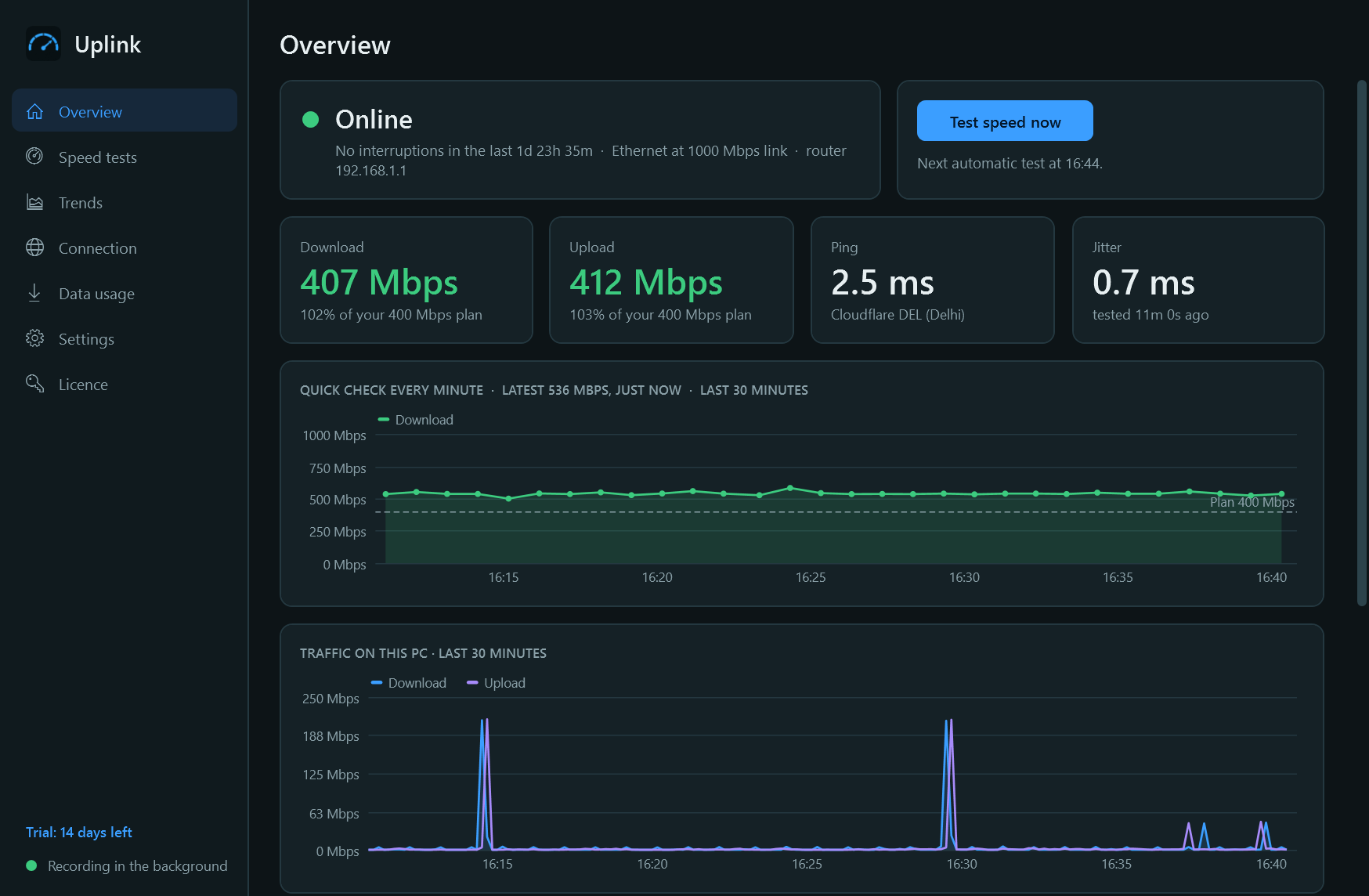

Uplink
Network · v1.6.0Know how fast your internet really is, and when it lets you down.
Pick the problem you want solved
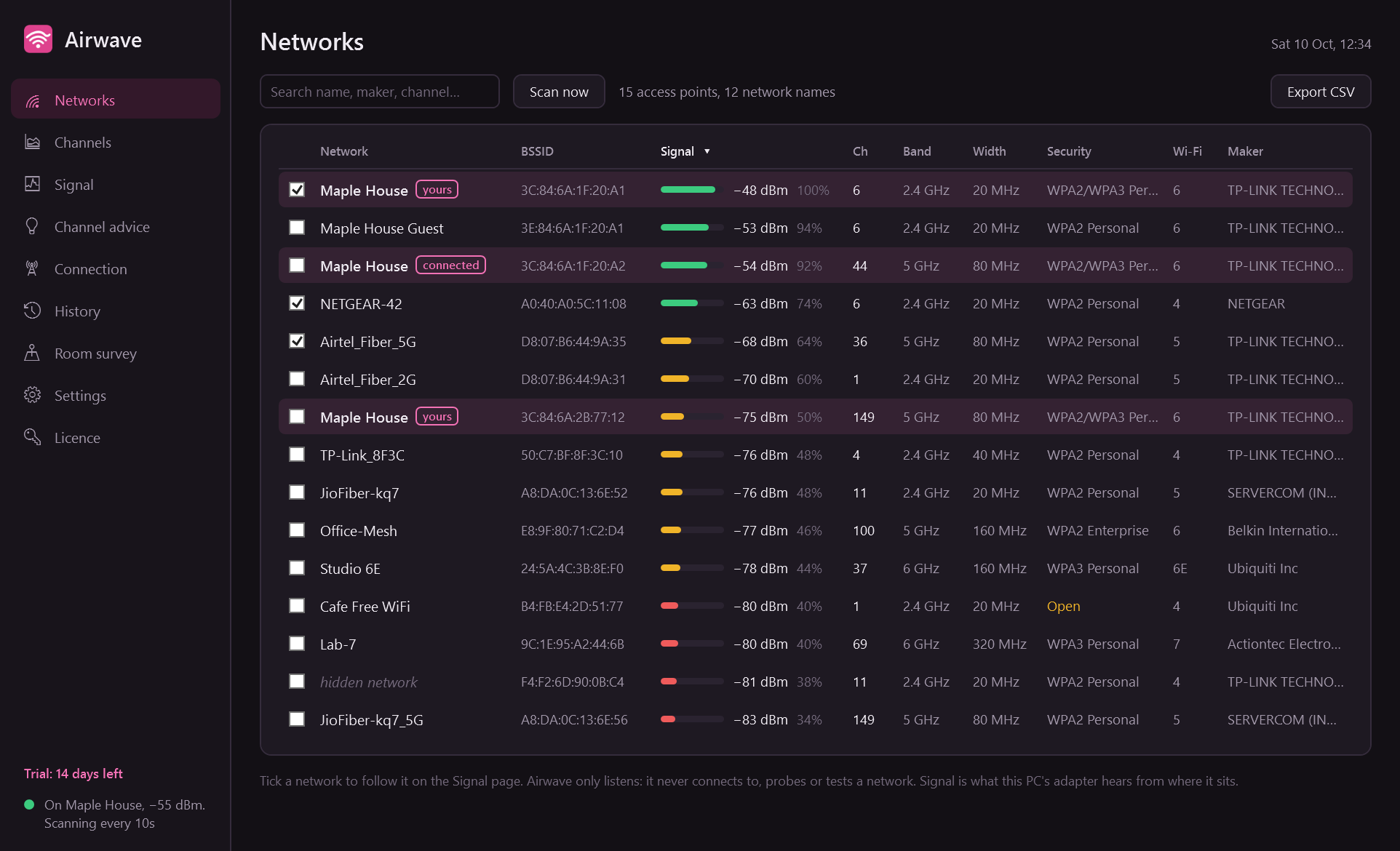

Airwave
Network · v1.0.1See every Wi-Fi network around you, pick the quietest channel, and track your own signal.
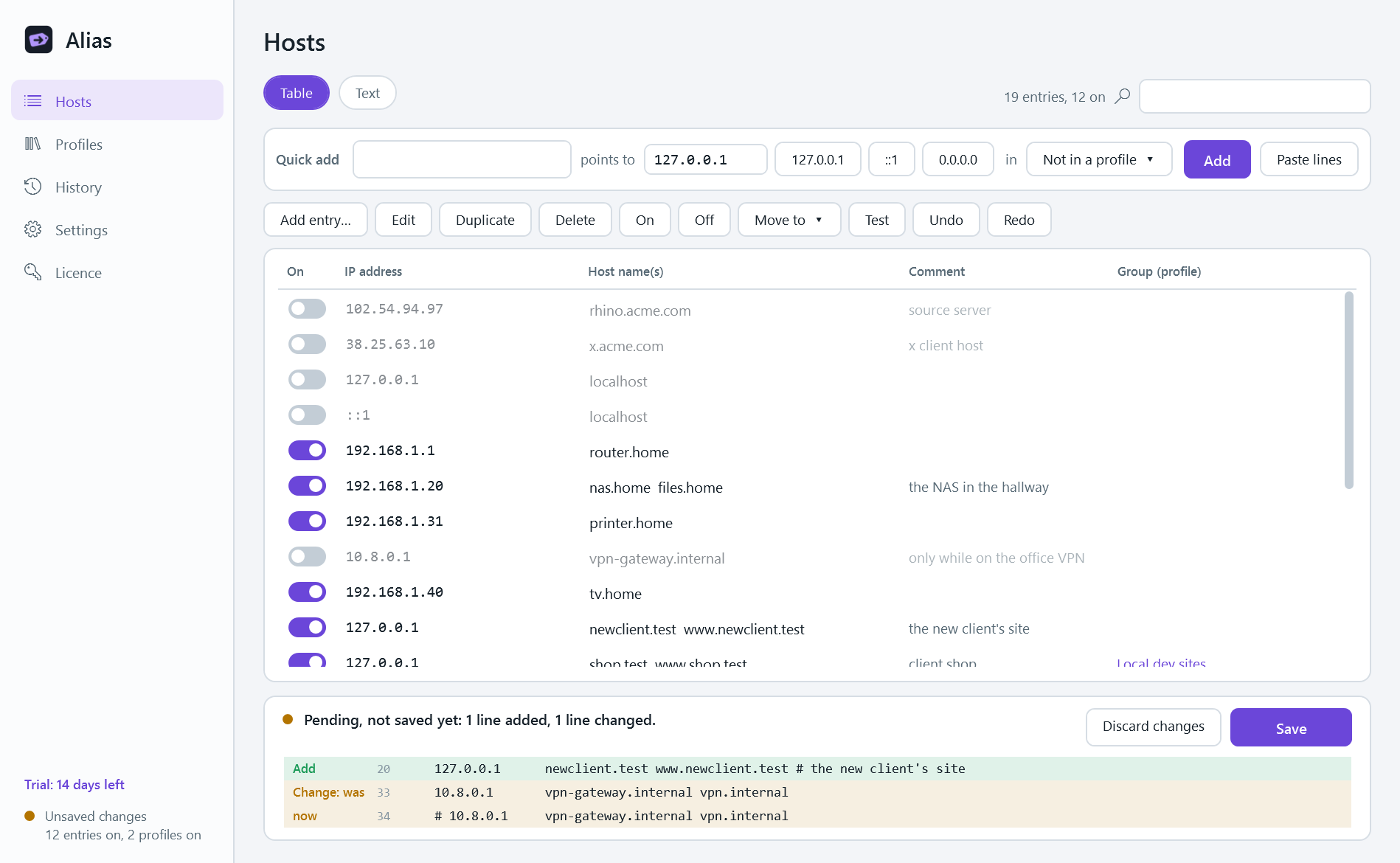
Alias
Network · v1.0.0Edit the Windows hosts file safely, with profiles you switch in one click.
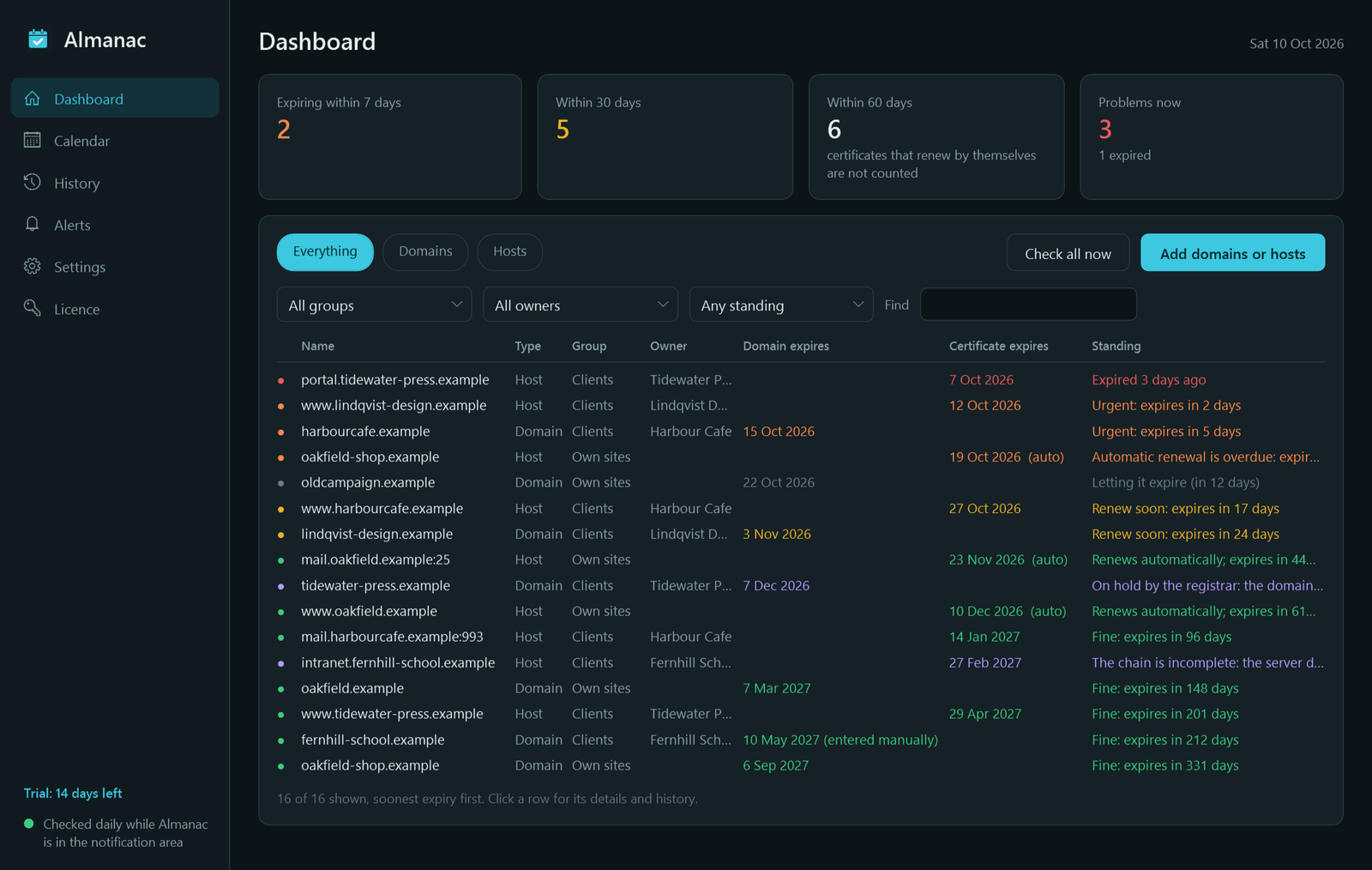
Almanac
Network · v1.0.1Never let a domain or a certificate expire by surprise.
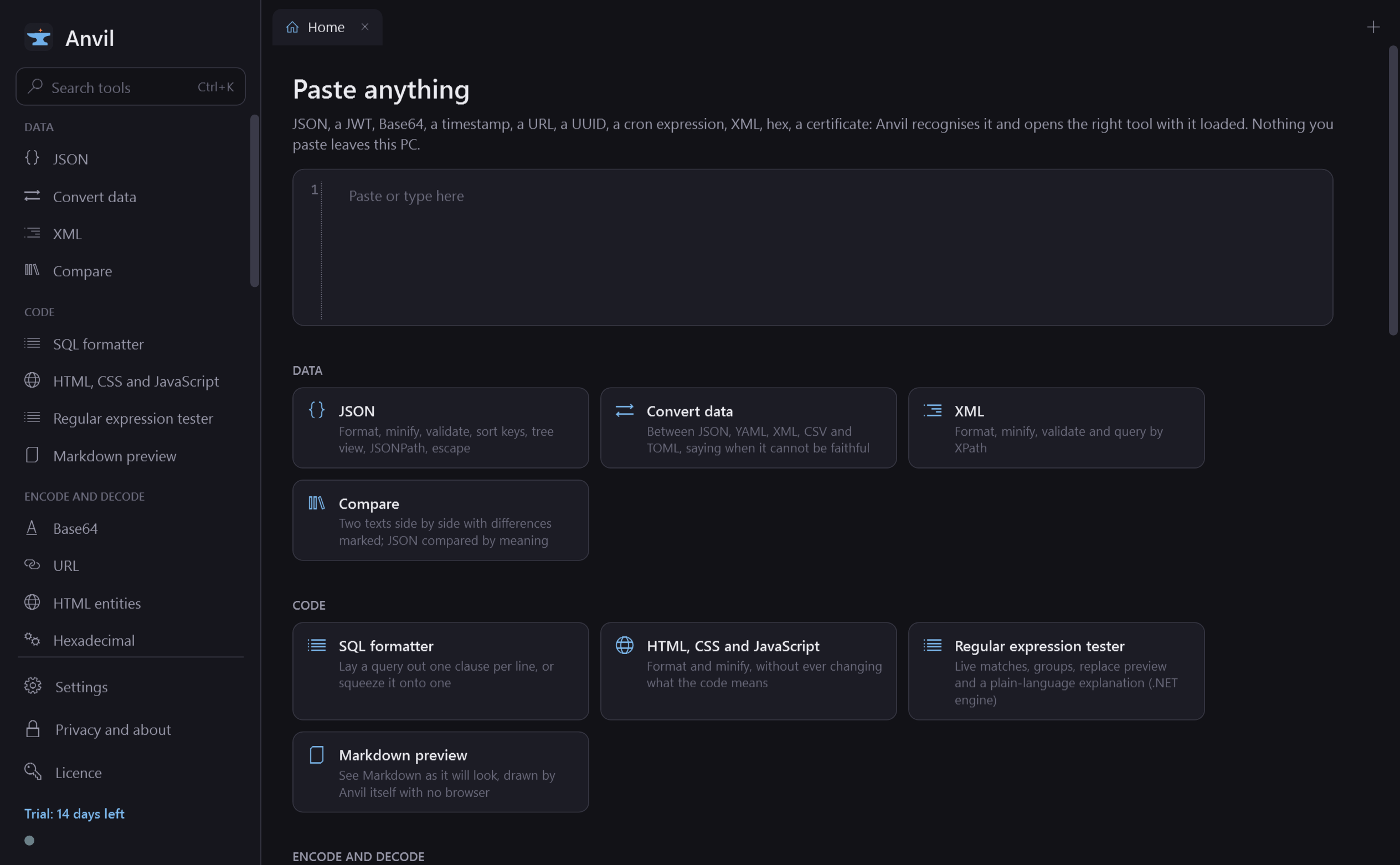
Anvil
Developer · v1.0.1The developer toolbox that works with the network cable unplugged.
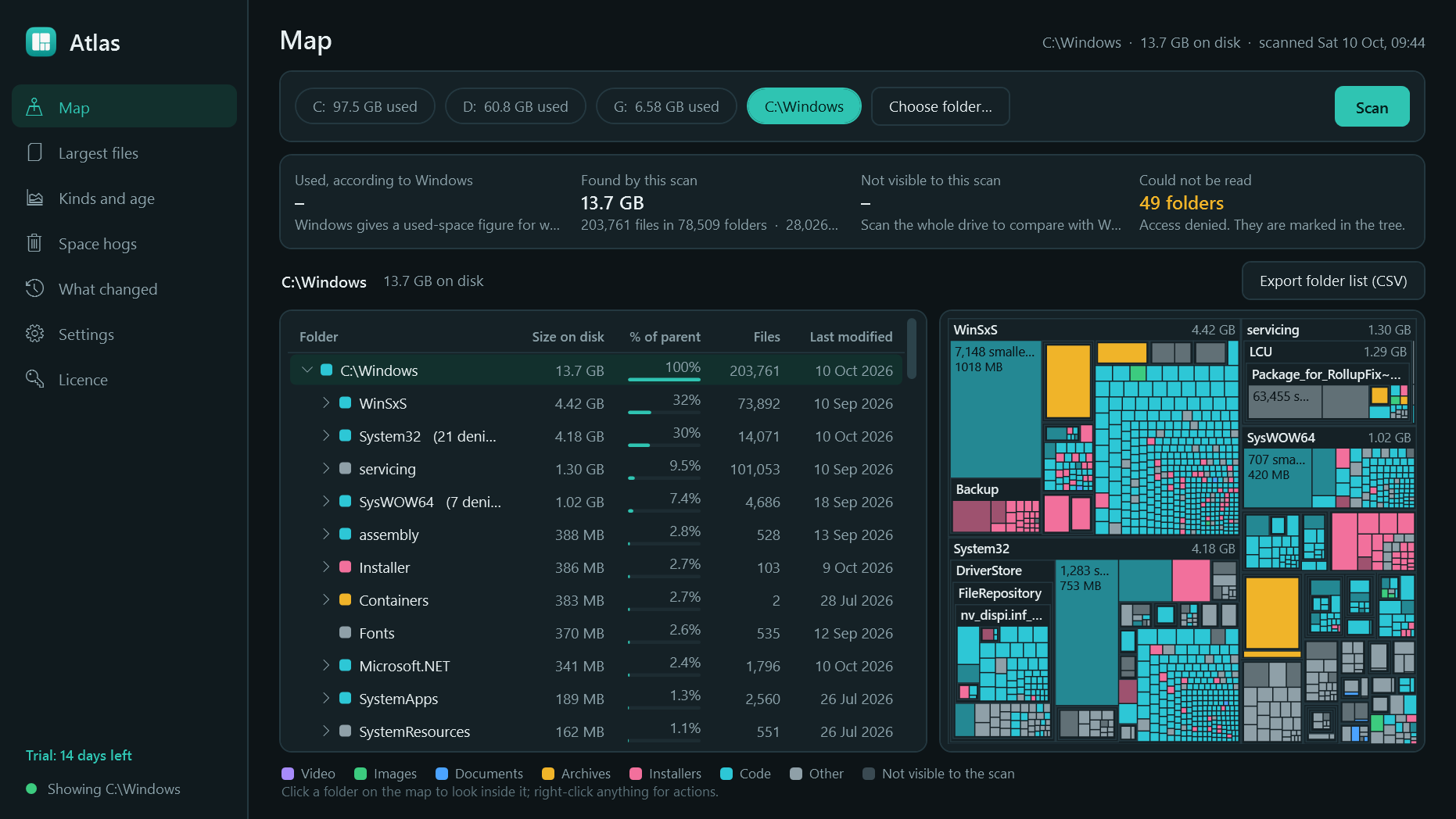
Atlas
System · v1.0.0See what is filling your drive, and what has grown since last time.
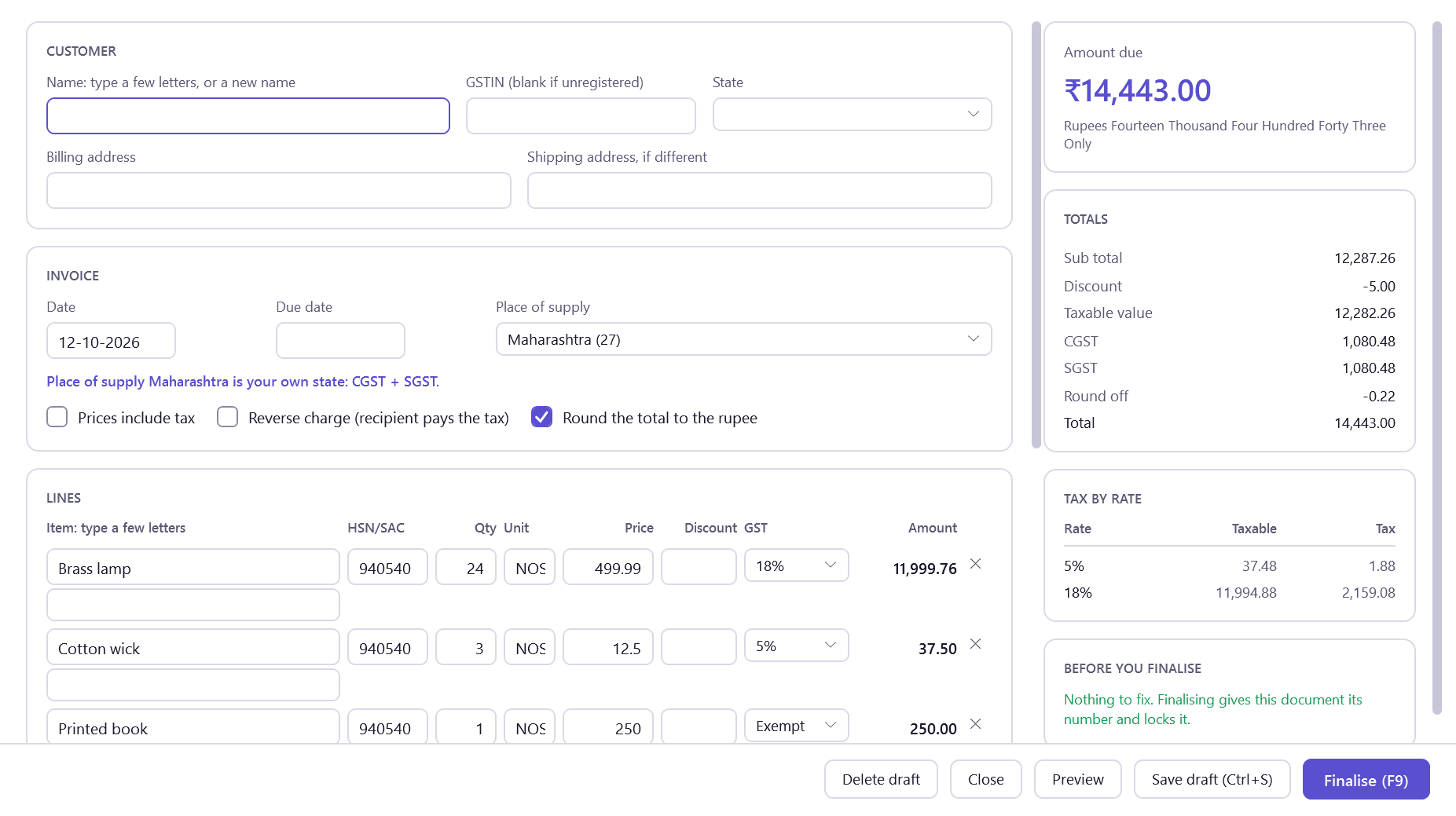
Bahi
Business · v1.0.1GST invoices as PDFs in under a minute. Offline, with the tax worked out for you.
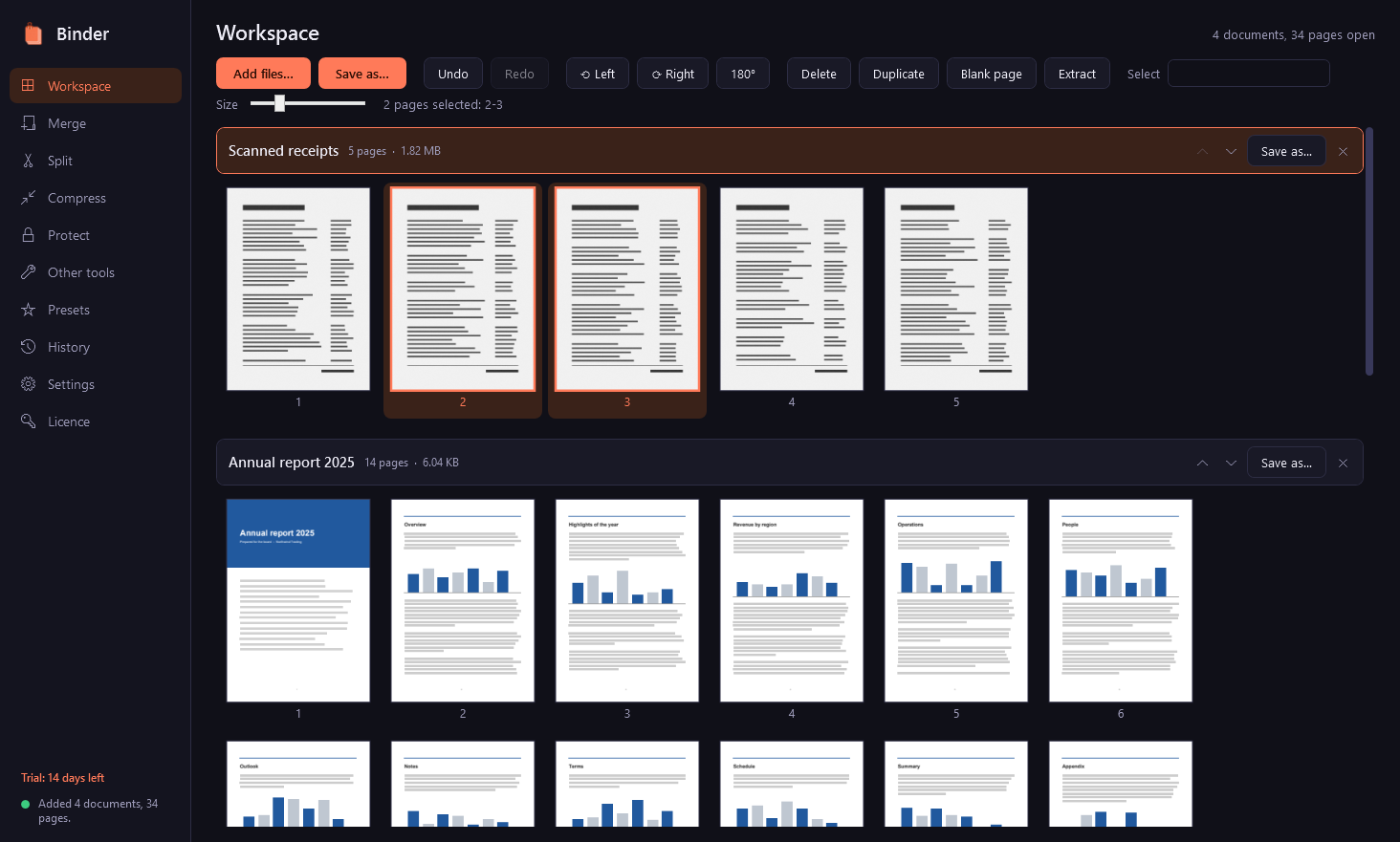

Binder
Productivity · v1.0.1Merge, split, reorder, compress and protect PDFs on your own PC. Nothing is uploaded anywhere.
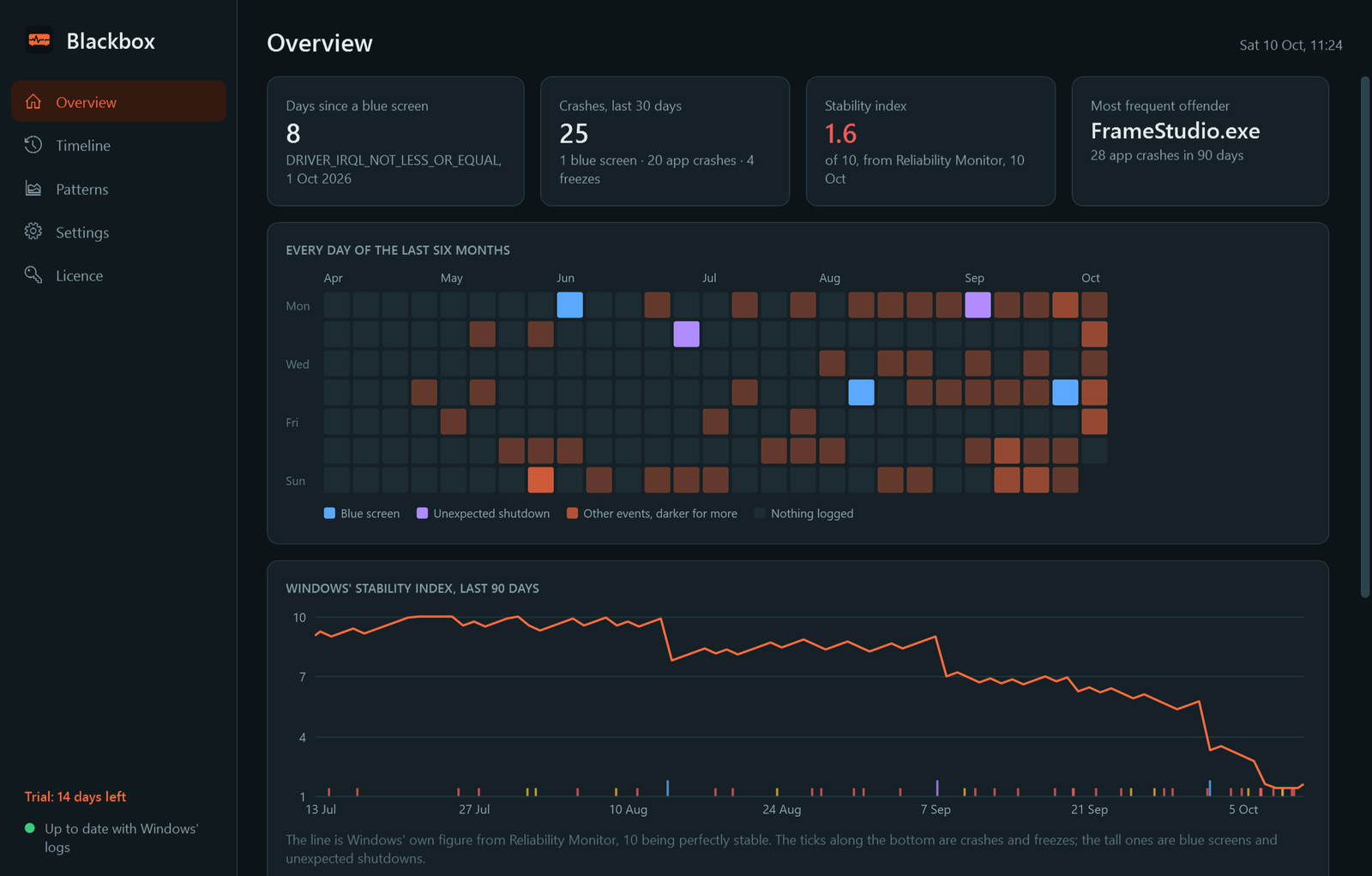
Blackbox
System · v1.0.1Every blue screen, crash and freeze on your PC, explained in plain language.
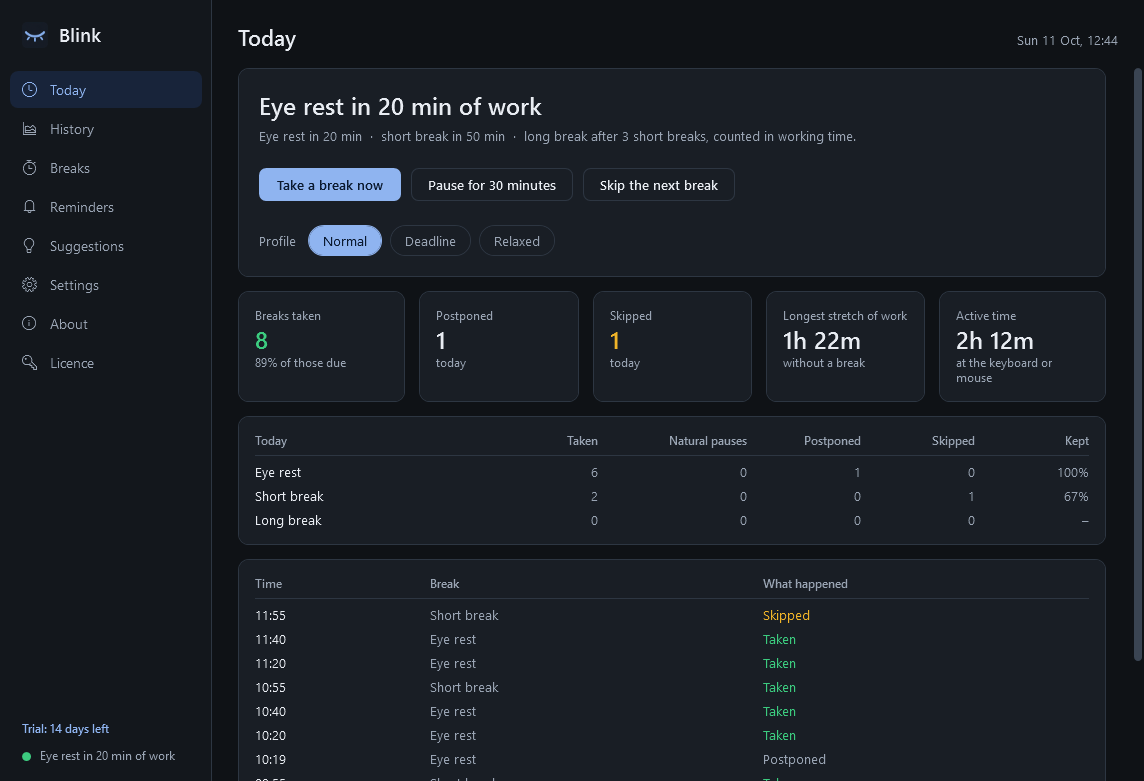
Blink
Productivity · v1.0.1Break and eye-rest reminders that follow your real activity, and stay out of the way of calls, films and presentations.
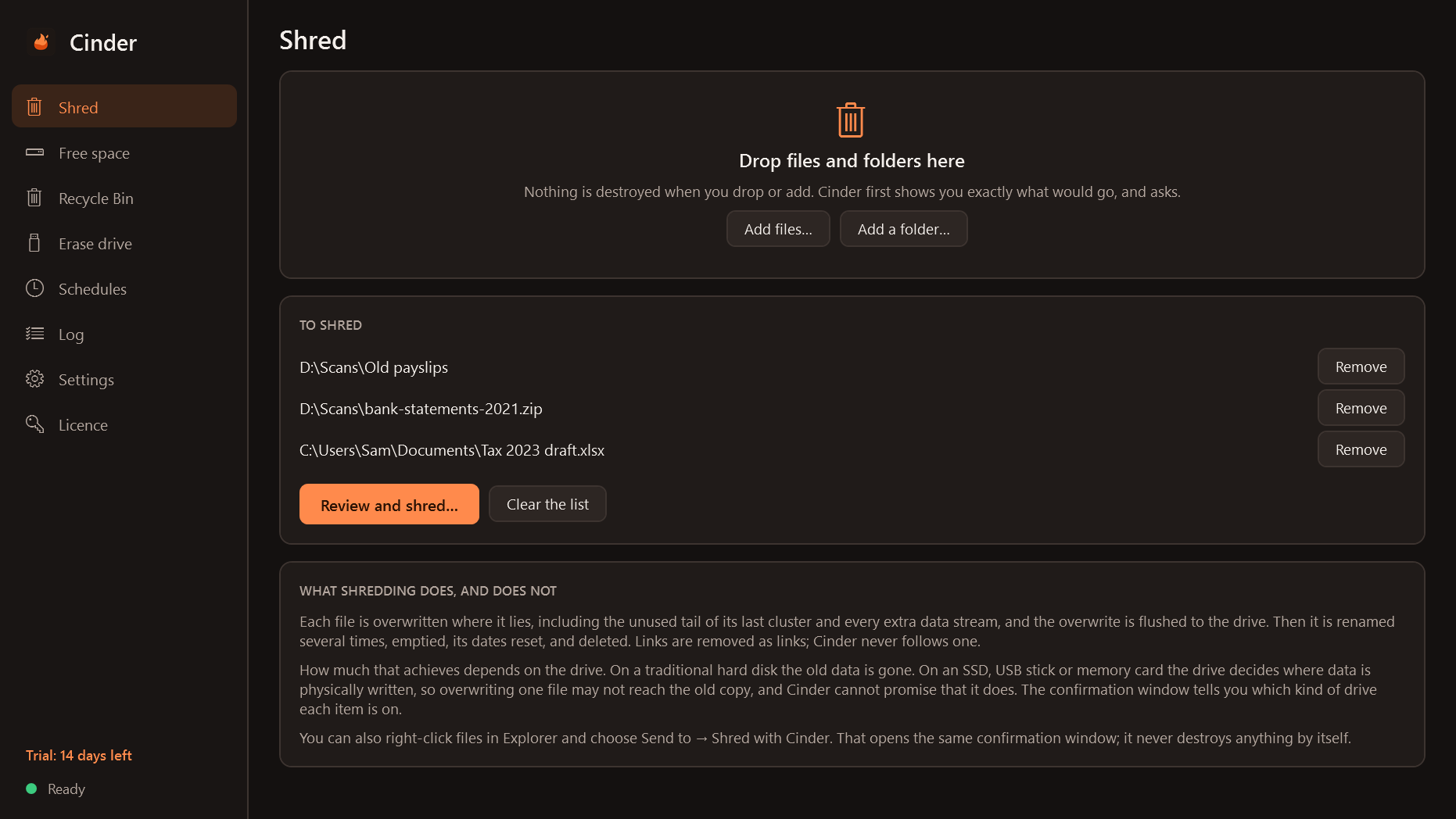
Cinder
Security · v1.0.1A file shredder that says what it did, and what that achieves on your drive.
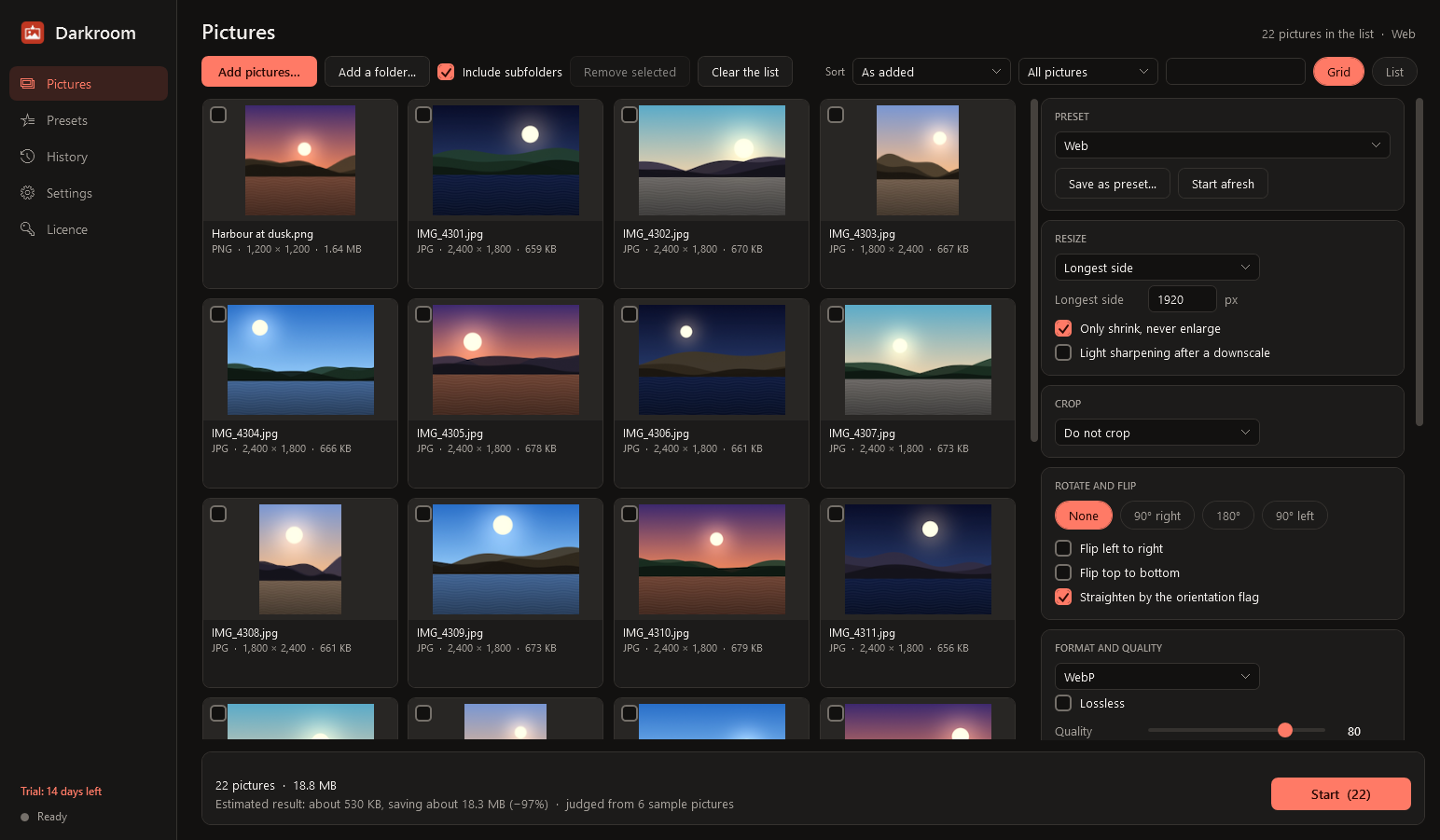

Darkroom
Design · v1.0.1Resize, convert and compress a whole folder of pictures in one go, with a before-and-after preview and your originals left untouched.
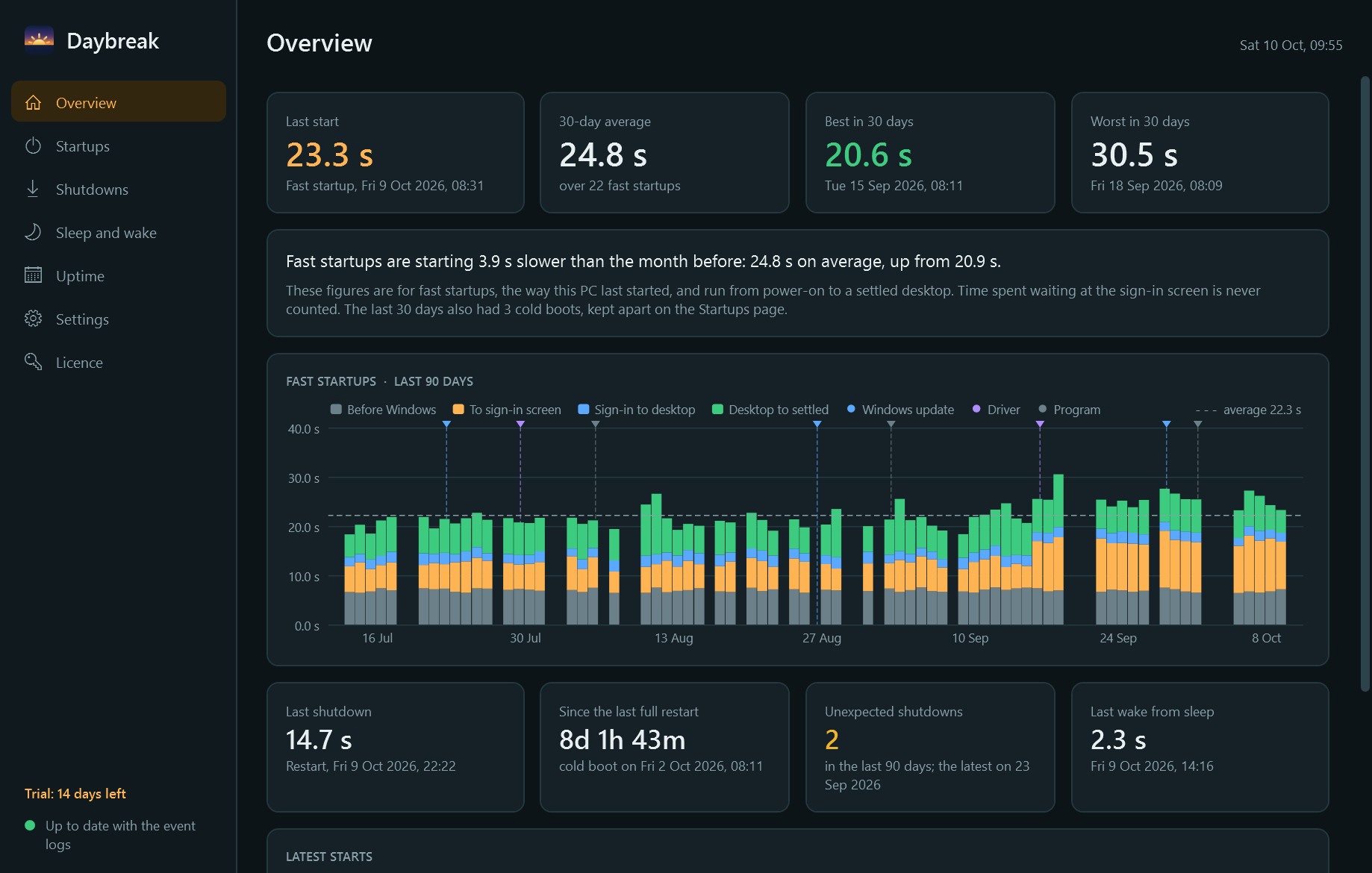
Daybreak
System · v1.1.0See how long your PC takes to start, and what made it slower.
Espresso
System · v1.0.3Keeps your PC awake while it is busy, then lets it sleep.
Evergreen
System · v1.0.3See which of your apps have updates, and update them in one click.
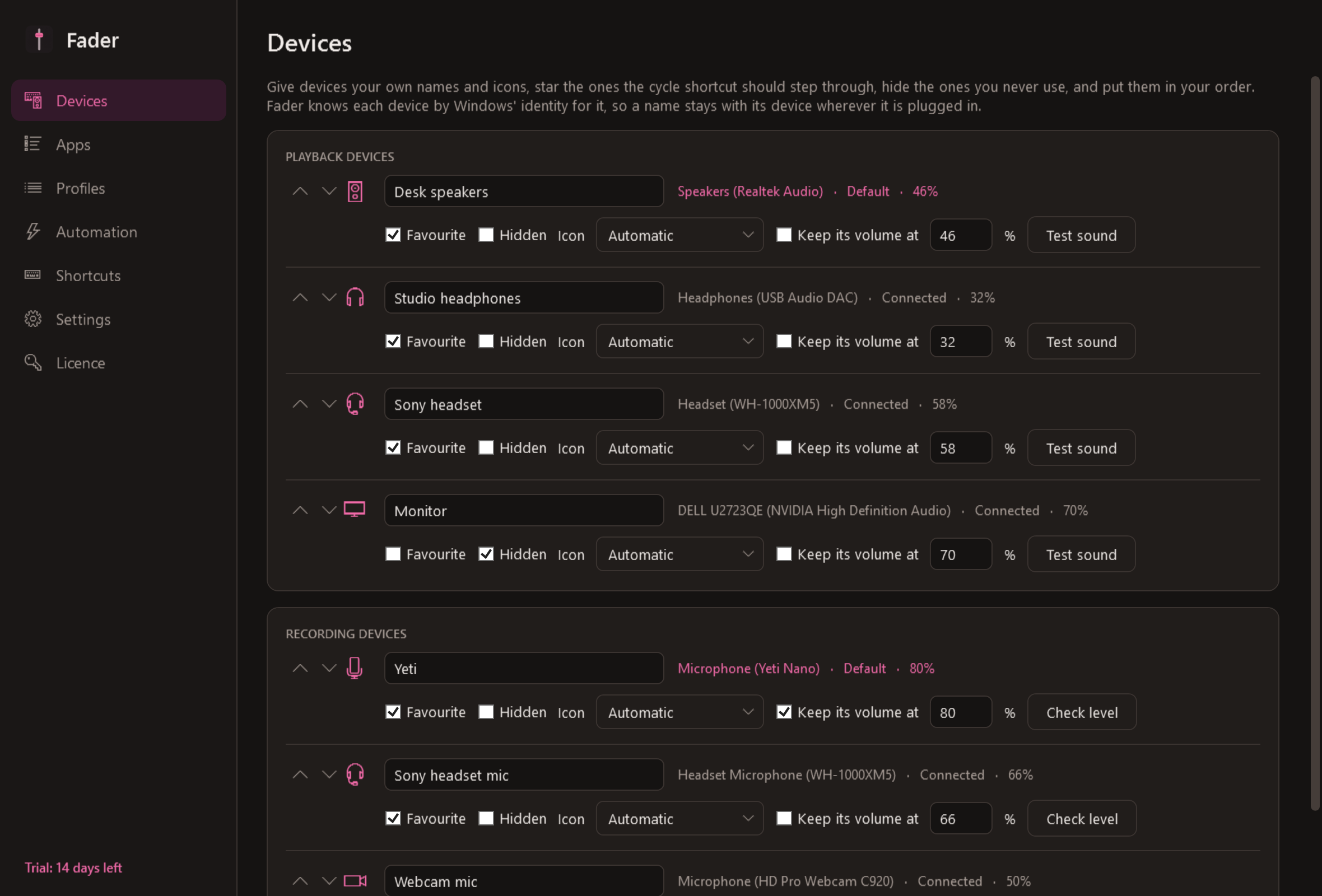
Fader
System · v1.0.1Switch between speakers, headphones and headset with one key, give every app its own volume and device, and let profiles set it all for you.
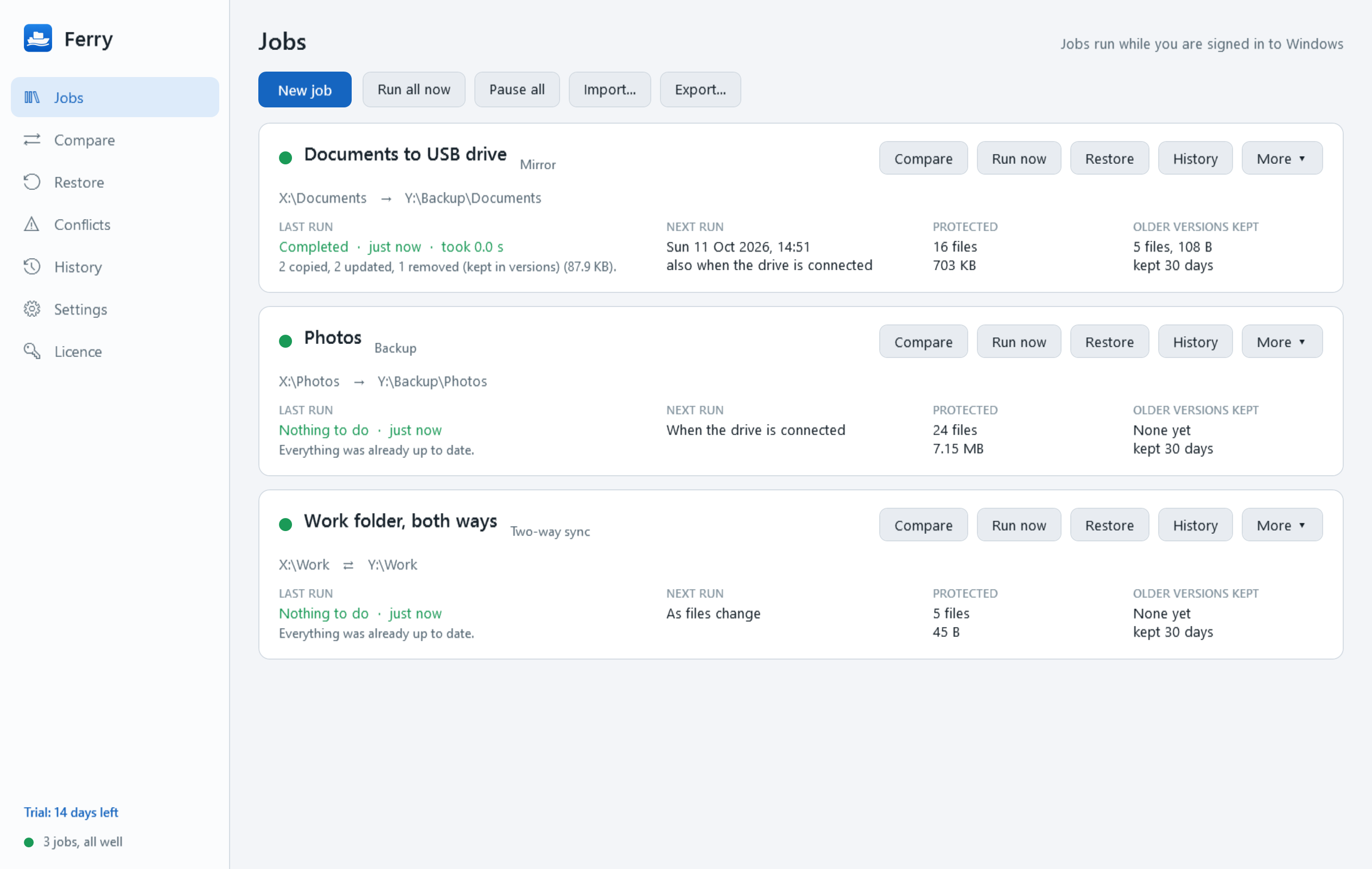
Ferry
System · v1.0.1Keep a folder backed up or in sync with an external drive, a second disk or a network share, and see exactly what it will do first.
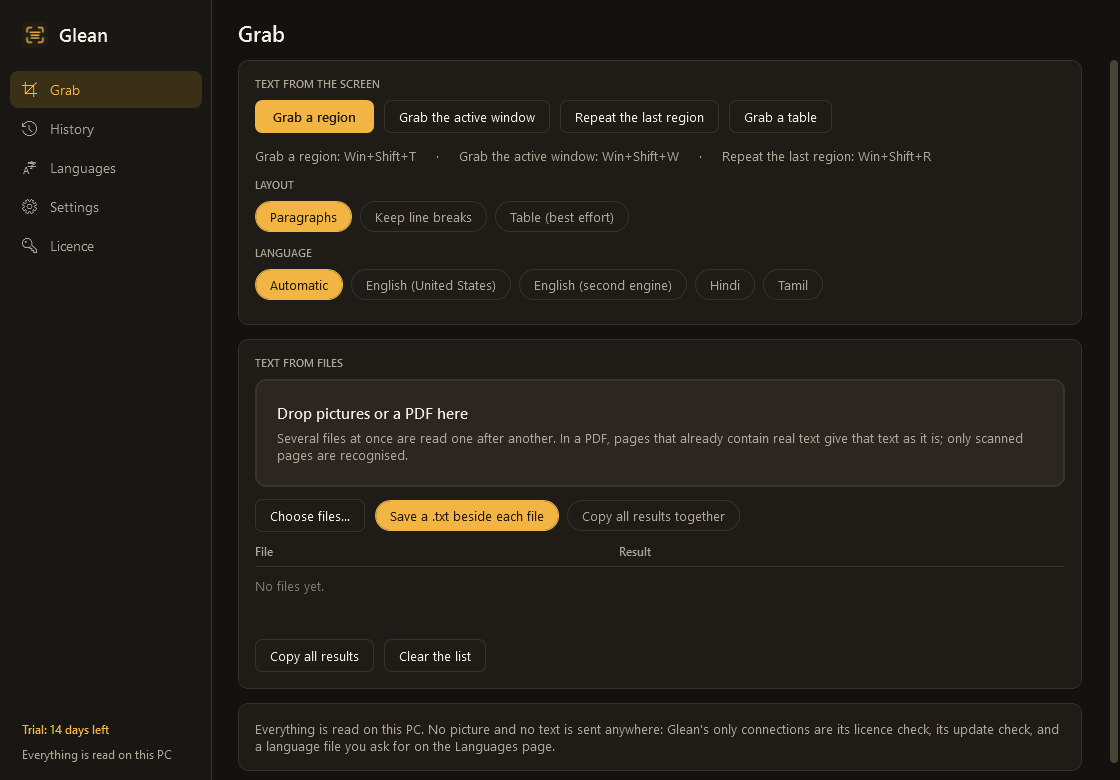
Glean
Productivity · v1.0.1Grab the text from anything on your screen.
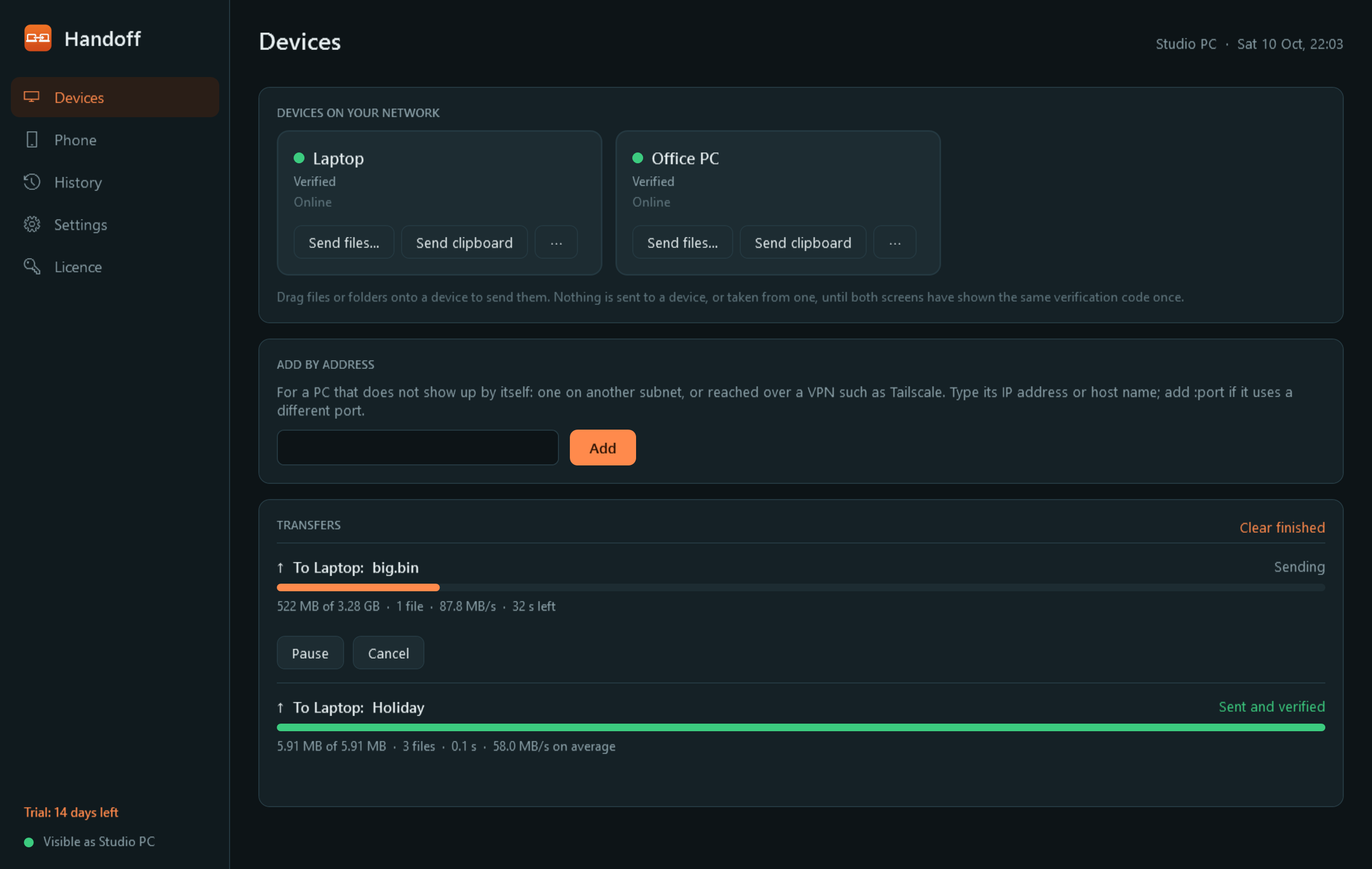
Handoff
Network · v1.0.1Send files between your PCs, and to your phone, straight over your own network.
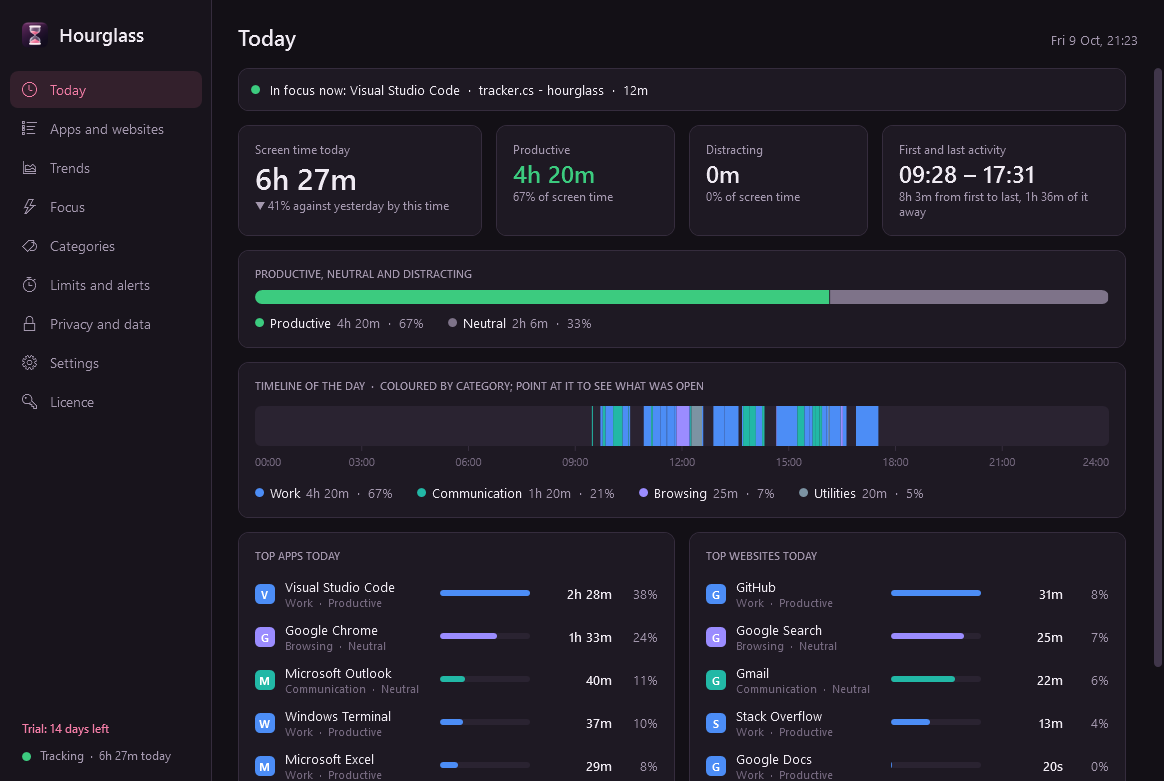
Hourglass
Productivity · v1.1.1See where your screen time goes, without ever starting a timer.
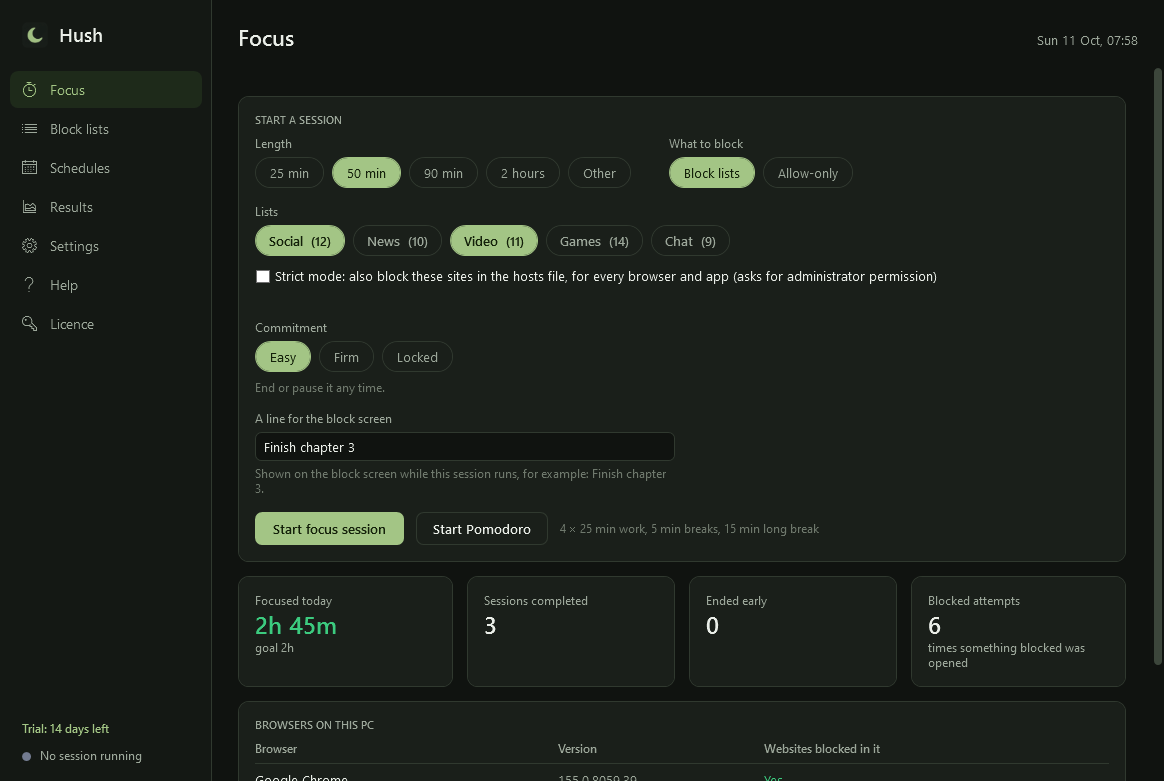
Hush
Productivity · v1.0.2Keep distracting websites and apps closed while you work, and see the focused time you really got.
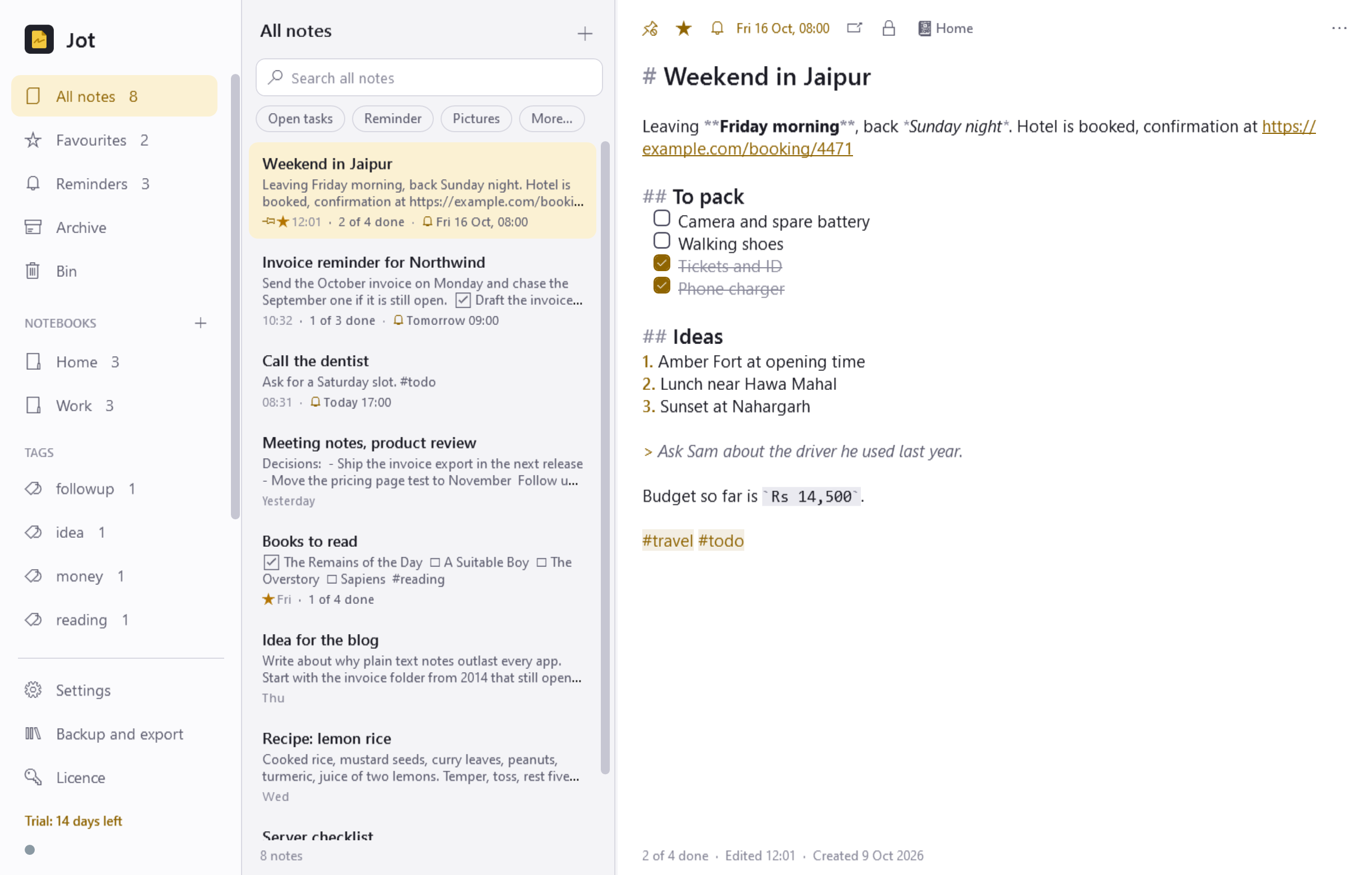
Jot
Productivity · v1.0.1A shortcut, a thought, Esc. Saved, searchable, and out of the way.
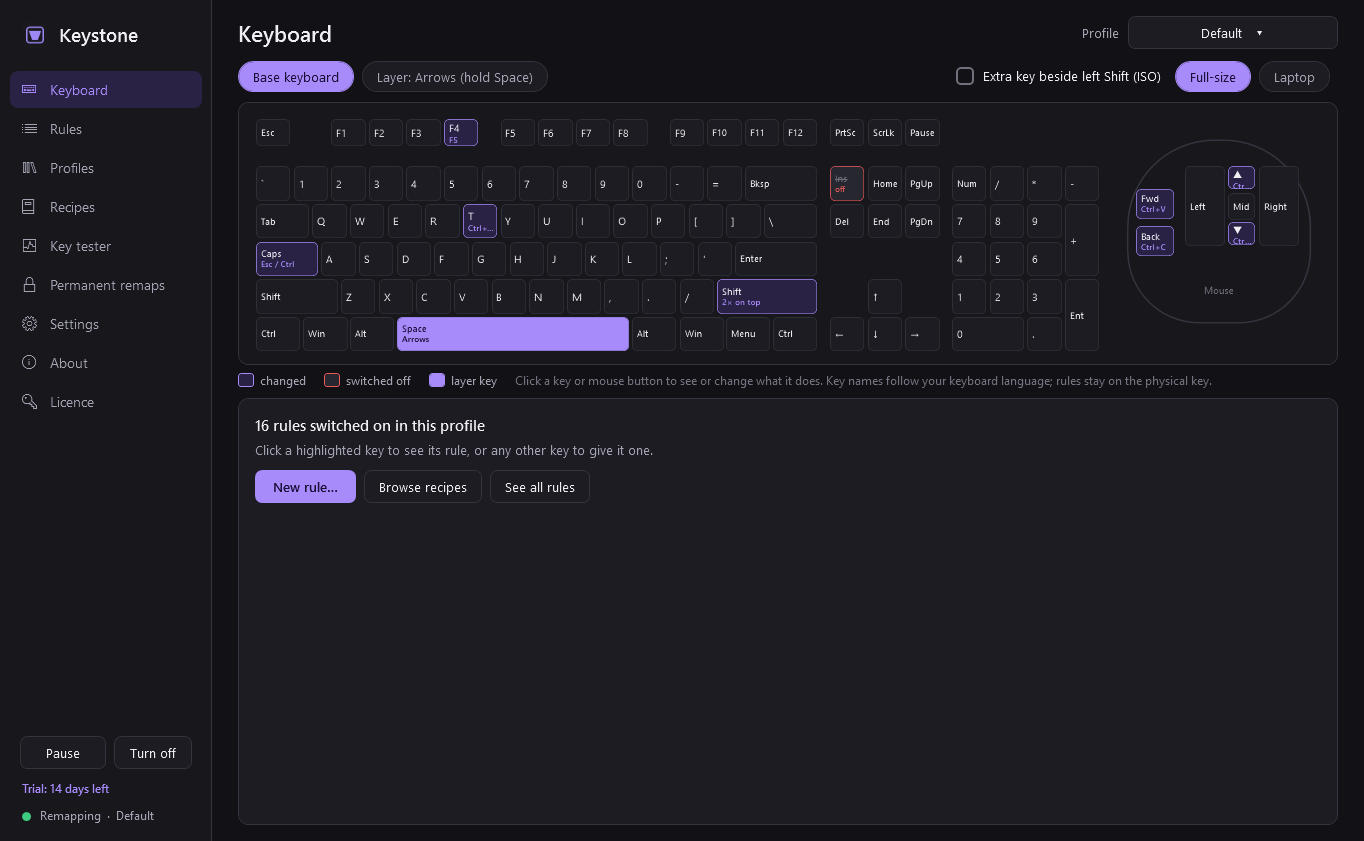
Keystone
Productivity · v1.0.1Change what any key, shortcut or mouse button does. No script needed.
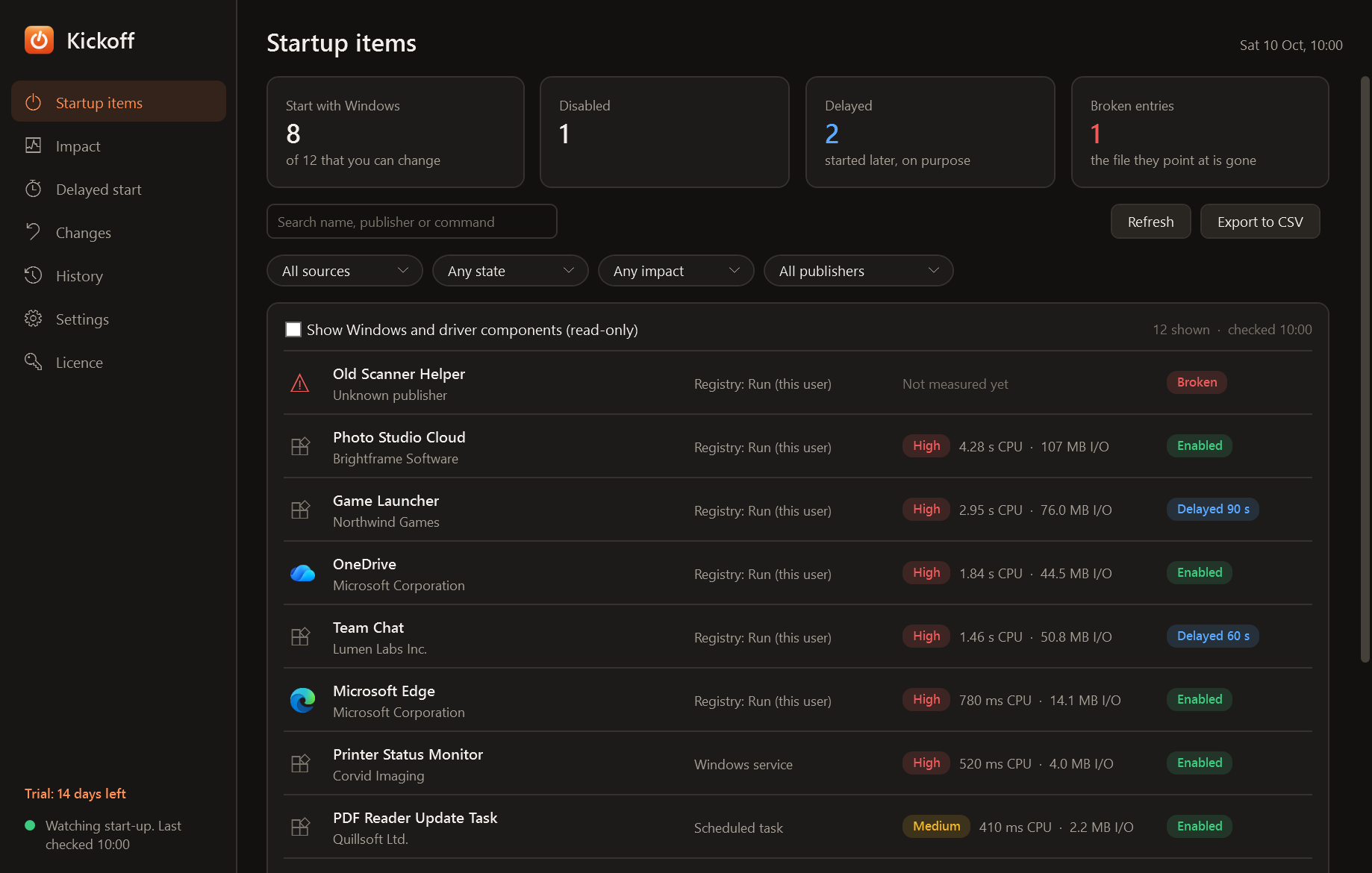
Kickoff
System · v1.0.3See what slows your PC's start-up, and switch it off or delay it safely.
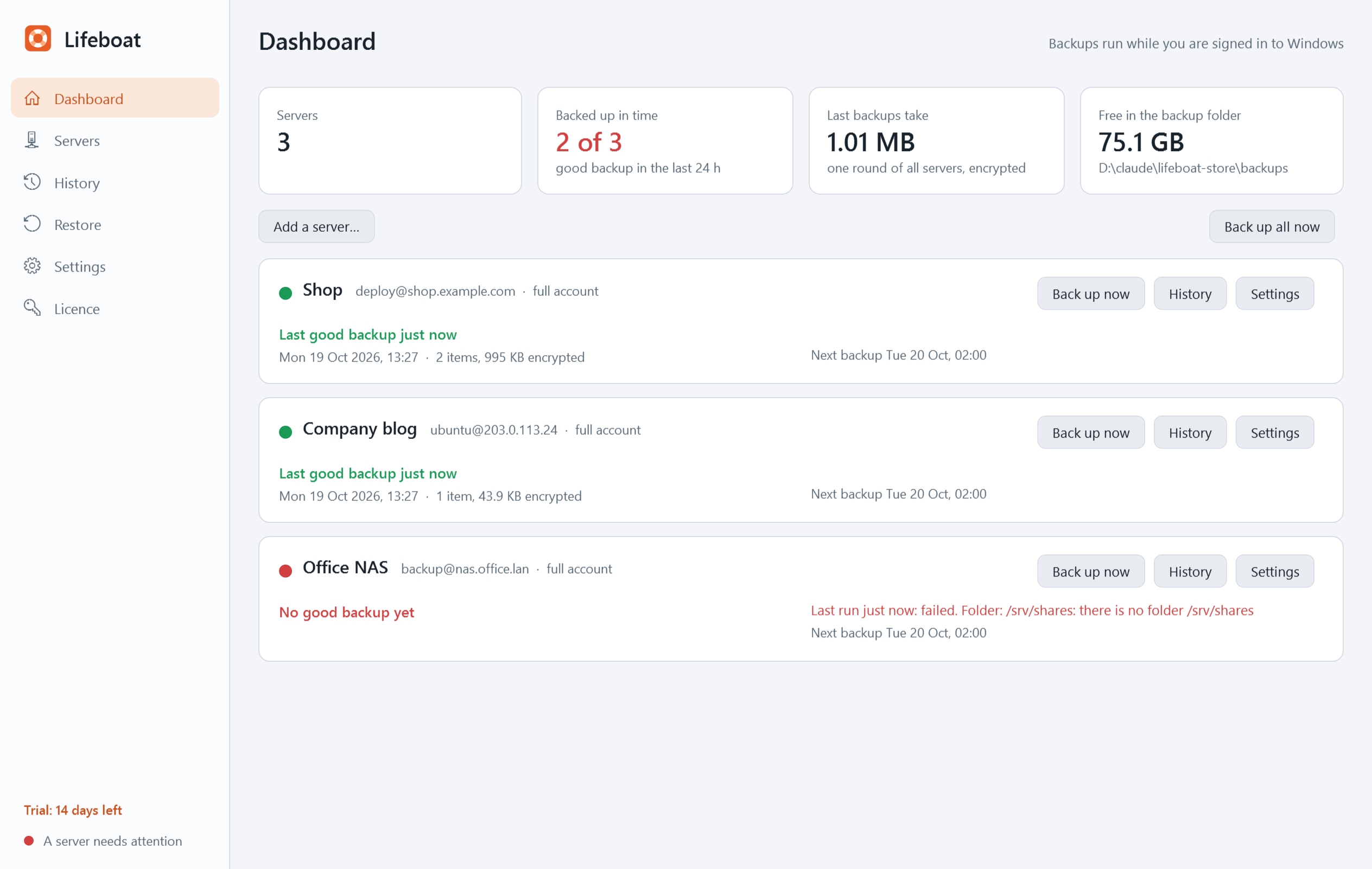

Lifeboat
Developer · v1.0.0Scheduled backups of your Linux servers, pulled down to your PC over SSH, checked and encrypted.
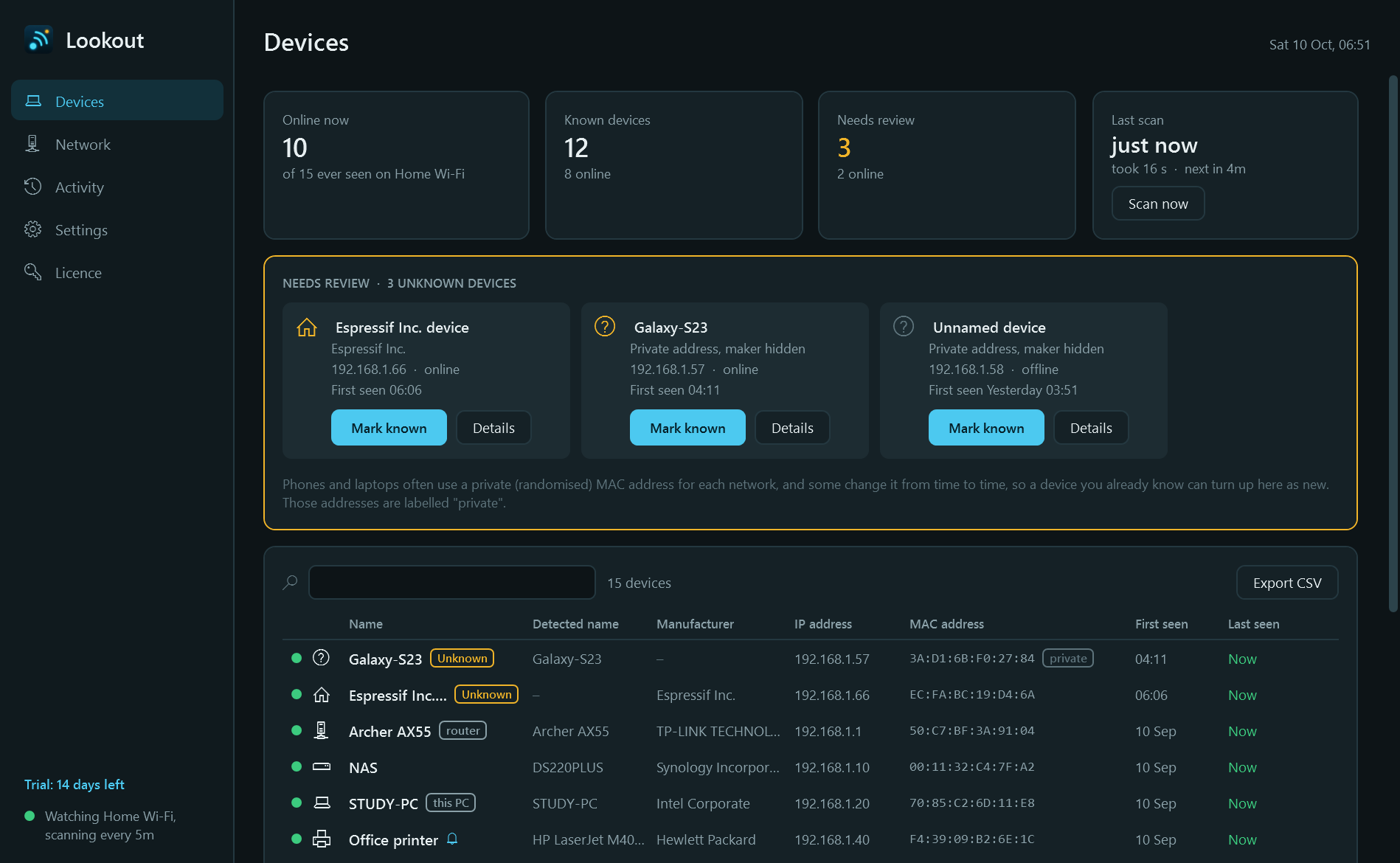
Lookout
Network · v1.0.2See every device on your network, and know the moment a new one joins.
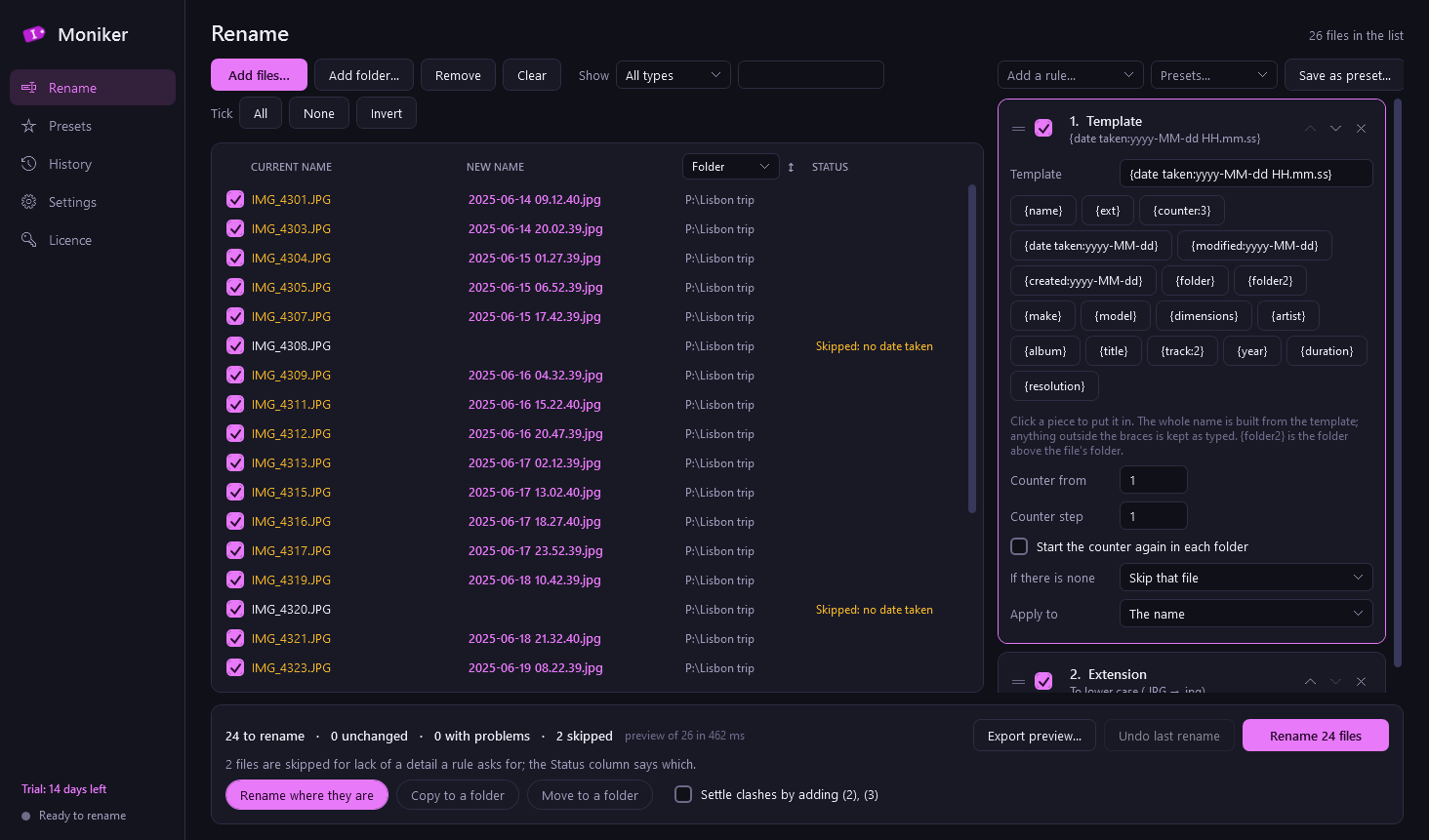
Moniker
Productivity · v1.0.1Rename hundreds of files at once, see every new name first, and undo it if you change your mind.
Moodline
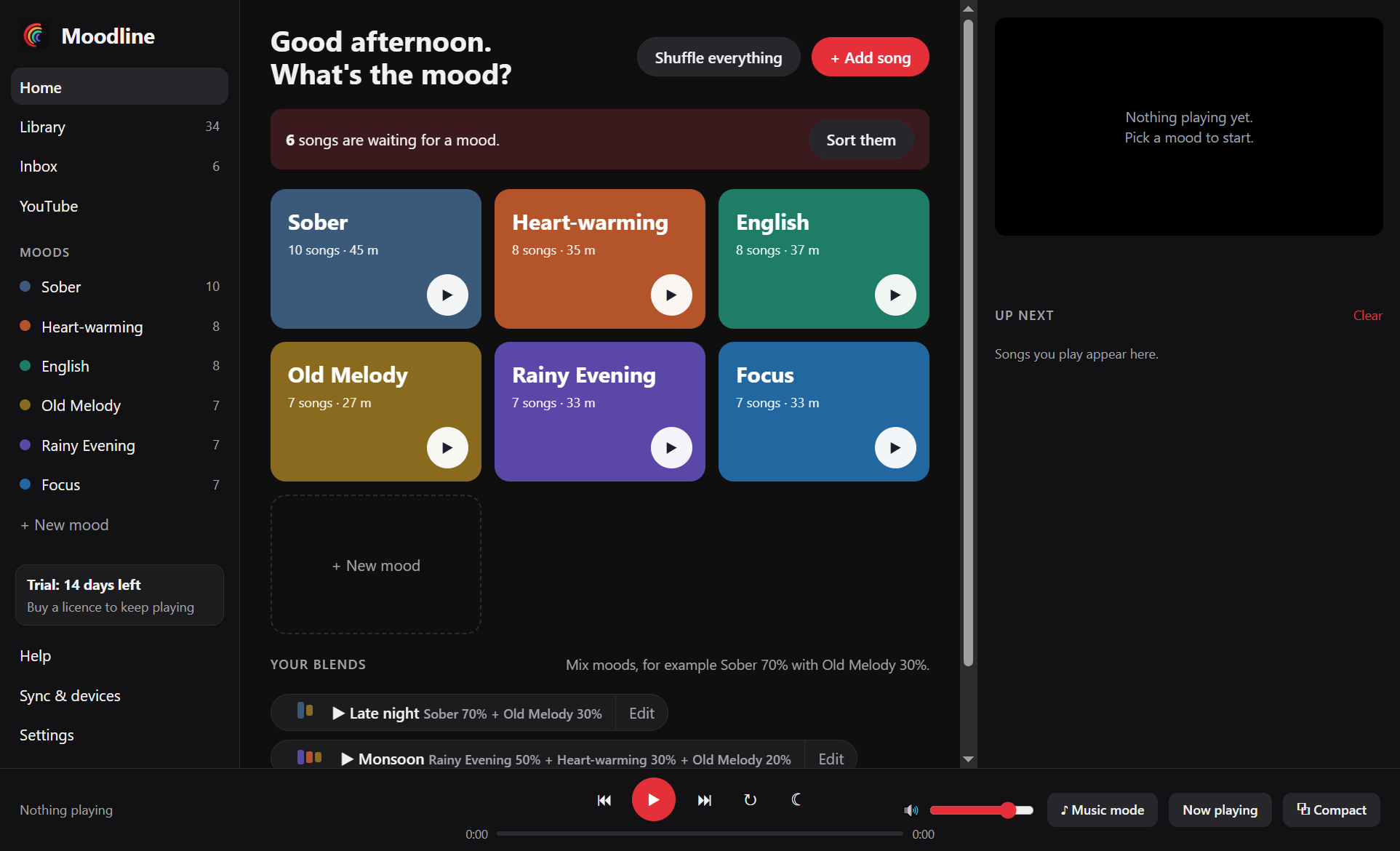
Media · v1.1.5Your YouTube music, sorted by your own moods. No feed, no Shorts, no algorithm.
Morph
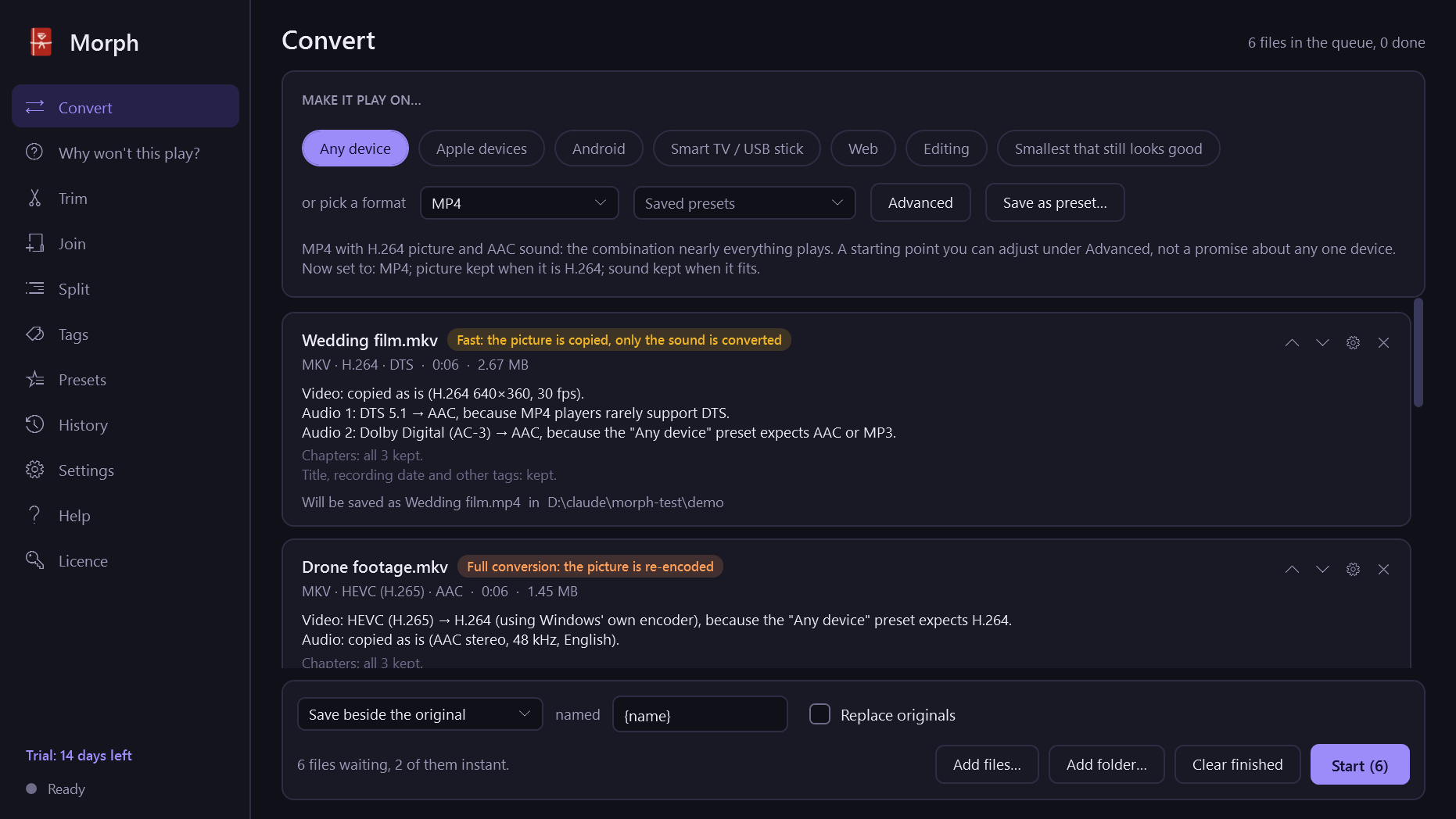
Productivity · v1.0.1Change the format of a video or audio file so it plays where you need it, instantly and without quality loss whenever the format allows.
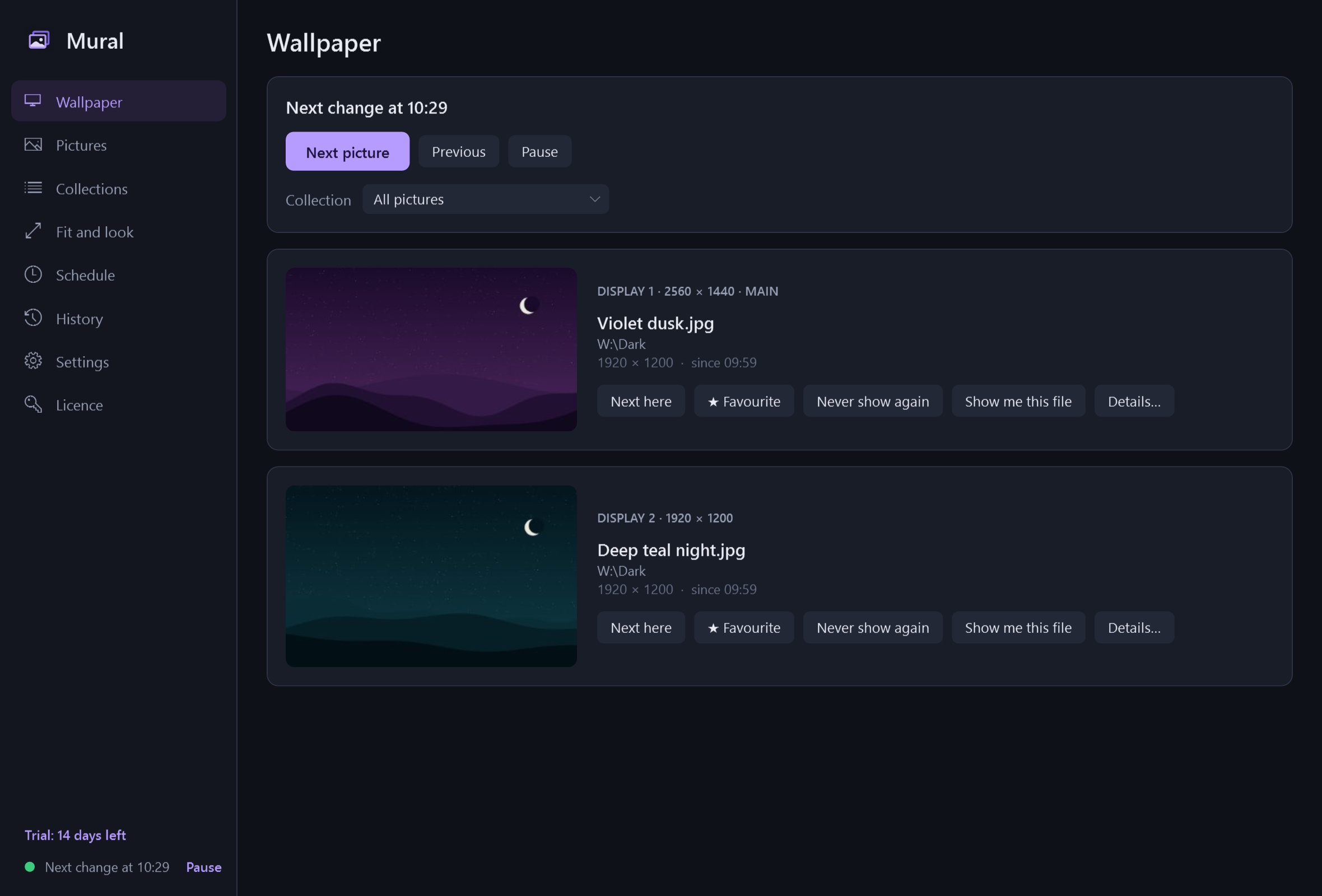
Mural
System · v1.0.1Changes your wallpaper from your own pictures: a different one on each monitor, on a timer or by time of day, cropped properly for every screen.
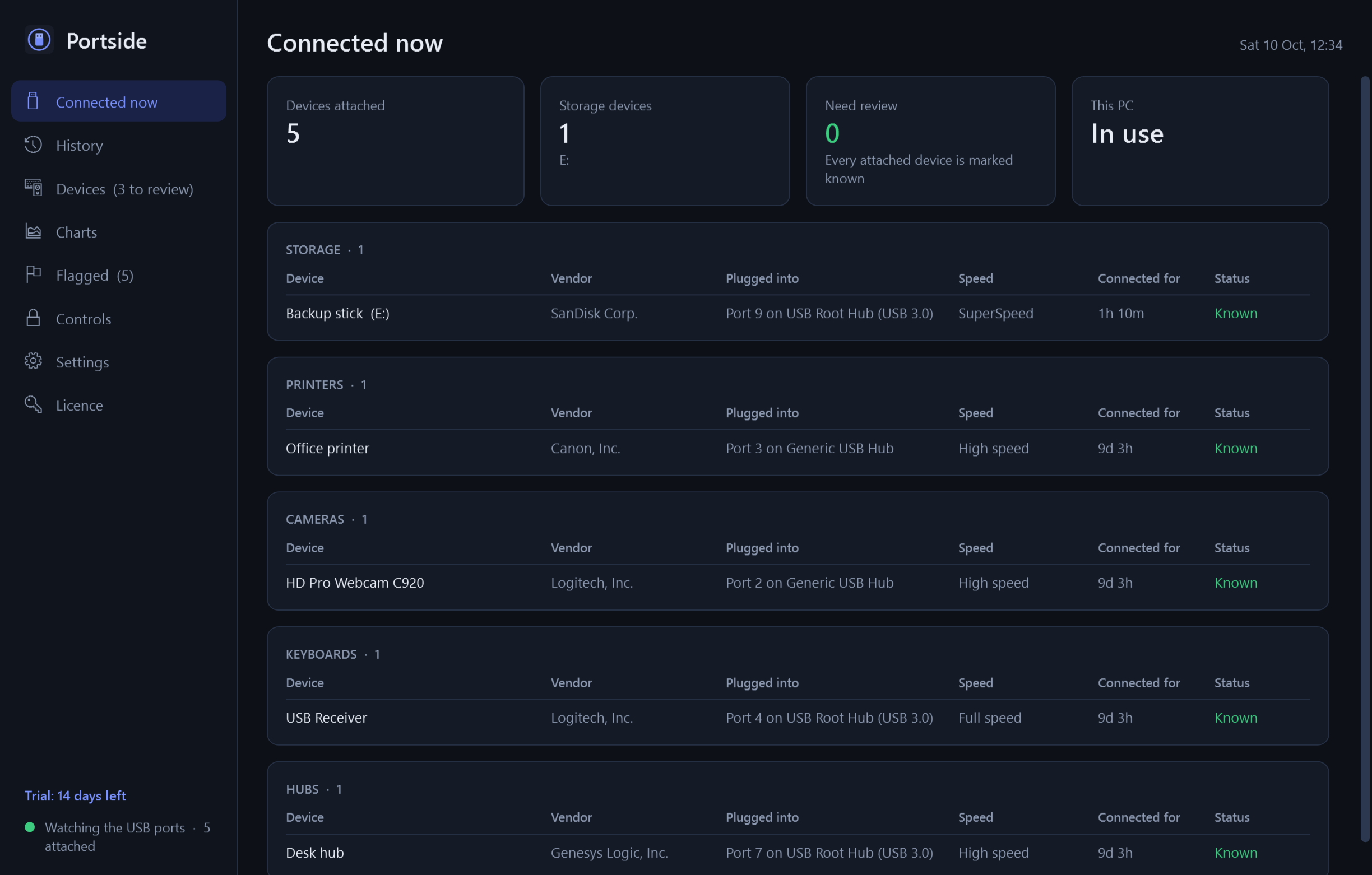
Portside
Security · v1.0.2A record of every USB device plugged into your PC, and an alert when a new one appears.
Pulse
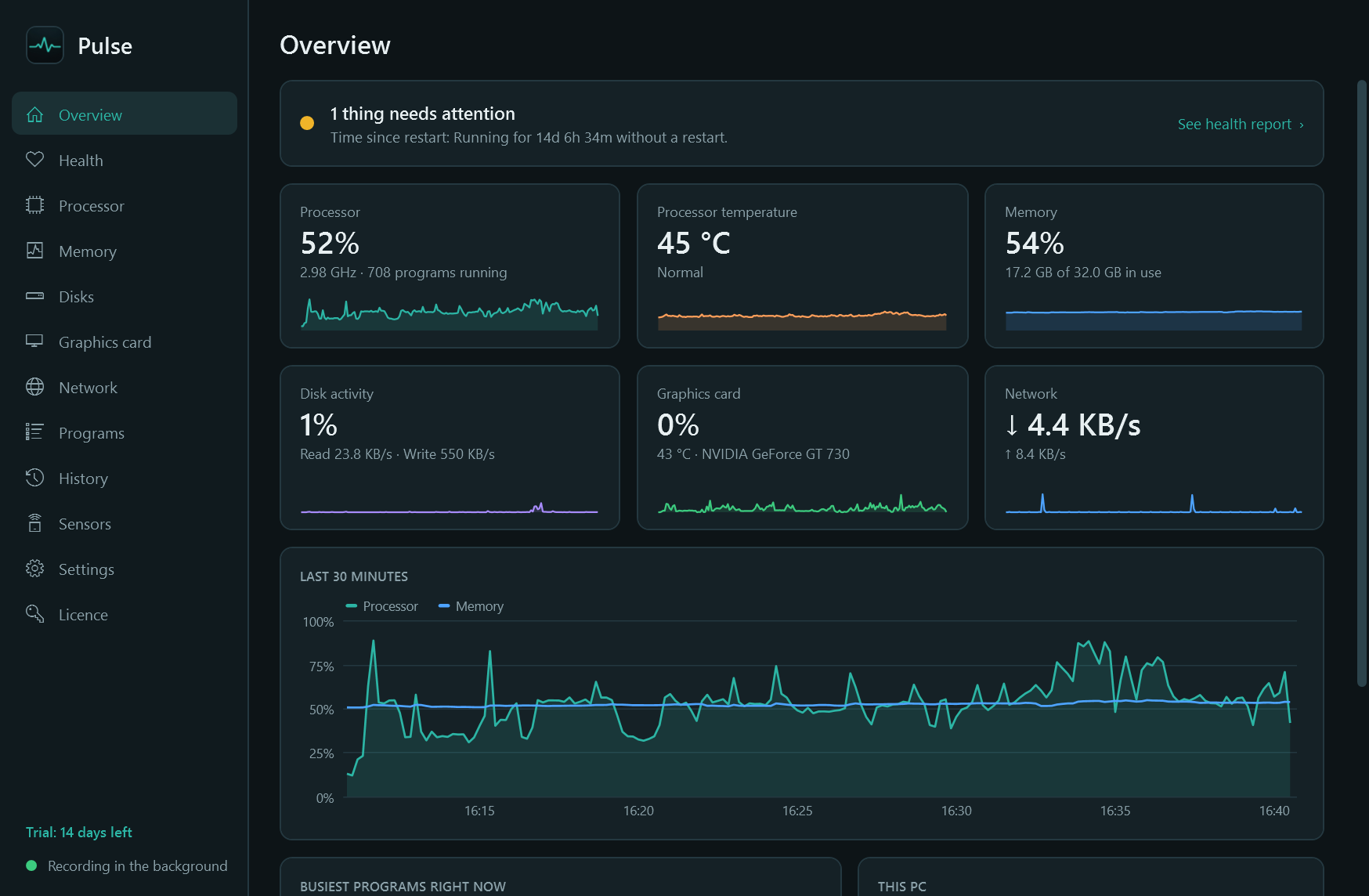
System · v1.3.0See how hard your PC is working, and whether anything is under strain.
Reel
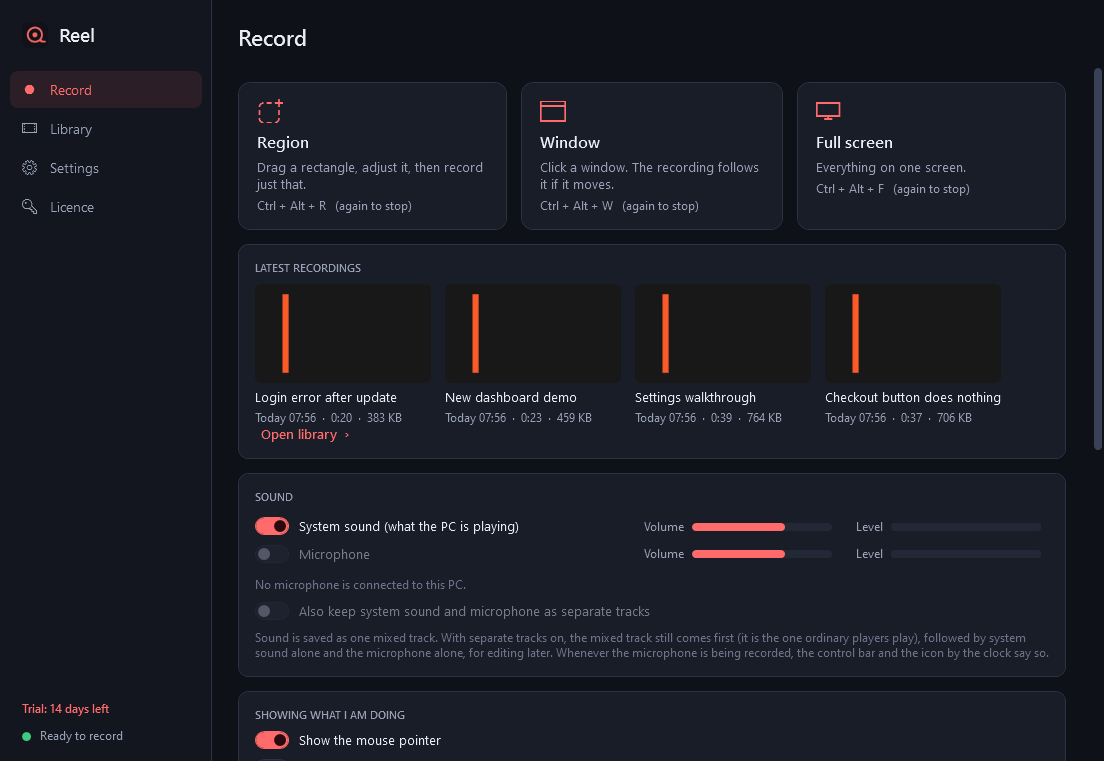
Productivity · v1.0.1Record a region, a window or the whole screen to MP4 or GIF, and trim it before you send it.
Sentinel
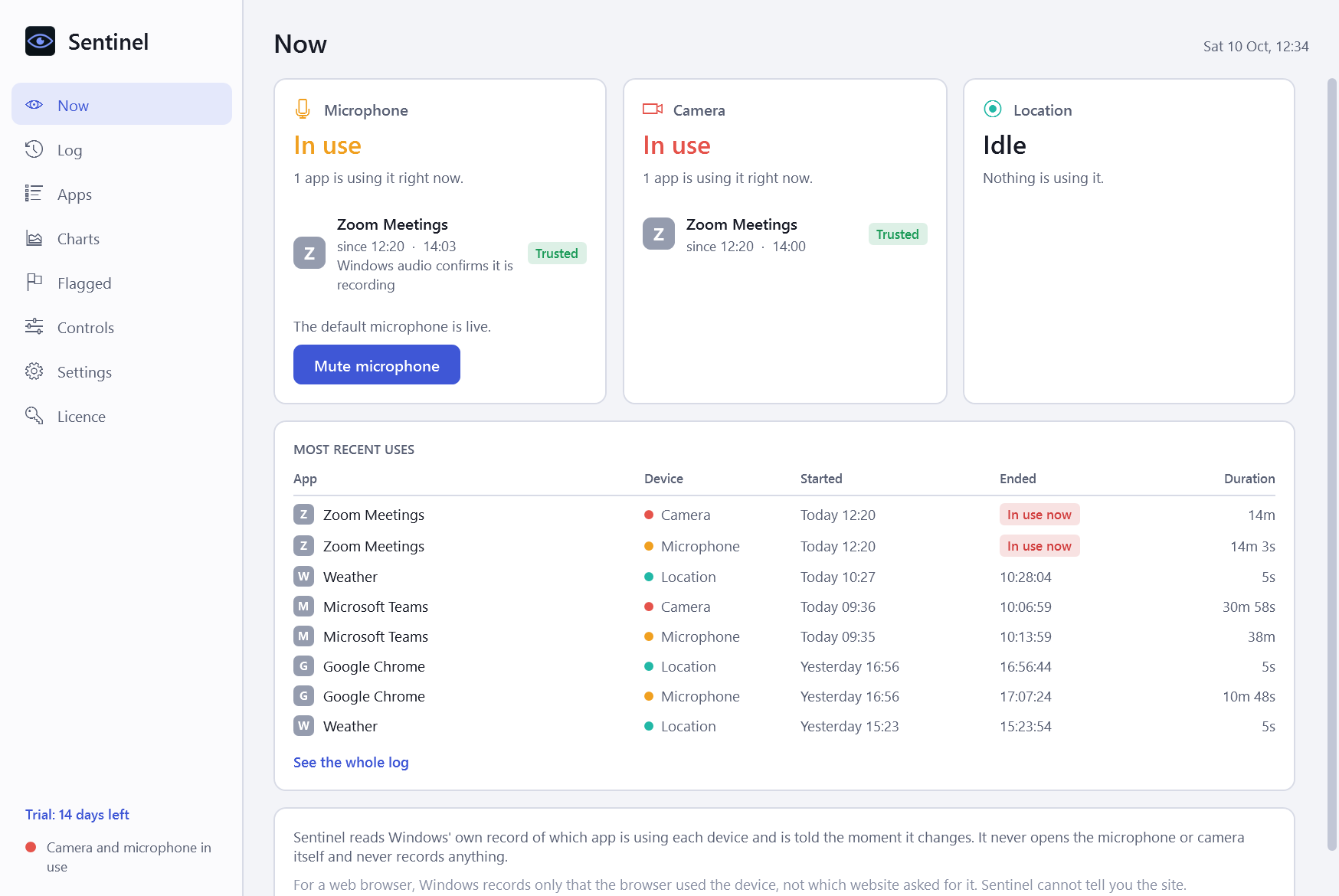
Security · v1.0.1See which app is using your microphone or camera, with a log of every use.
Shorthand
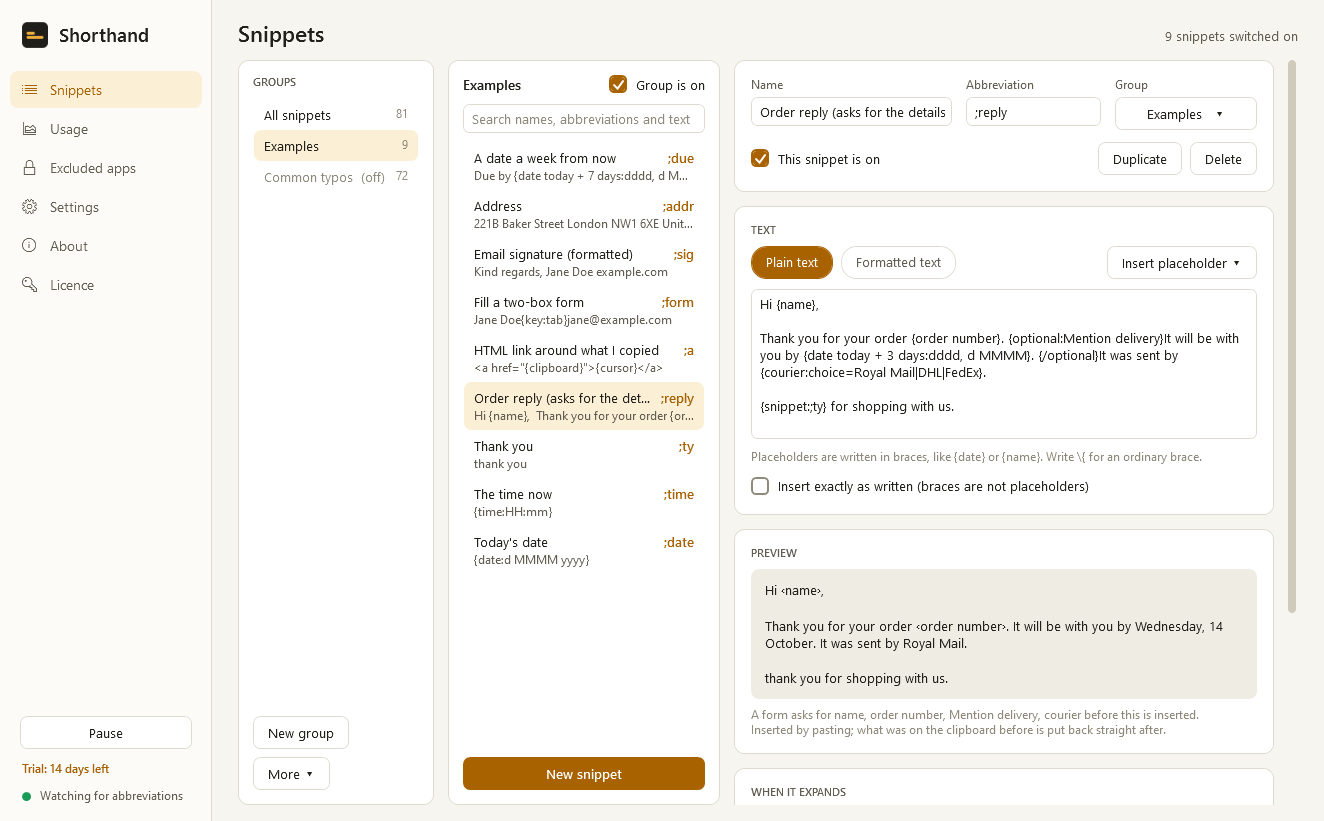
Productivity · v1.0.1Type a few letters, get the whole text. In any program.
Shutter
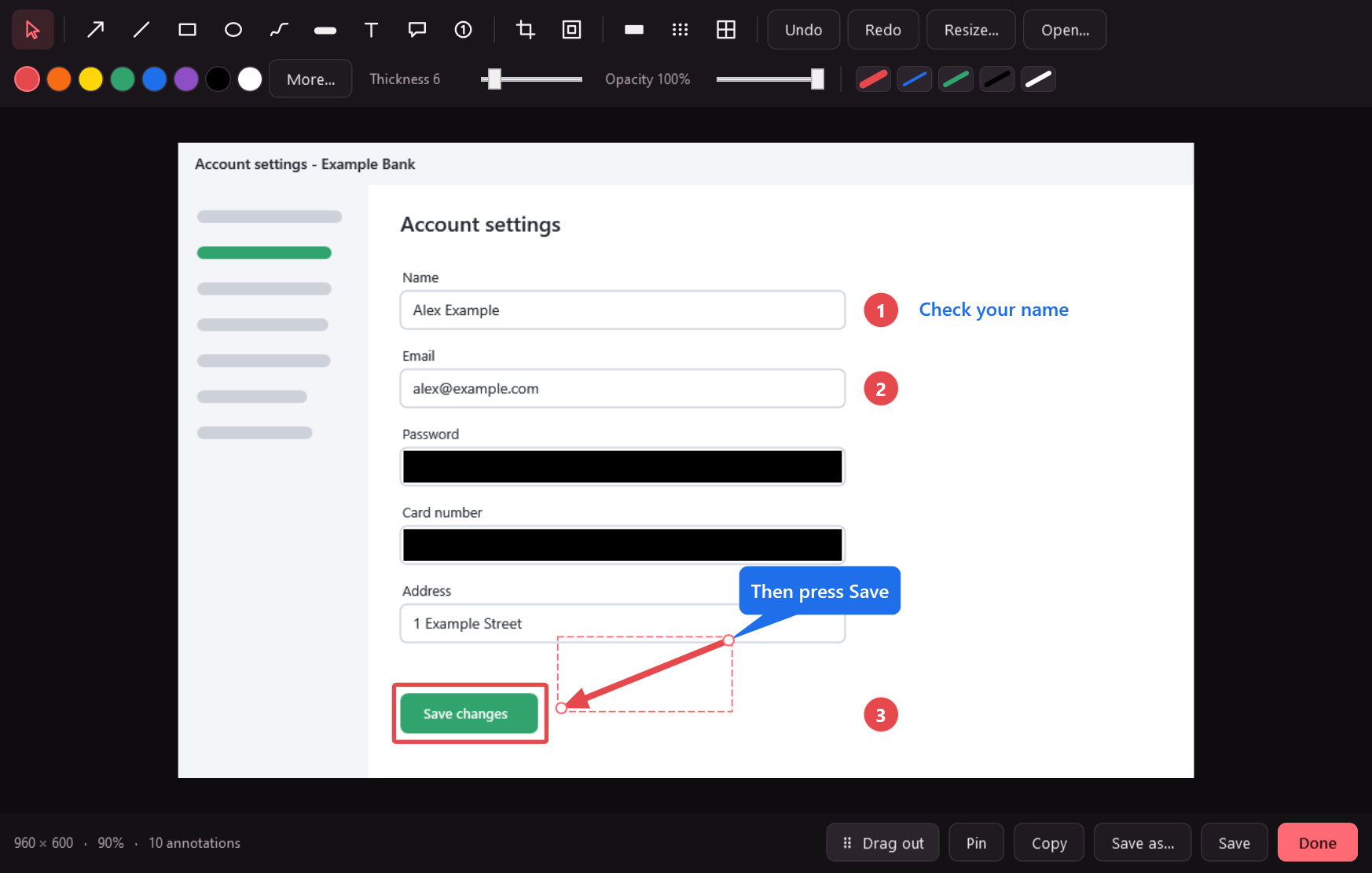
Productivity · v1.0.1Capture any part of the screen, annotate it, and find it again later.
Signpost
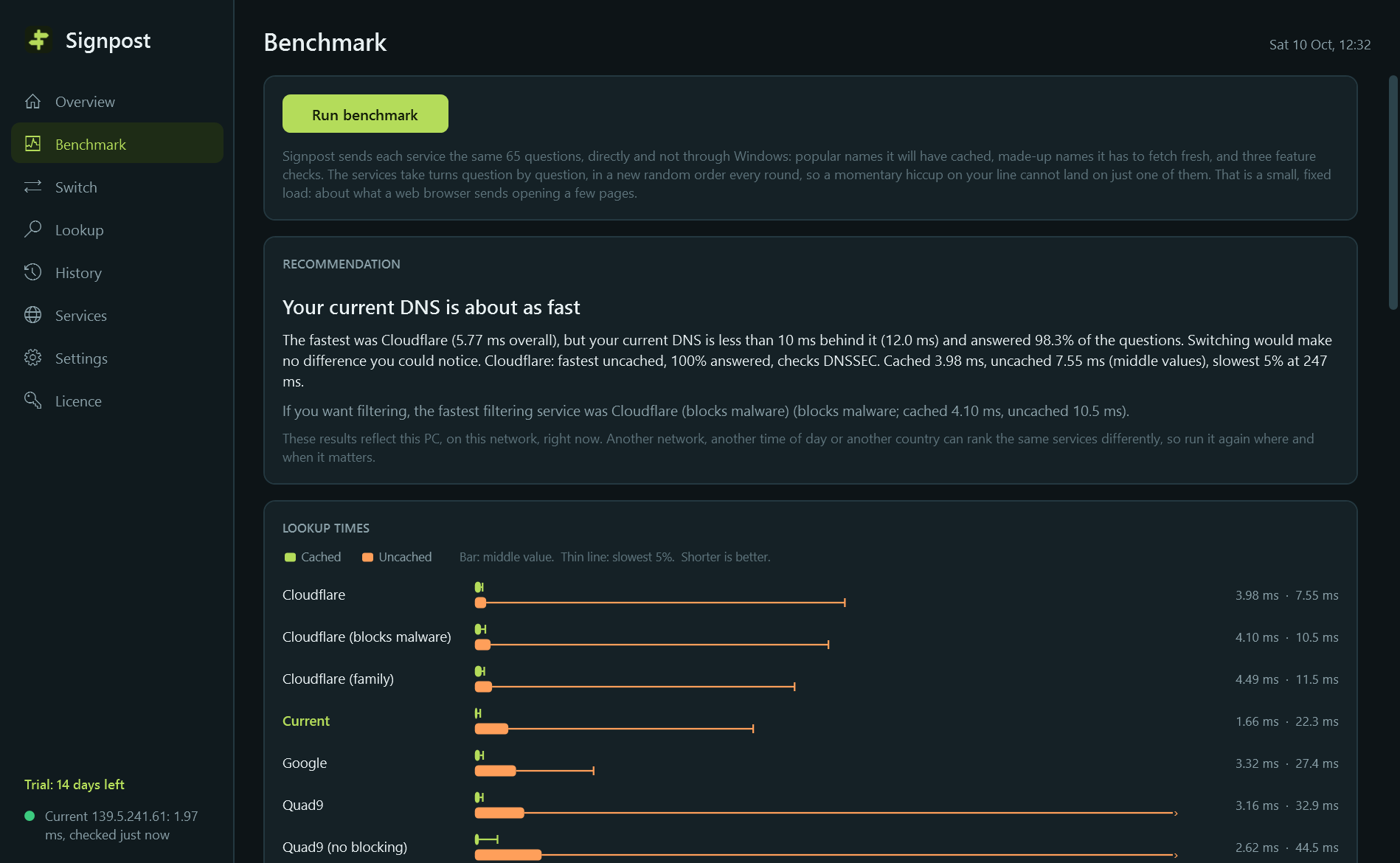
Network · v1.0.1Find the fastest, most reliable DNS for your PC, and switch to it in one click.
Spindle
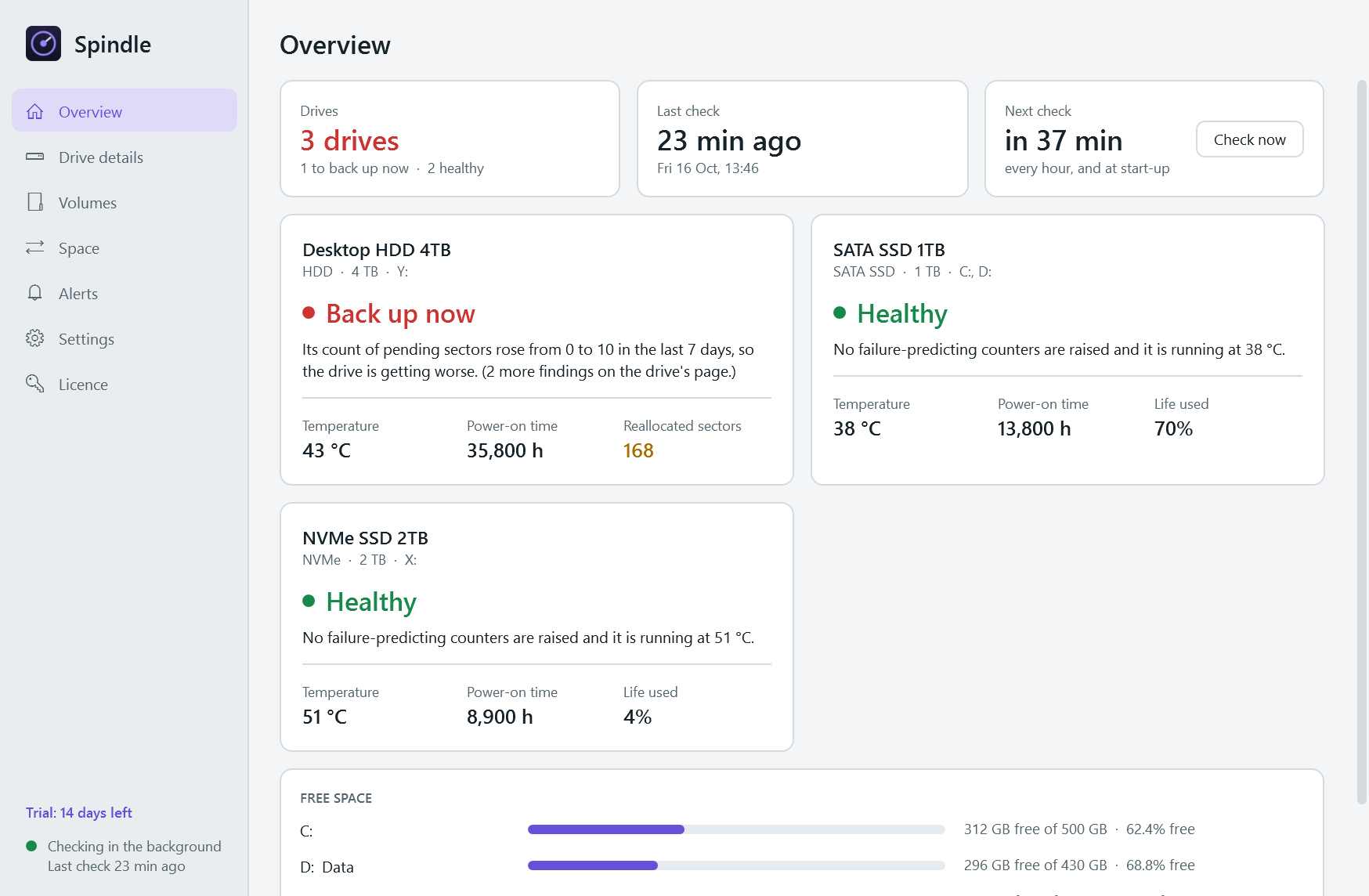
System · v1.1.1Know when a drive is going to fail, before it does.
Squeeze
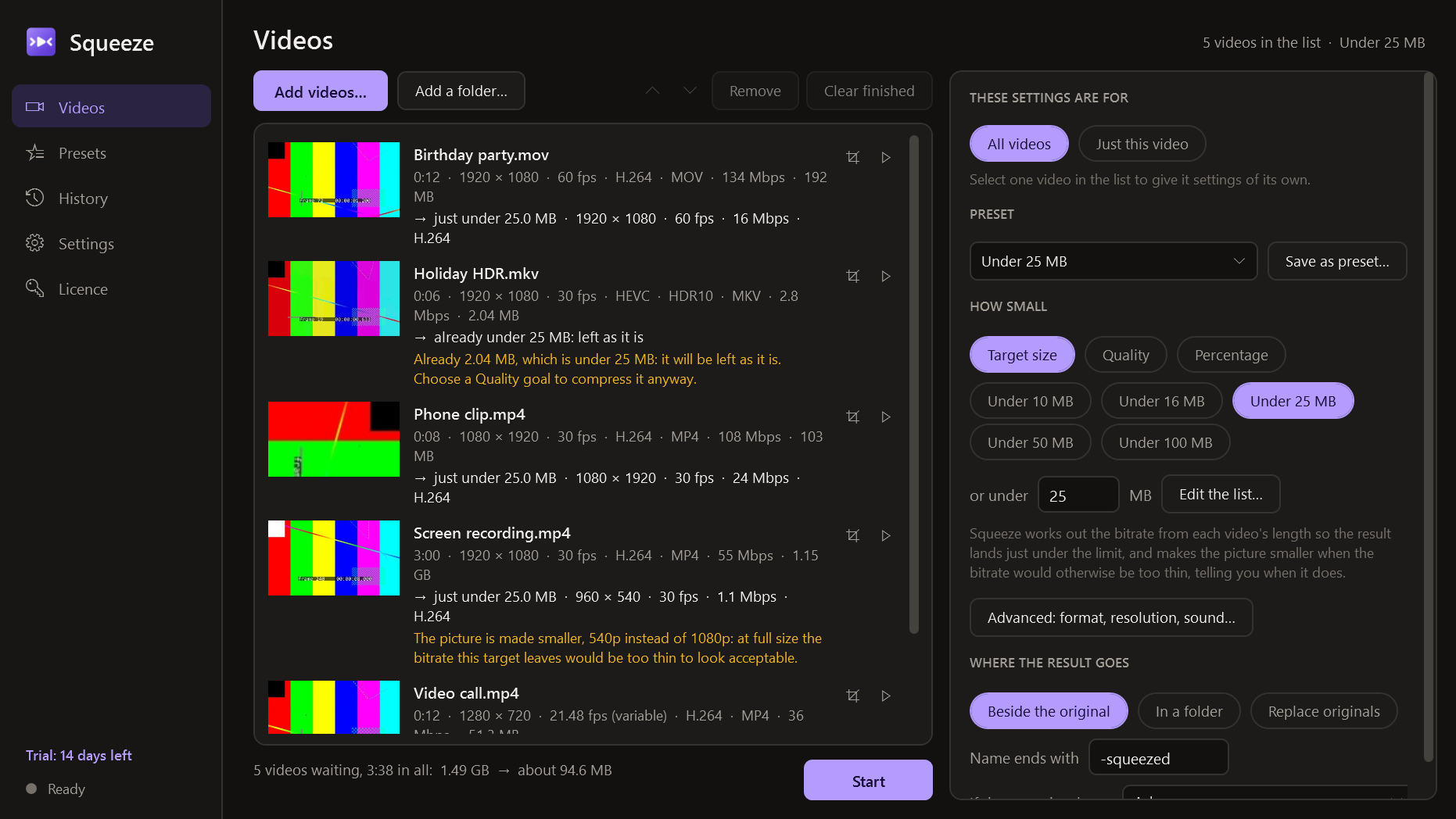
Productivity · v1.0.1Make videos smaller: under a size you name or at a quality you choose, with a sample to judge first and your originals left untouched.
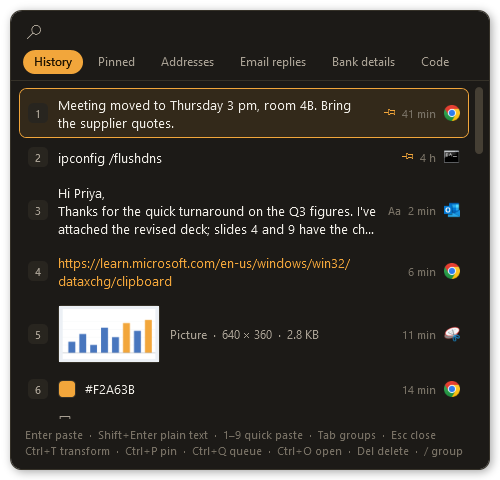
Stash
Productivity · v1.0.1Everything you copy, kept, searchable and one shortcut away.
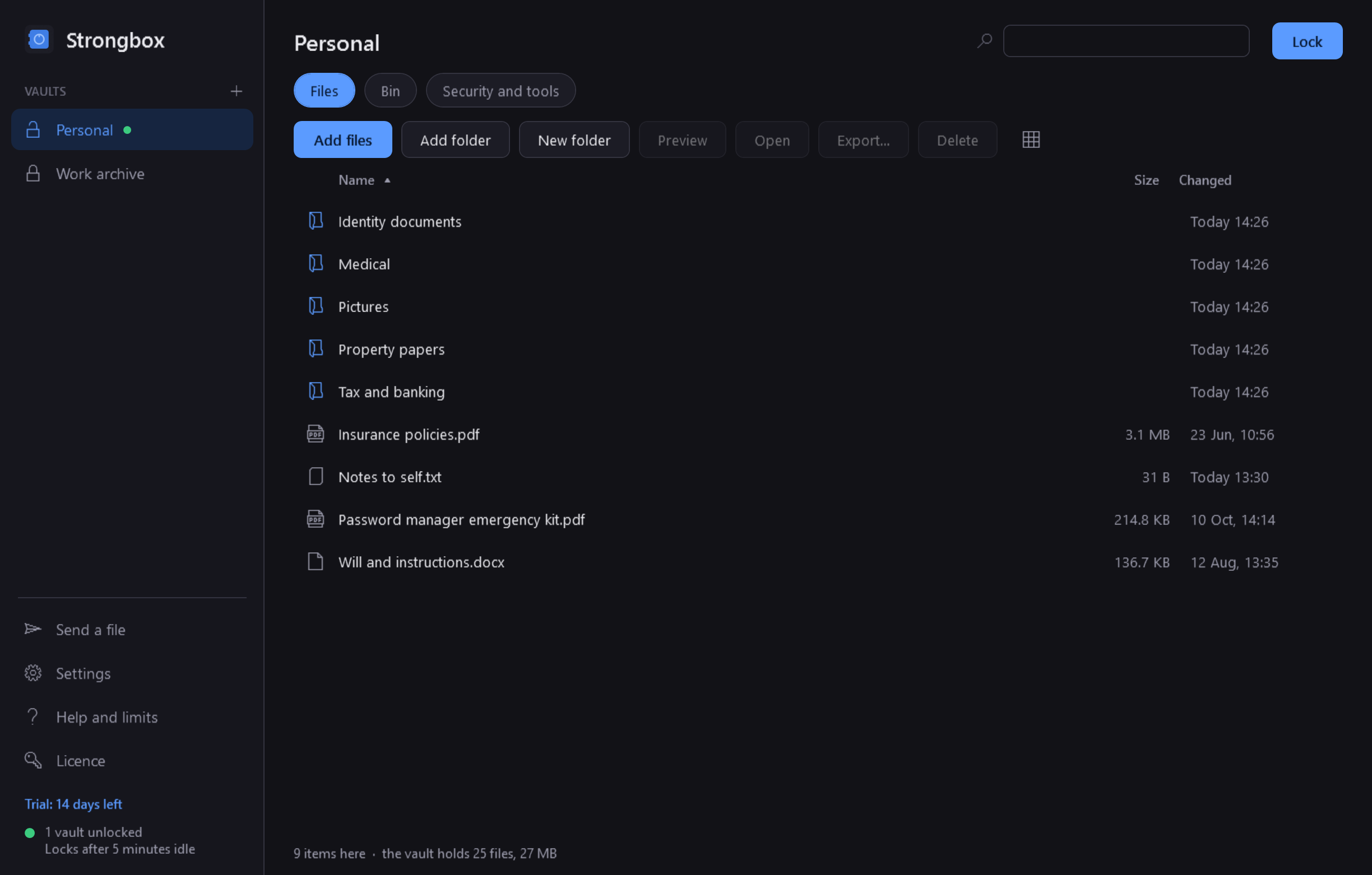
Strongbox
Security · v1.0.1A vault for your files: encrypted, names and all, and locked when you walk away.
Summon
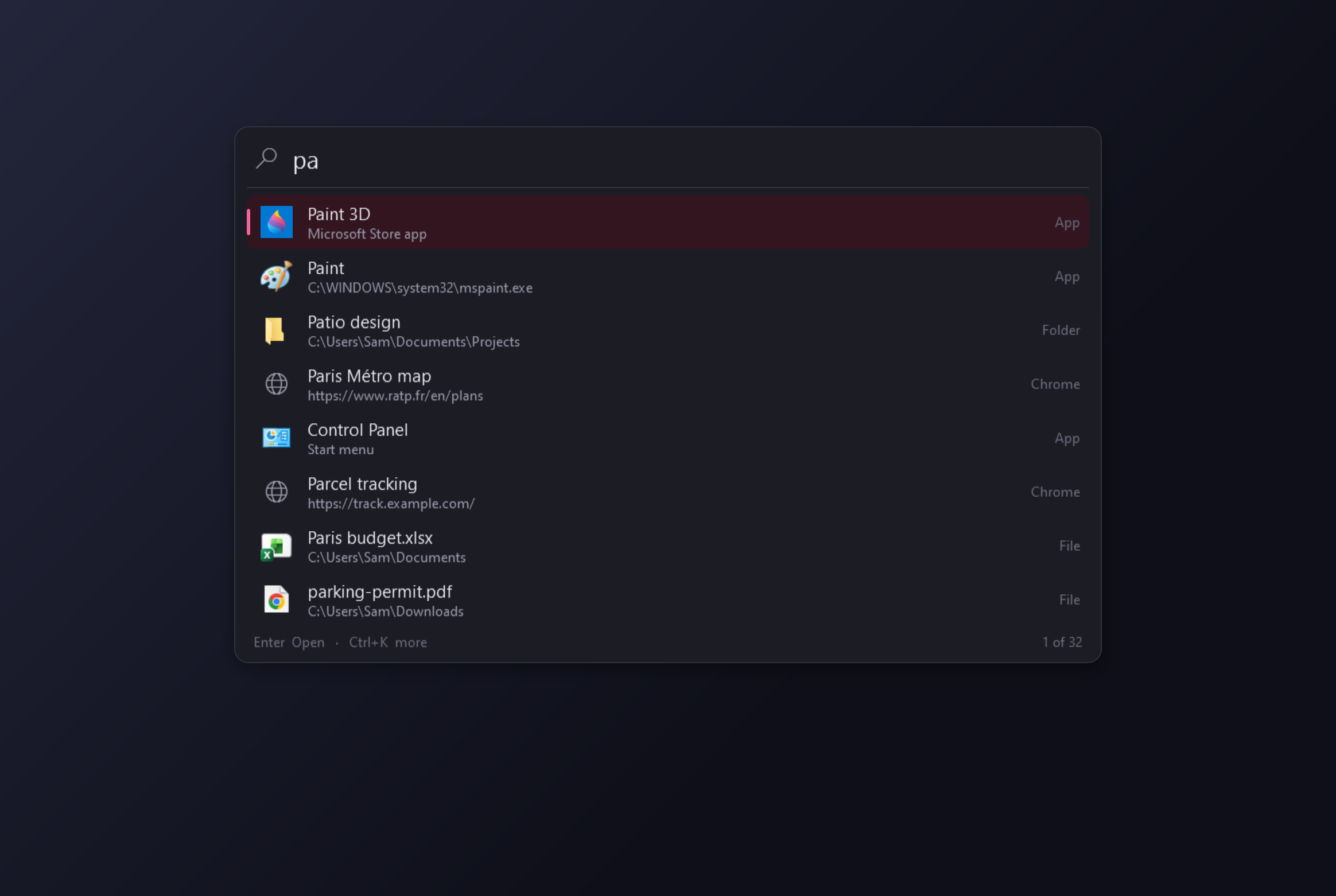
Productivity · v1.0.1Open anything on your PC from the keyboard.
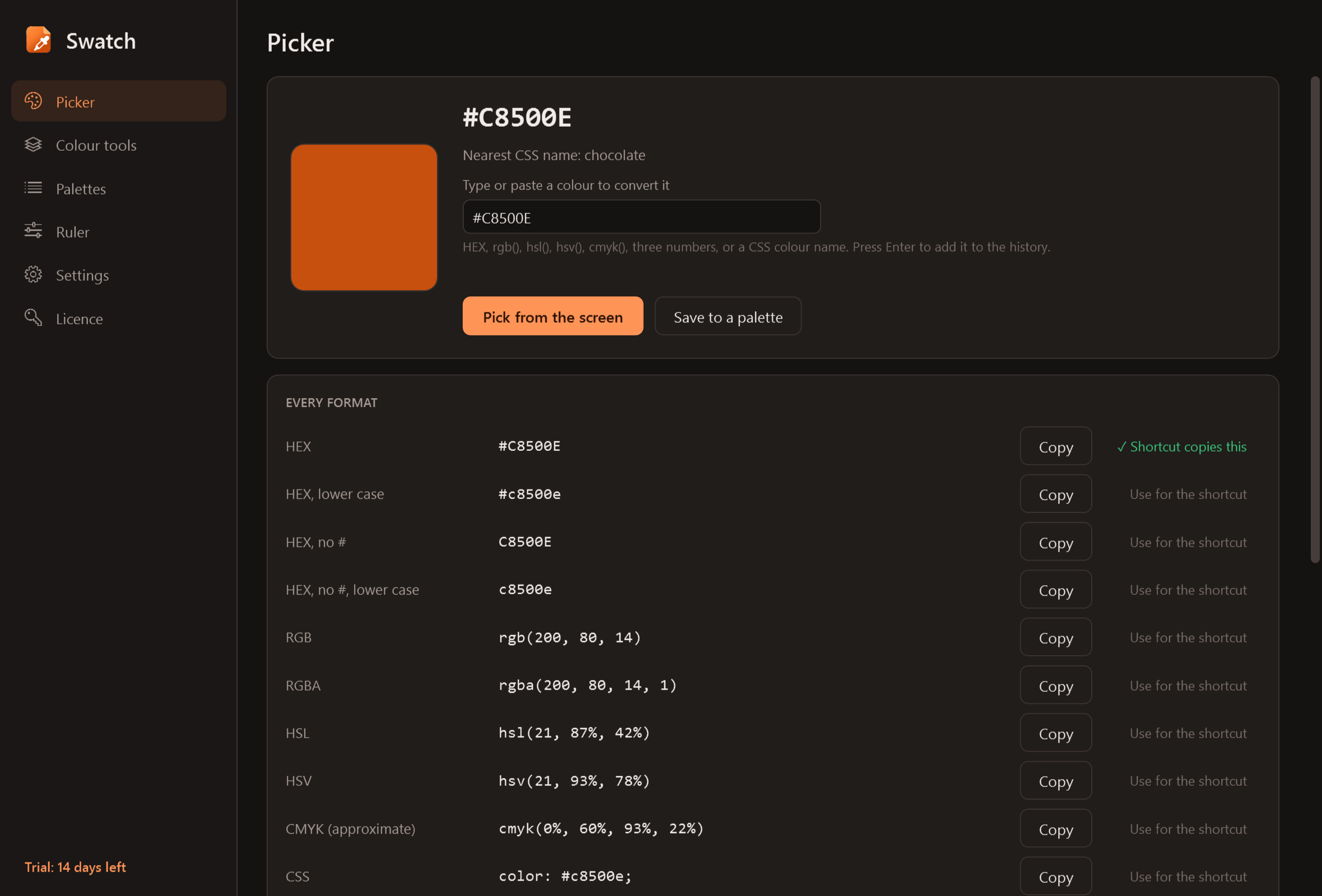
Swatch
Design · v1.0.0Pick any colour on screen, measure anything in pixels, and keep your palettes.
Sweep
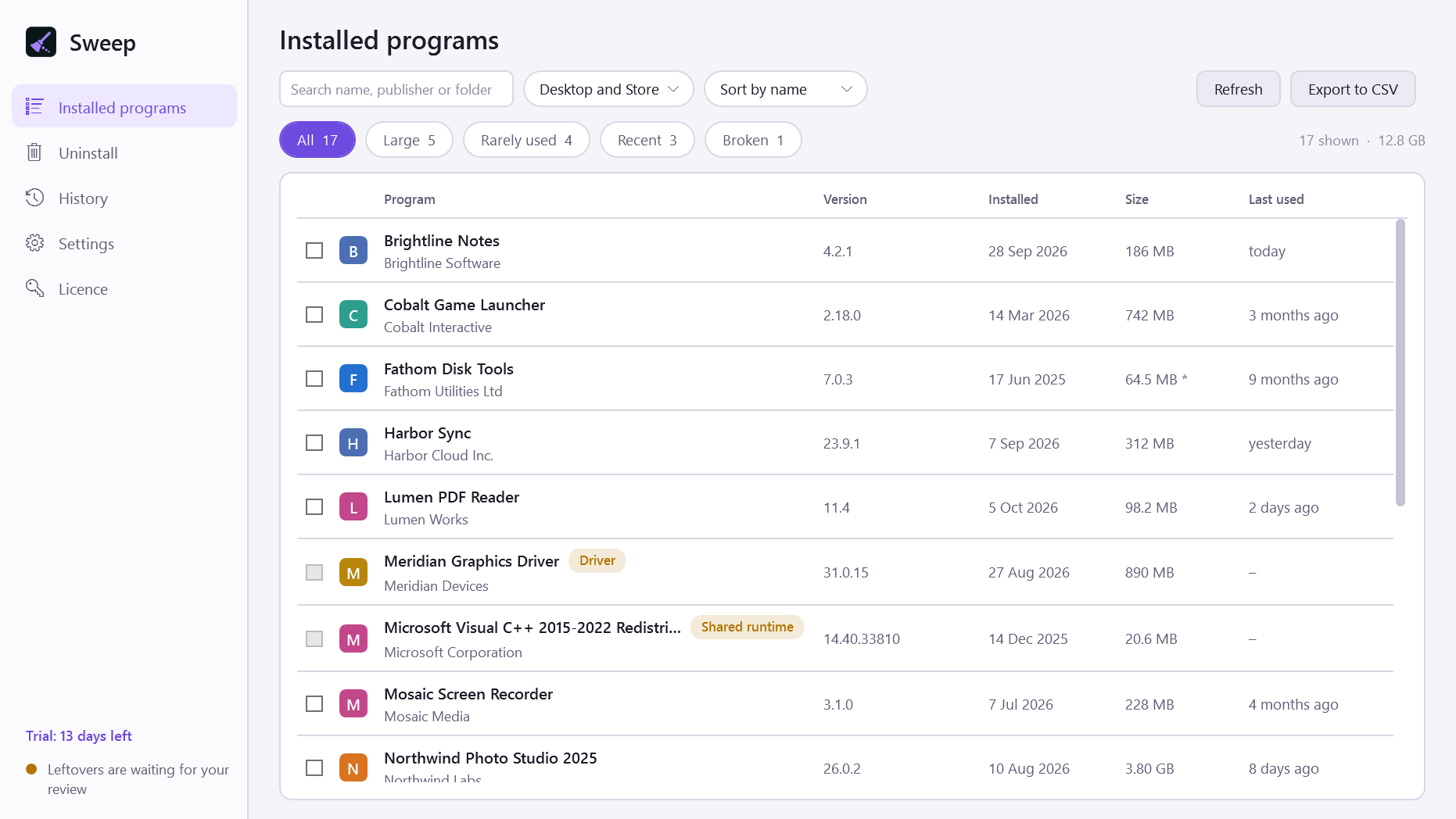
System · v1.0.1Uninstall programs cleanly, and see exactly what gets removed.
Switchboard
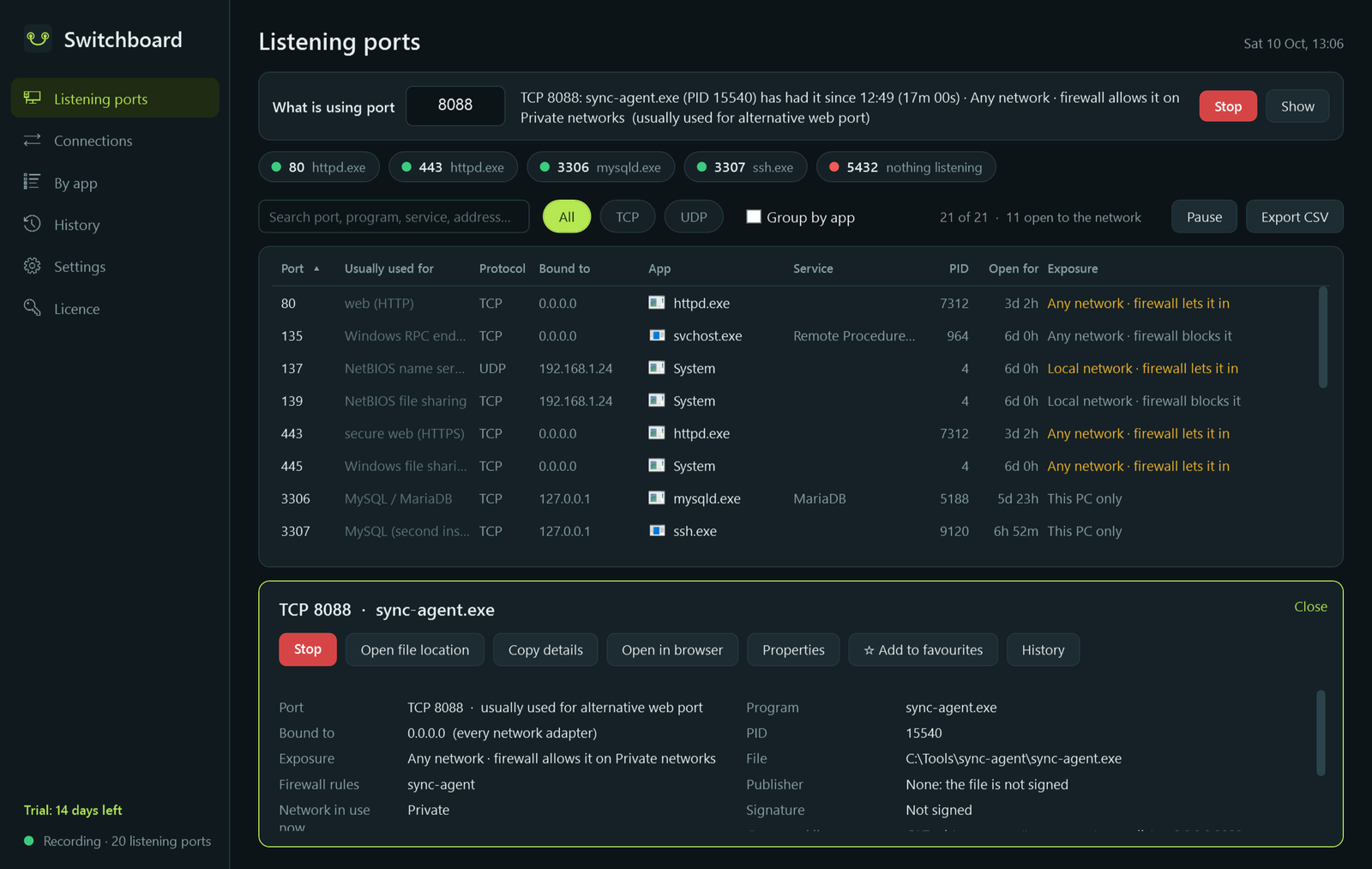
Network · v1.0.1See what is using every port on your PC, and stop it.
Tally
Network · v1.0.1See which app is using your internet data, and how much.
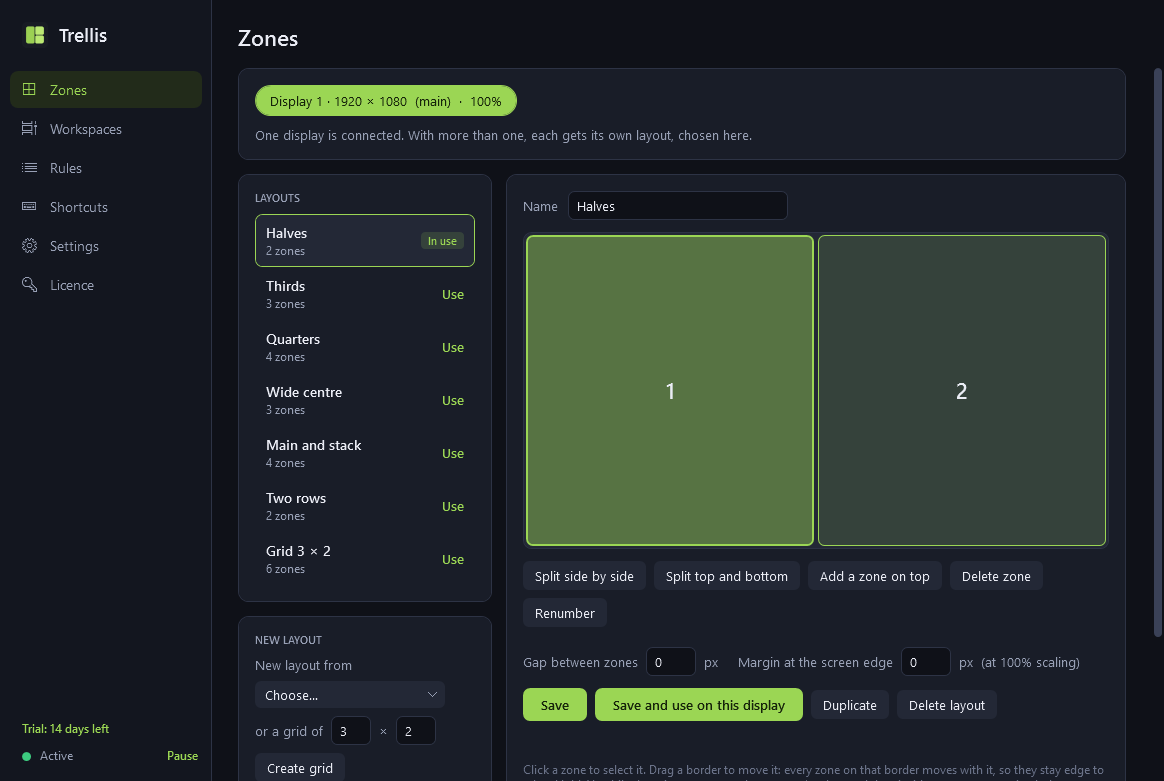
Trellis
Productivity · v1.0.1Snap windows into zones, and bring back whole arrangements of apps with one shortcut.
Twins
System · v1.0.1Find duplicate files and remove the extra copies safely.
Uplink
Network · v1.6.0Know how fast your internet really is, and when it lets you down.
Valet
Productivity · v1.0.1Keeps your Downloads folder tidy by itself: files things away by your rules, and can undo every bit of it.
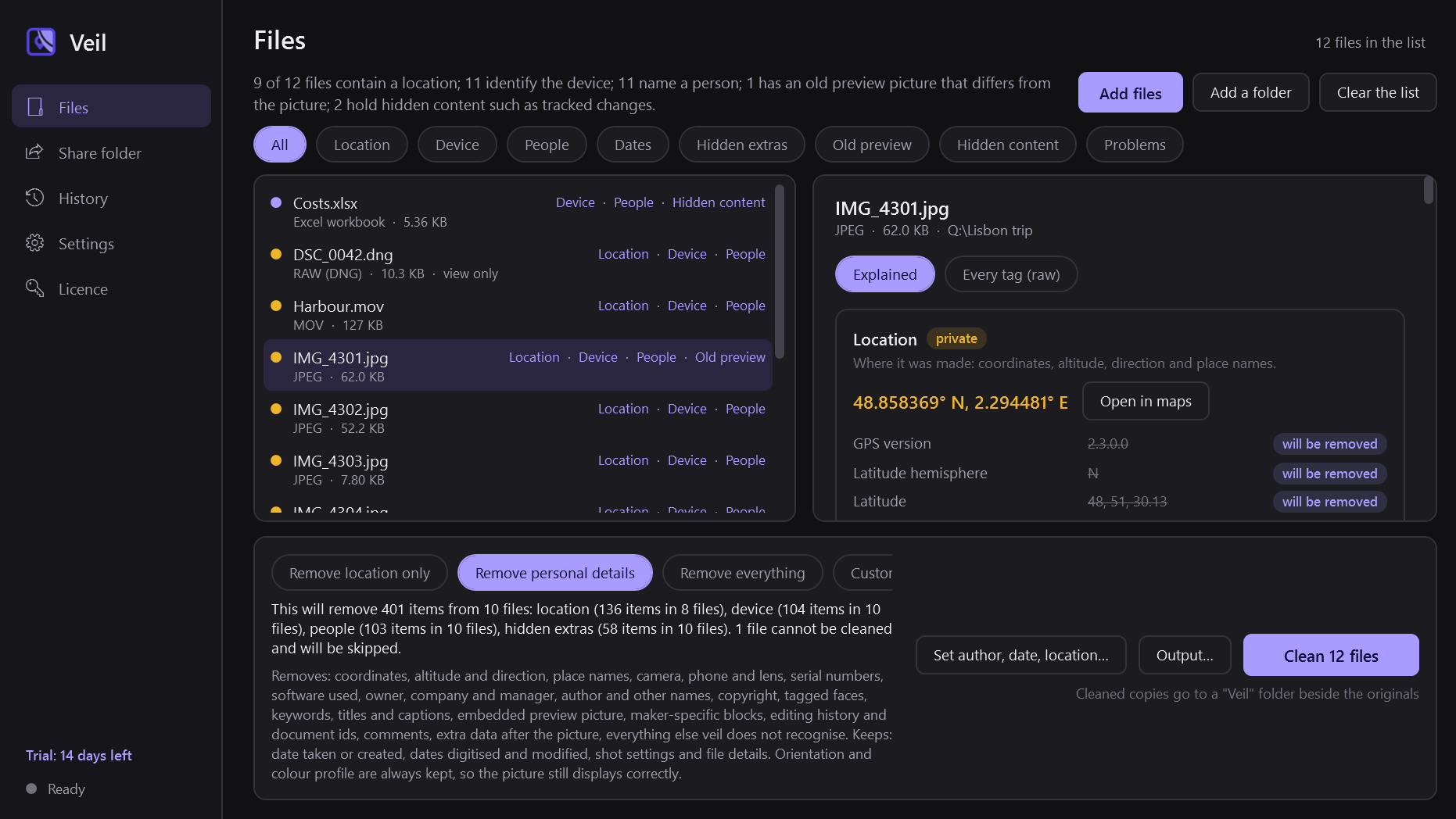

Veil
Security · v1.0.1See the hidden information inside your photos, videos and documents, and remove it before you share them, without touching the picture quality.
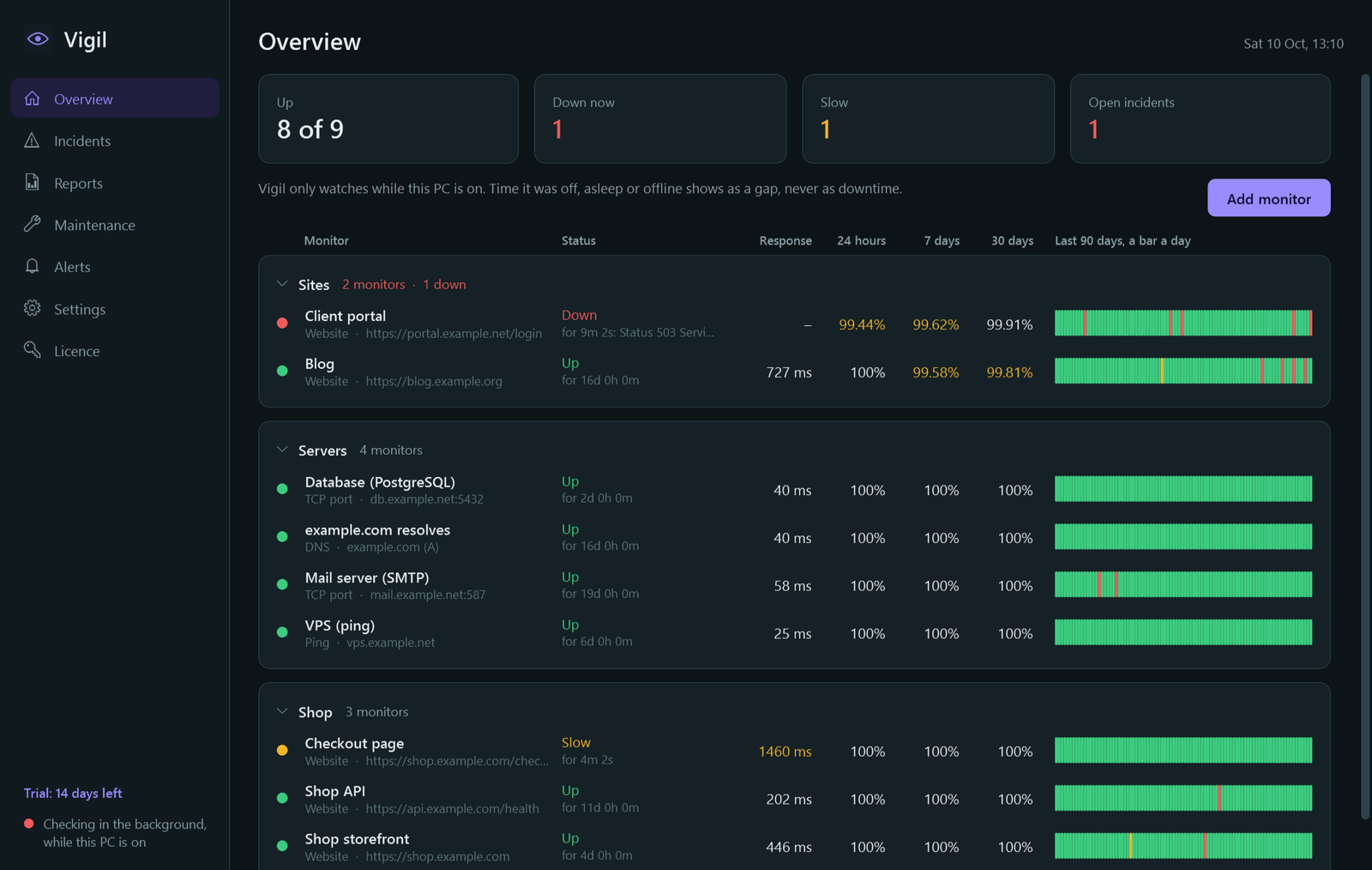
Vigil
Network · v1.0.1Know the moment your website or server goes down.
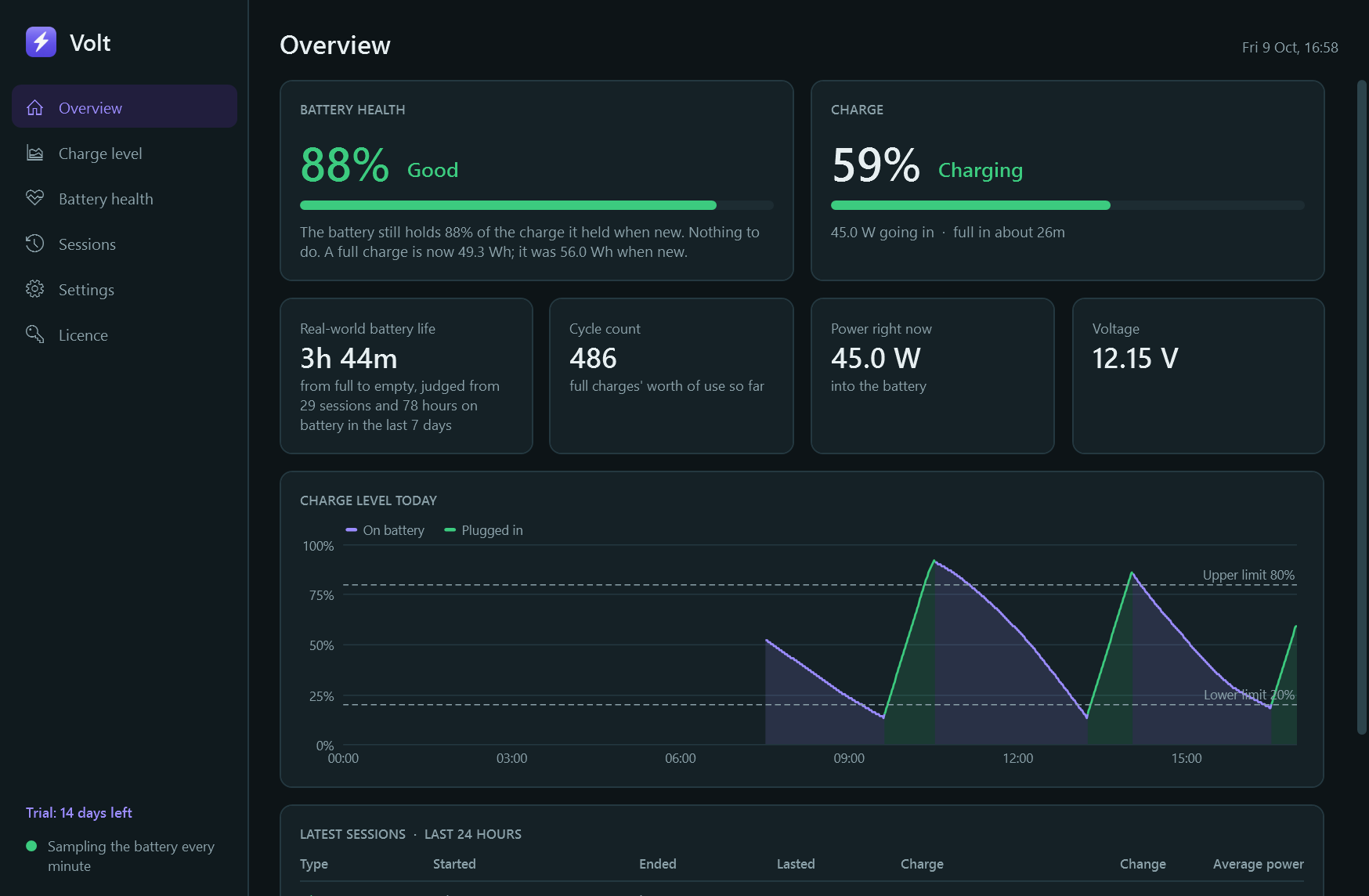
Volt
System · v1.2.0Know how worn your laptop battery is, and how long a charge really lasts.
50 more apps on the way
New apps are added here as they are finished. Each one fixes a single everyday annoyance.
See what is comingFrom download to licensed in three steps
-
1
Download and try
Install the app and use everything in it for 14 days. You do not enter a key, an email address or a card.
-
2
Buy it once
Like it? You pay one price and your licence key is emailed to you. Licences go on sale here soon; until then the trial has every feature.
-
3
Paste the key
Open the app, paste the key, and it is unlocked for good. Changing PC later? Deactivate the old one and activate the new one yourself.
Software you buy, not software you rent
Every app here is sold the same plain way, so you always know what you are getting before you pay.
See the appsIt never expires
The version you bought keeps working for as long as you want to use it.
Updates are included
You get every new version for the update period shown on the app’s page. Renewing afterwards is optional.
Move it when you like
Free a PC from your licence page, or from inside the app, and use the key on another.
Updates you can trust
Each update is checked against a digital signature before it is installed.
Fine without internet
A licensed app keeps working offline for weeks between its occasional licence checks.
Almost nothing collected
A licence check sends a scrambled ID for the PC, its name and the app version. A daily install count sends a random number and the version. Nothing else.
Good to know before you buy
Do I need to create an account?
No. You buy with an email address, and the licence key is sent to it. That email and the key together open your licence page, where you can download every version you own and manage your PCs.
What happens when the free trial ends?
It depends on the app, and each app’s page says. Some keep a few features free. Others, such as Uplink, stop working until you enter a licence key. Either way nothing the app has saved on your PC is deleted, and it is all there again once the app is licensed.
What happens when my update period ends?
Nothing stops working. You keep using every version released during your update period, for good. If you want newer versions later you can renew, but you never have to.
What if I lose my licence key?
Write to us from the email address you bought with and we will issue a replacement. We store only a fingerprint of each key, so we cannot look the old one up.
Can I get a refund?
Because every app can be tried in full before paying, purchases are not refunded. If an app has a fault we cannot fix, we will put it right or refund you. The details are in the refund policy.
Which versions of Windows are supported?
Windows 10 and Windows 11, 64-bit. Each app’s page lists anything extra it needs.
Try one today. It costs nothing to find out.
Every app runs in full for 14 days before it asks for anything.