Tally
See which app is using your internet data, and how much.
- 14 days free, every feature
- ₹559 ₹799$10.50 $15 once, no subscription
- Version 1.0.1 · 50.9 MB
- Windows 10 or 11, 64-bit
Tally counts the internet data every program on your PC sends and receives, and shows who used it and when. If your data runs out early, or the connection is busy and you cannot tell why, Tally names the app.
What it does
- Counts download and upload per app, from Windows' own record of which program each packet belongs to. No packet-capture driver is installed and nothing inside your traffic is read.
- Groups processes into apps, so every Chrome process is one "Google Chrome", with its icon and publisher. Windows services are listed by name rather than lumped together as "svchost".
- Totals for today, this week and this month, each compared with the same point in the period before.
- A chart of usage over time, by hour for a day and by day for a month, stacked by the busiest apps.
- A sortable table of every app. Click one for its own chart and the hours of the day it was active.
- A live view of the apps using the network right now, with the current speed of each, and the total speed in the notification area.
- Knows which network the data went over: each Wi-Fi network by name, Ethernet, a phone's hotspot, mobile broadband. Filter by network to see a metered hotspot by itself.
- Keeps internet traffic apart from traffic to other devices on your own network.
- Data plans: set a monthly allowance and billing day for any network, and see what is used, what is left and where the month is heading.
- Windows notifications, each with its own switch: a plan reaching 50%, 80% and 100%, one app using more than a set amount in an hour, and an app using the network for the first time.
- Light and dark mode, and export to CSV.
Privacy
- Everything stays in one file on your PC. The only thing Tally contacts is this store, to check the licence and look for a new version. No usage is ever sent.
- Tally records how much each app moved and over which network. It does not record which sites or addresses an app talked to.
Good to know
- Counting is done by a small Windows service that starts with the PC, so setup asks for administrator permission once.
- The figures are the data programs sent and received, without the network's own packet headers, so they read a few percent below what a router or provider counts.
- With a VPN the same data shows twice, once from the app and once from the VPN program. Pick the real network in the filter to see what actually left the PC.
- A phone's hotspot is recognised from how the connection looks, which covers the usual cases but not every one.
- History is kept per minute for 30 days and per hour after that, for as long as you like.
- The 14-day trial has everything. After it, Tally needs a licence: without one it stops counting and opens only its Licence page. Nothing is deleted, and what was counted is shown again once a licence is active.
One-time purchase for one PC. Includes every version released in the following 12 months; the version you have keeps working after that.
1.0.1 Latest
9 Oct 2026 · 50.9 MB
First version on the store.
- Per-app data usage for today, this week, this month and the last 30 days, with a live view and per-network filter.
- Data plans with used, remaining and projected usage, and notifications at 50%, 80% and 100%.
- A licence is needed once the 14-day trial ends.
More from Mintmark
See all apps
Other apps you might like
30% off 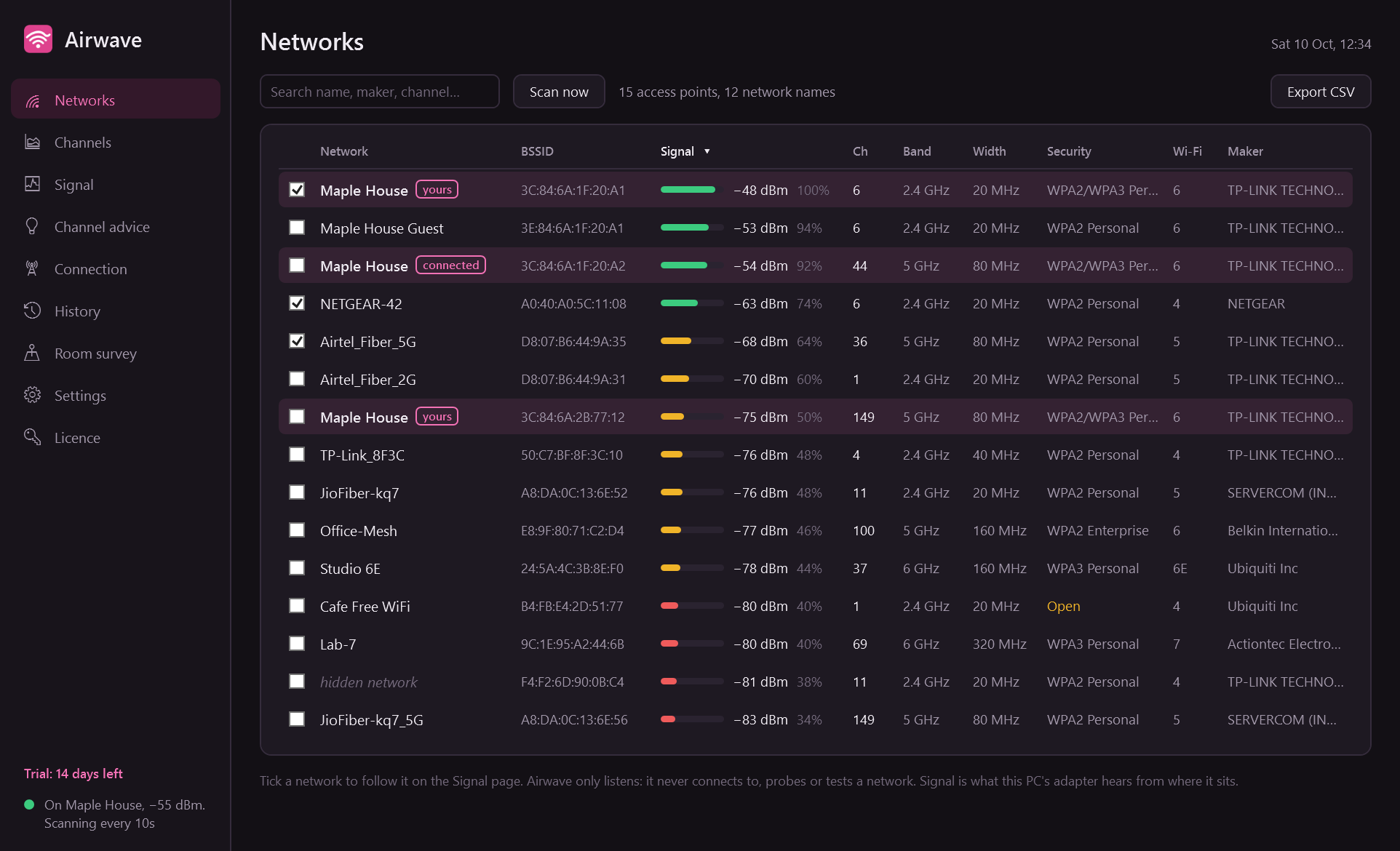

Airwave
Network · v1.0.1See every Wi-Fi network around you, pick the quietest channel, and track your own signal.
₹559 ₹799$10.50 $15
Try free
30% off 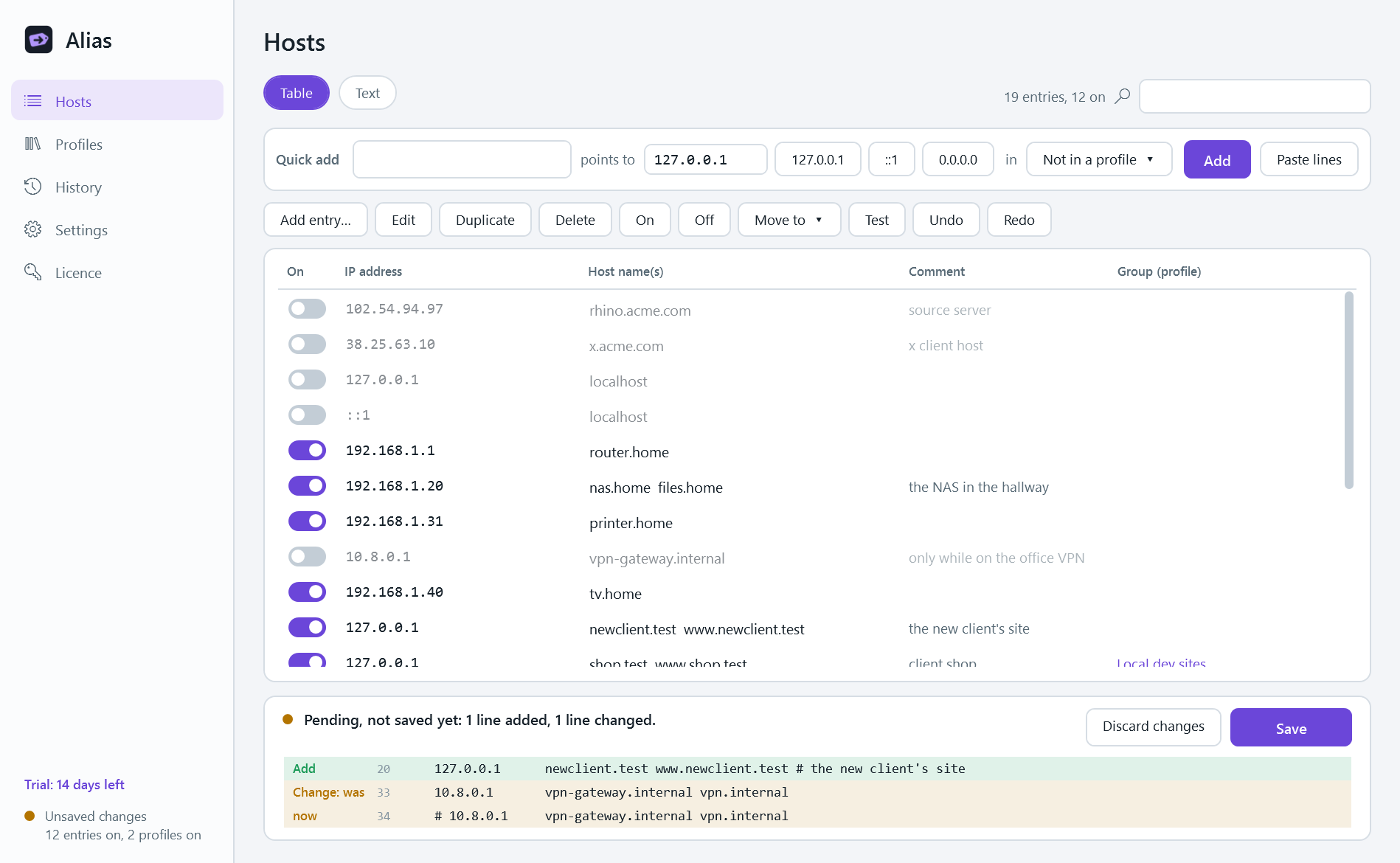
Alias
Network · v1.0.0Edit the Windows hosts file safely, with profiles you switch in one click.
₹559 ₹799$10.50 $15
Try free
30% off 

Almanac
Network · v1.0.1Never let a domain or a certificate expire by surprise.
₹559 ₹799$10.50 $15
Try free