
Lifeboat
Scheduled backups of your Linux servers, pulled down to your PC over SSH, checked and encrypted.
- 14 days free, every feature
- ₹1,049 ₹1,499$14 $20 once, no subscription
- Version 1.0.0 · 54.1 MB
- Windows 10 (1809 or later) or 11, 64-bit. Servers: Linux with SSH, gzip and tar; mysqldump or pg_dump for databases.
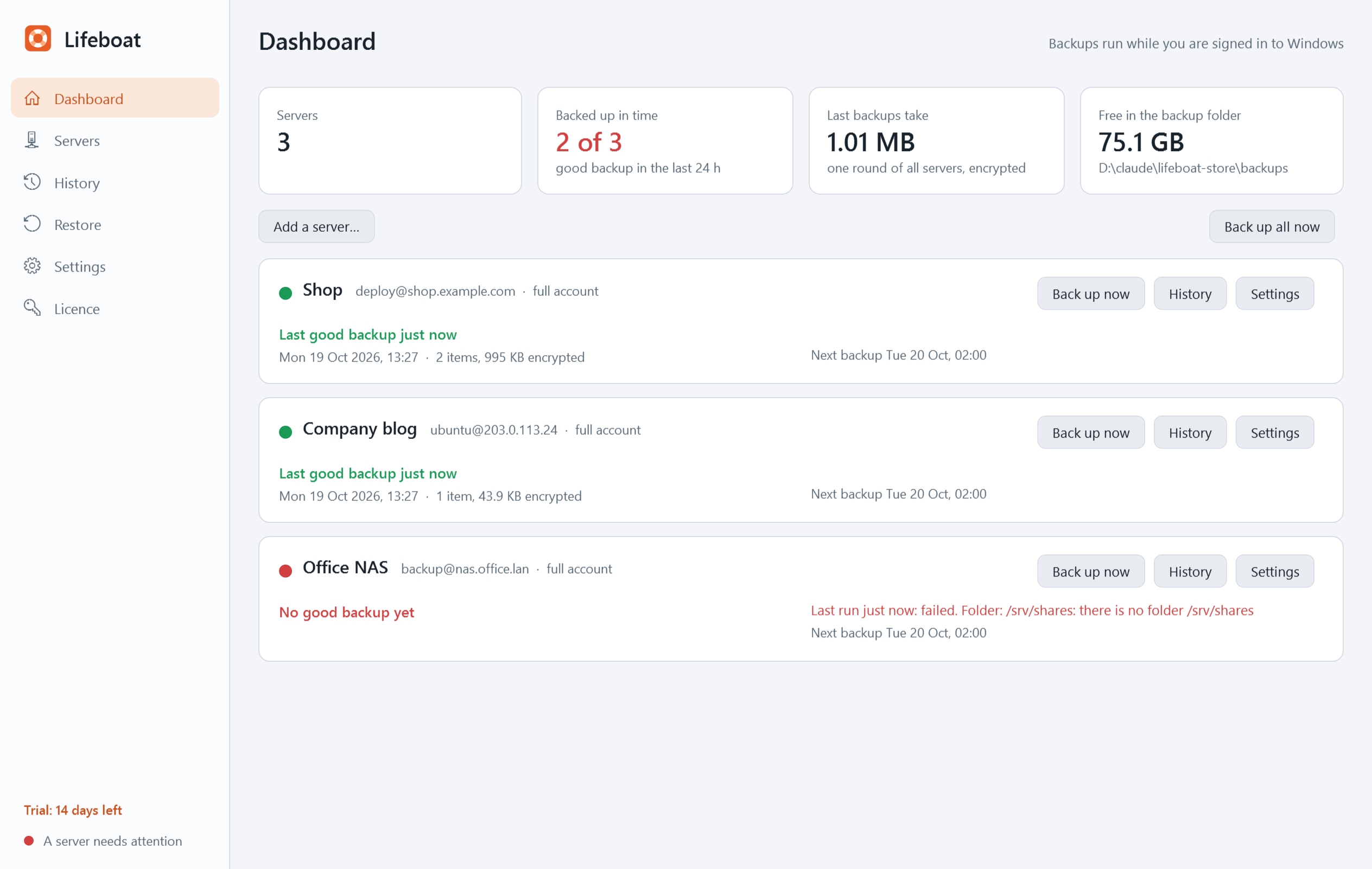
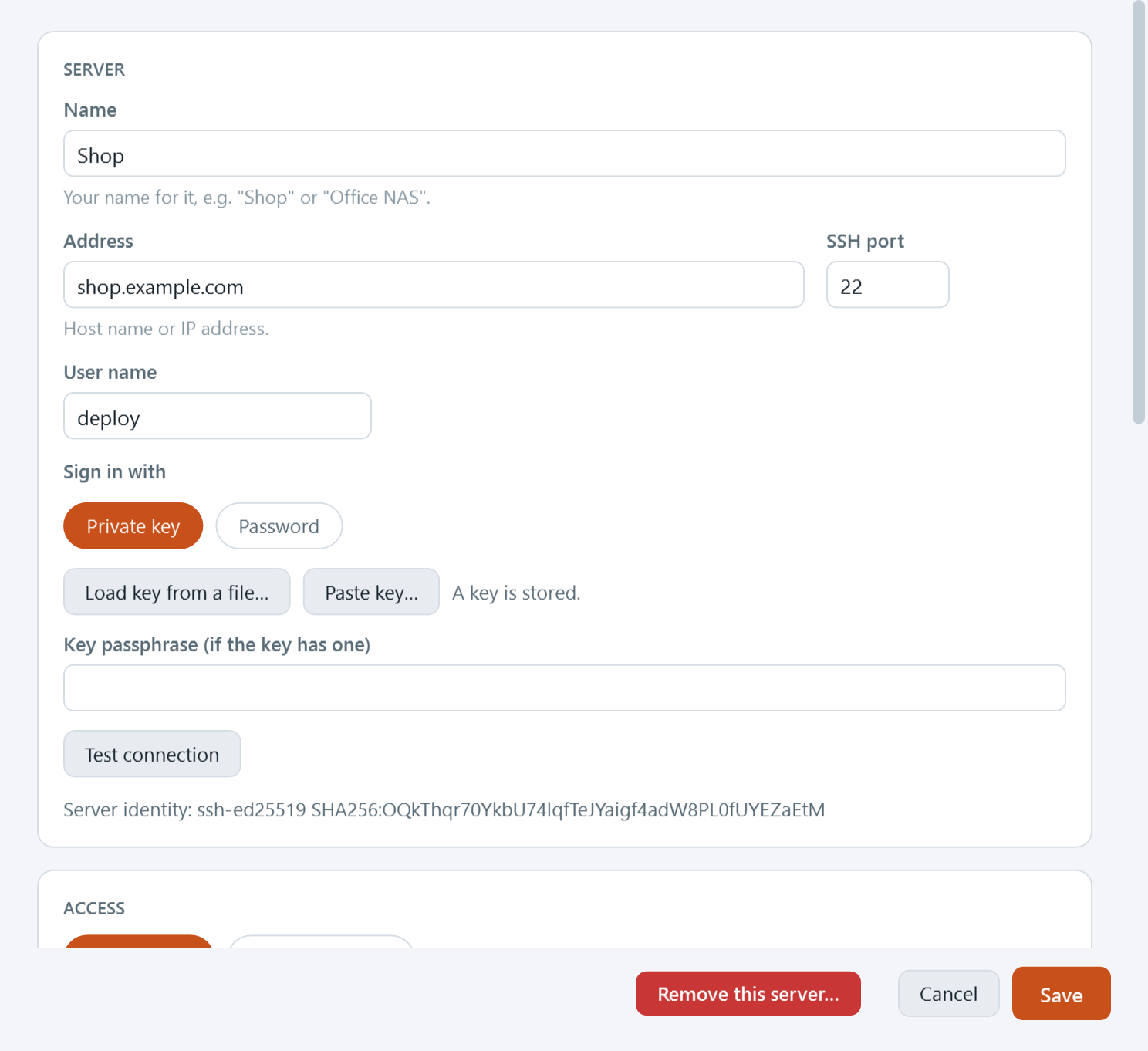
Lifeboat keeps copies of your Linux servers on your own PC. Add a server (AWS, DigitalOcean, Hetzner, Hostinger, a VPS or a box in the office: anything you can reach with SSH), choose its databases and folders, and Lifeboat backs them up on a schedule, checks every backup, and keeps it encrypted.
What it backs up
- MySQL and MariaDB databases, dumped on the server with mysqldump (consistent, without locking your tables) and compressed there.
- PostgreSQL databases, dumped with pg_dump.
- Folders, packed into a compressed archive on the server, leaving out what you choose (caches, logs, node_modules).
- Dumps run at low priority on the server, so your site keeps serving visitors first.
Checked, every time
- After each download the size and SHA-256 must match what the server made. A broken download picks up where it stopped.
- The compressed file must be whole, a database dump must end with its tool's "dump completed" line, and a folder archive must read from start to end. A backup that fails any check is not kept as good.
Encrypted on your PC
- Every backup is encrypted with AES-256-GCM. Scheduled backups need only the public half of the key, so your passphrase is never stored.
- Opening a backup needs your passphrase (protected with Argon2id) or the recovery file you save at setup.
A key that can only make backups
- Prepare server makes a new SSH key and shows the commands that let it do one thing: make and hand over backups. It cannot log in, change files or read folders you have not allowed.
- Lifeboat never changes a server without your click: you can copy the commands and run them yourself.
- Passwords and keys are kept on your PC, sealed for your Windows account.
On schedule
- Choose the days and a quiet time window. A failed backup is tried again after 30 minutes. If the PC was off or asleep, the missed backup is made as soon as Lifeboat is running again.
- Keep the last so many daily, weekly and monthly backups; older ones are cleared away. The newest good backup is always kept.
Always know where you stand
- A dashboard shows the last good backup of every server, and turns red when one is older than 24 hours (or the time you set).
- Windows notifications, and optionally an email through your own mail account, when a backup fails, a server is overdue or the backup drive runs low.
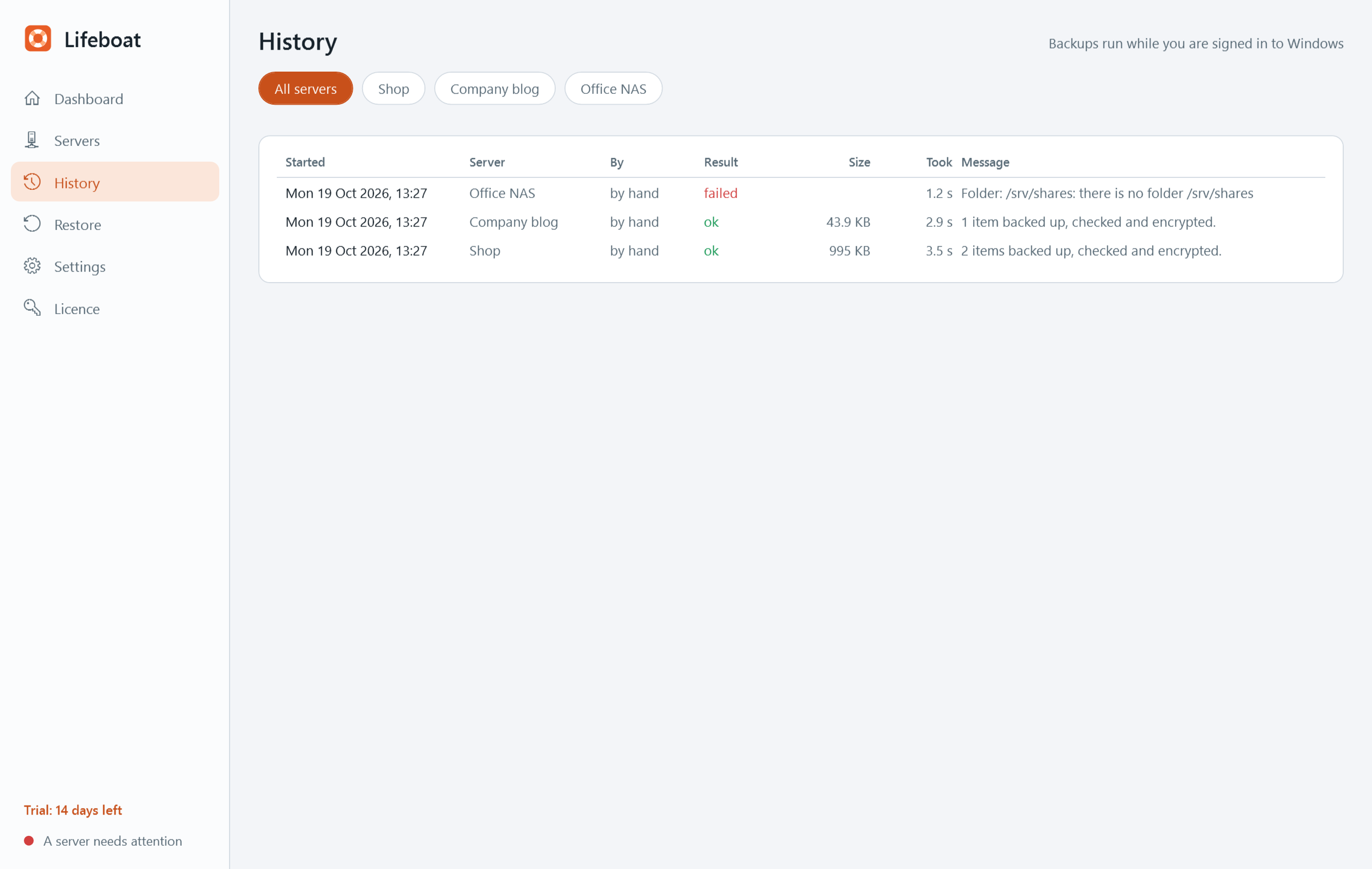
- A history of every run, item by item, with what was checked.
Getting it back
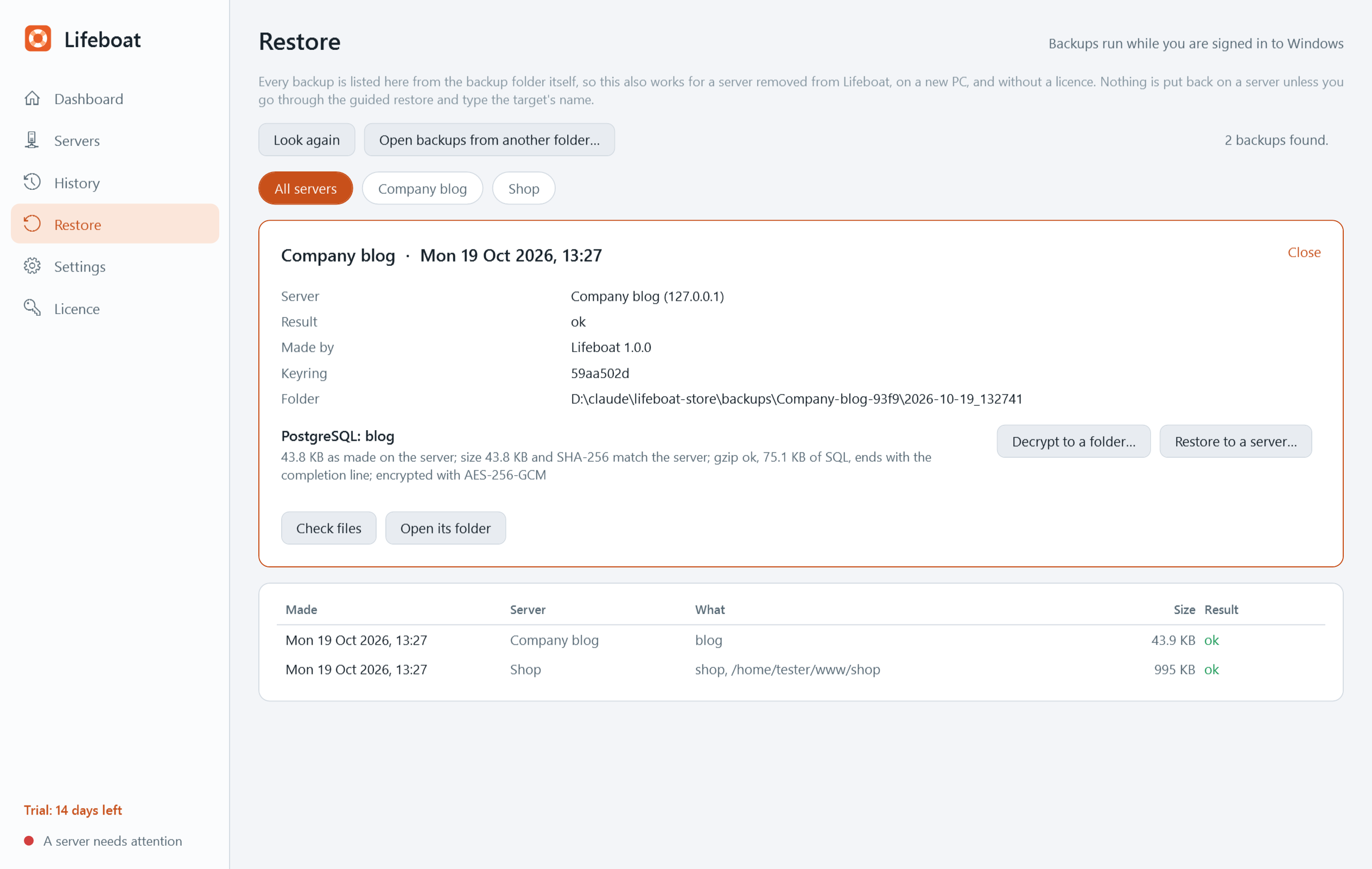
- Every backup is found from the backup folder itself, so restoring also works on a new PC.
- Decrypt a backup to a folder and get the exact commands to put it back.
- Or let Lifeboat restore it to the server: into a new database or a new folder by default, and only after you type the target's name. Replacing a database takes typing REPLACE as well.
Good to know
- Lifeboat runs while you are signed in to Windows, from the notification area. It installs for your account only and needs no administrator rights.
- Your servers need SSH, gzip and tar, plus mysqldump or pg_dump for databases. Nothing else is installed on them unless you choose the backup-only key.
- Lifeboat contacts only your servers, the mail server you set up, and this store to check the licence and updates.
- Free to try for 14 days with every feature. After that, without a licence, Lifeboat becomes read-only: no new backups, but every backup you have can still be checked, decrypted and restored.
One-time purchase for one PC. Includes every version released in the following 12 months; the version you have keeps working after that.
First release.
Other apps you might like
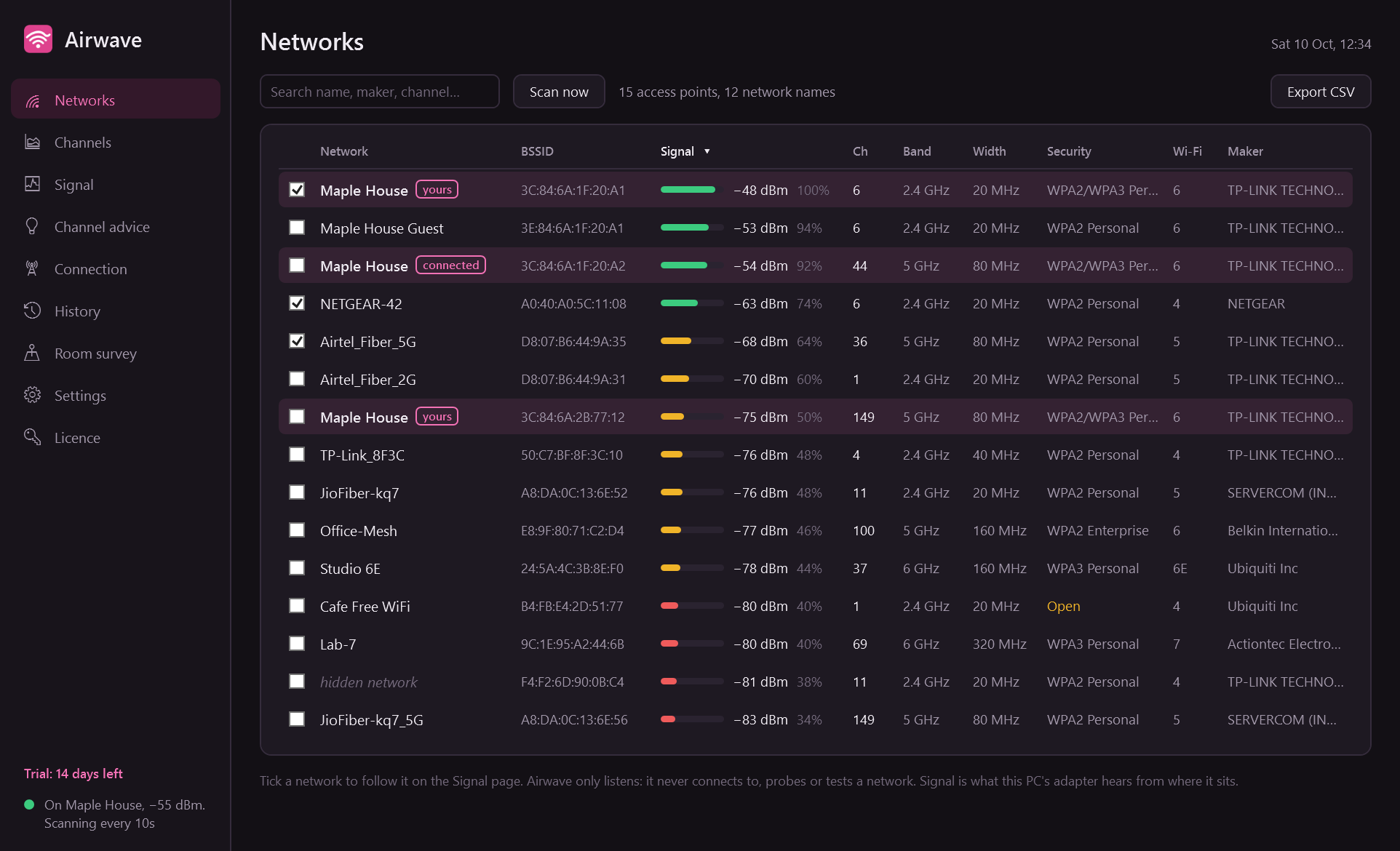

Airwave
Network · v1.0.1See every Wi-Fi network around you, pick the quietest channel, and track your own signal.
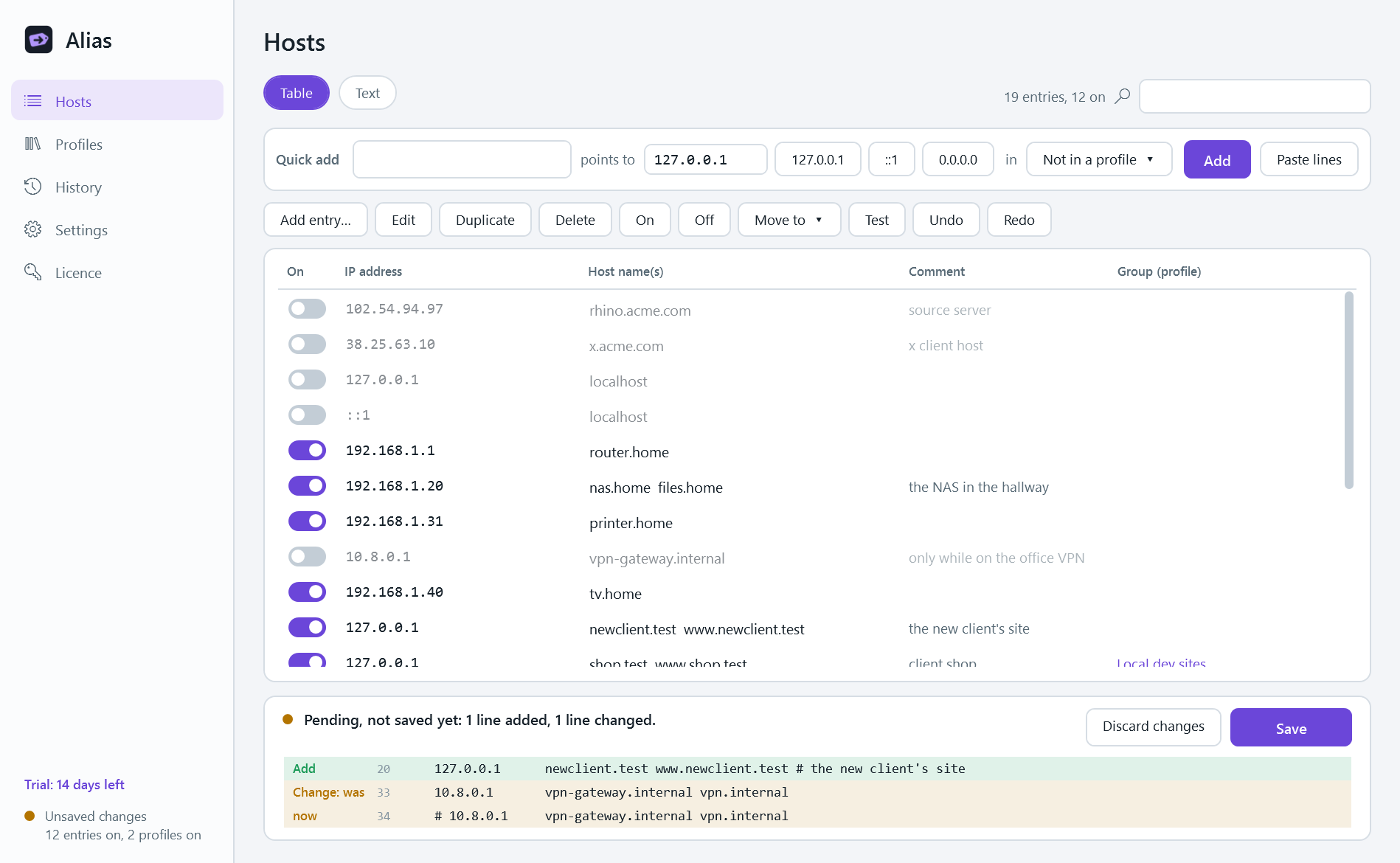

Alias
Network · v1.0.0Edit the Windows hosts file safely, with profiles you switch in one click.
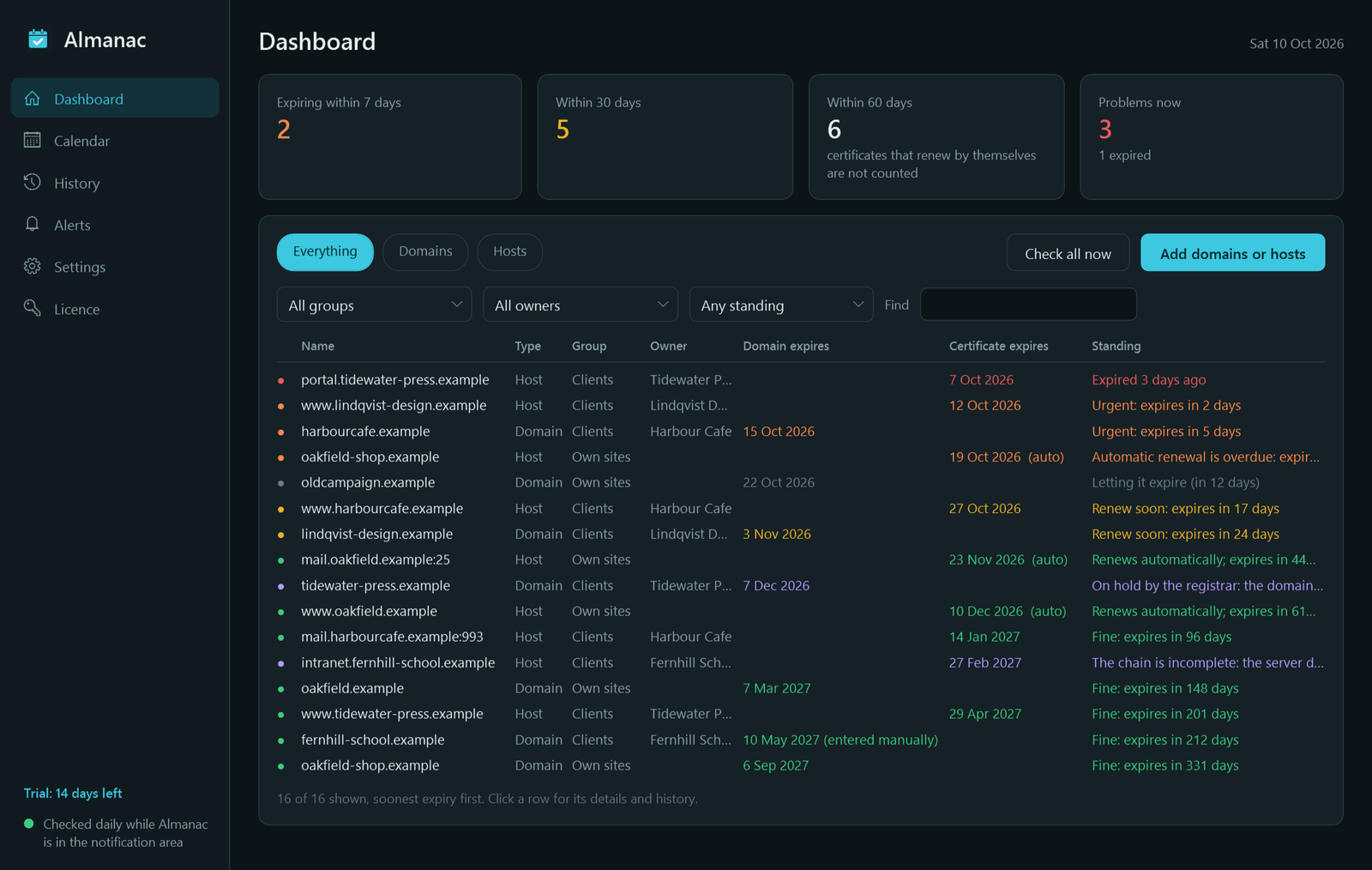

Almanac
Network · v1.0.1Never let a domain or a certificate expire by surprise.