Atlas
See what is filling your drive, and what has grown since last time.
- 14 days free, every feature
- ₹559 ₹799$10.50 $15 once, no subscription
- Version 1.0.0 · 50.0 MB
- Windows 10 or 11, 64-bit
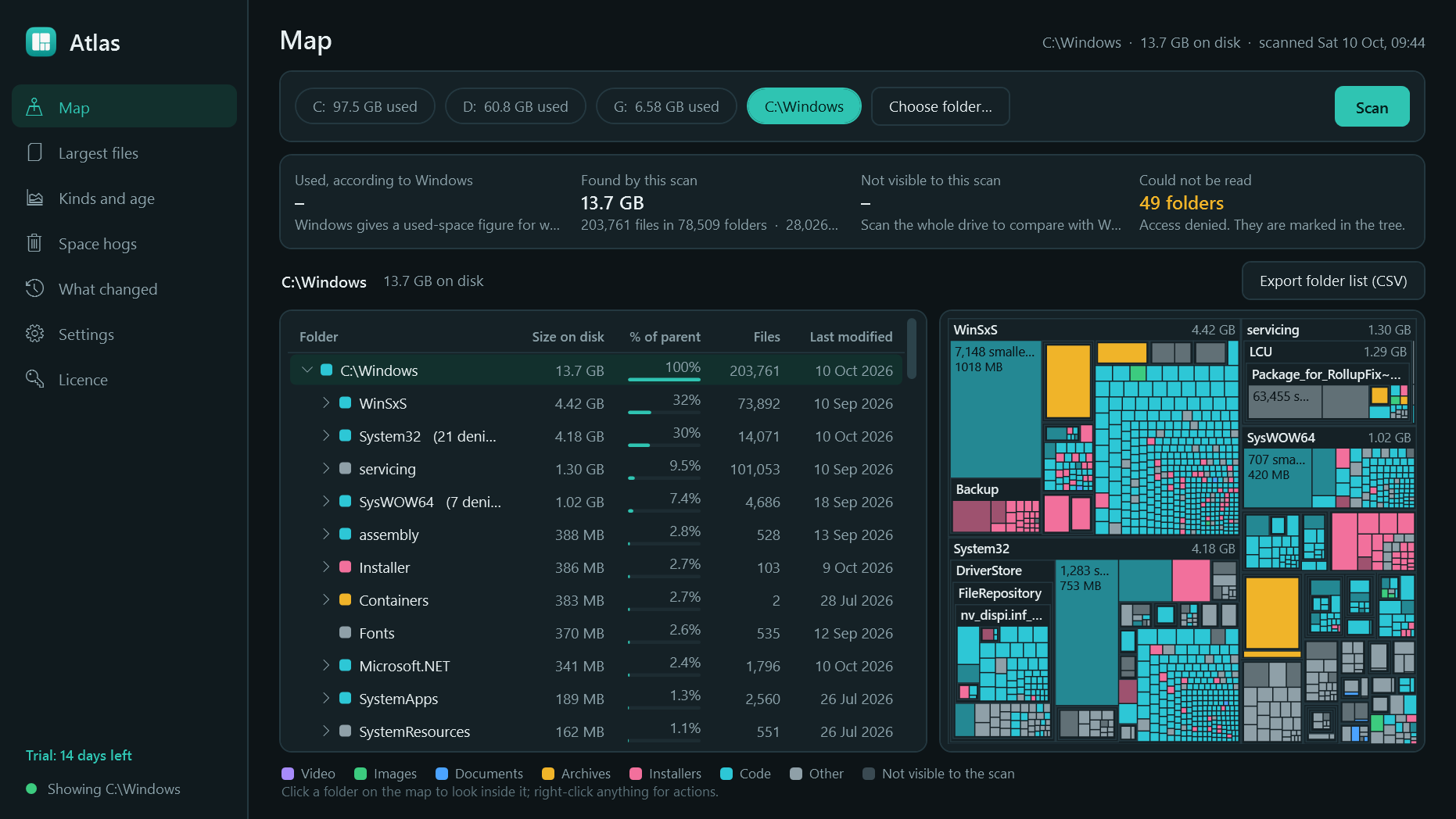
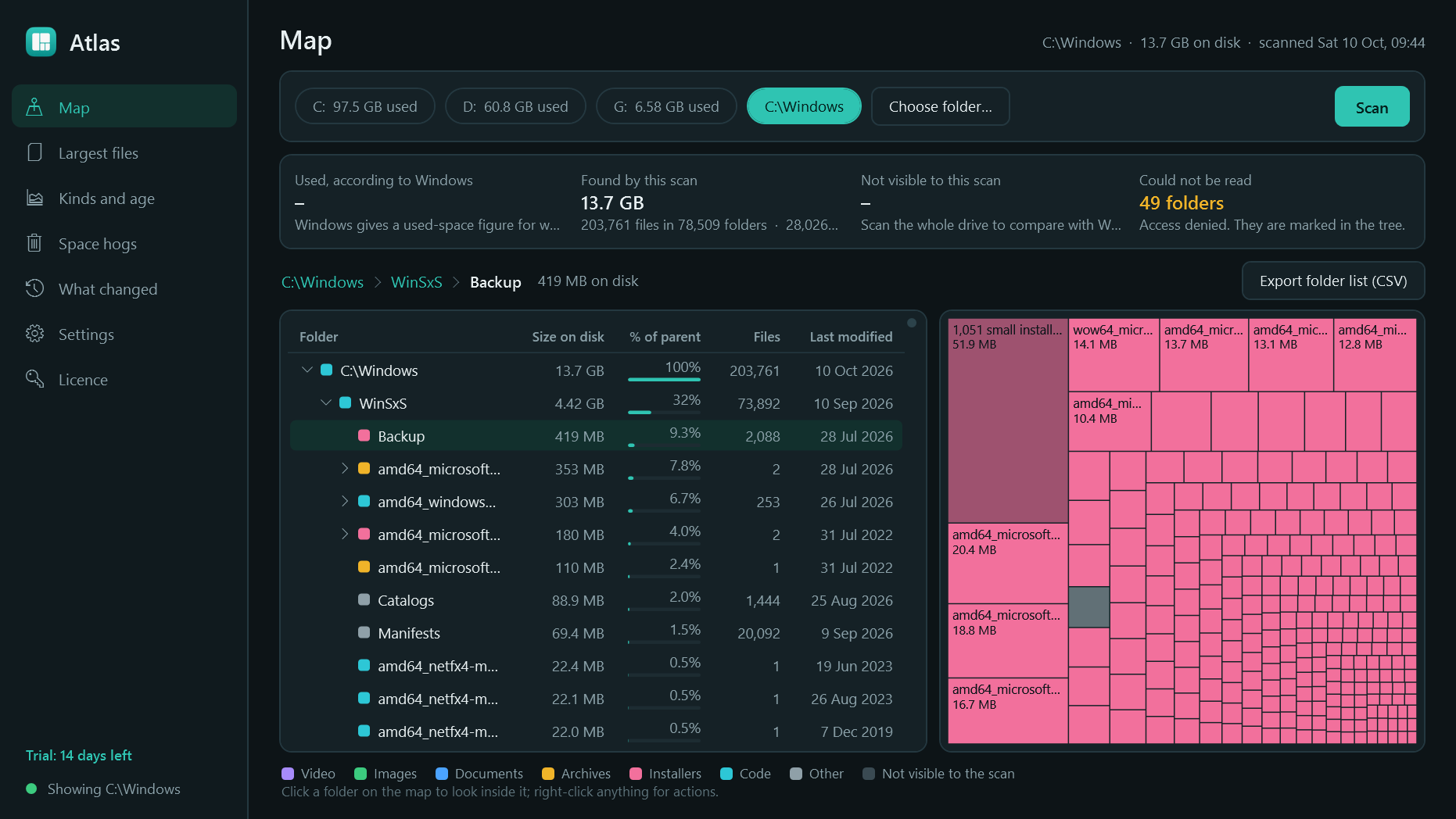
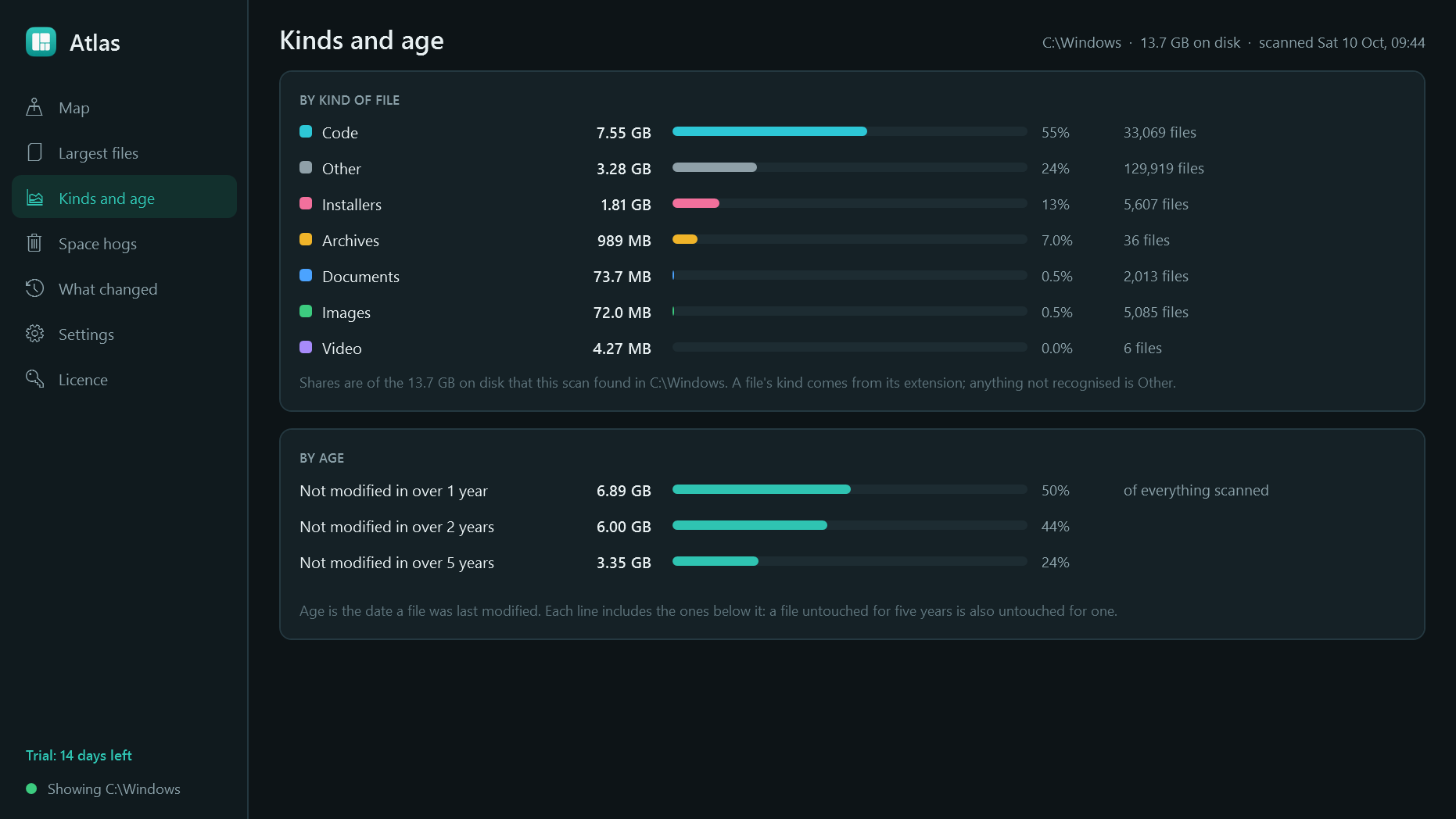
Atlas shows what is filling a drive. It scans a whole drive or any folder and draws it as a map: every folder is a rectangle sized by the space it takes, divided again into its own folders and files and coloured by kind of file. Scan the same place again later and it tells you which folders grew.
It is an on-demand tool. One window, nothing running in the background, nothing in the notification area.
What it does
- A map of the drive beside a folder tree, sorted largest first, with size on disk, share of the parent folder, file count and last modified. Click a folder on the map to look inside; the two stay in step.
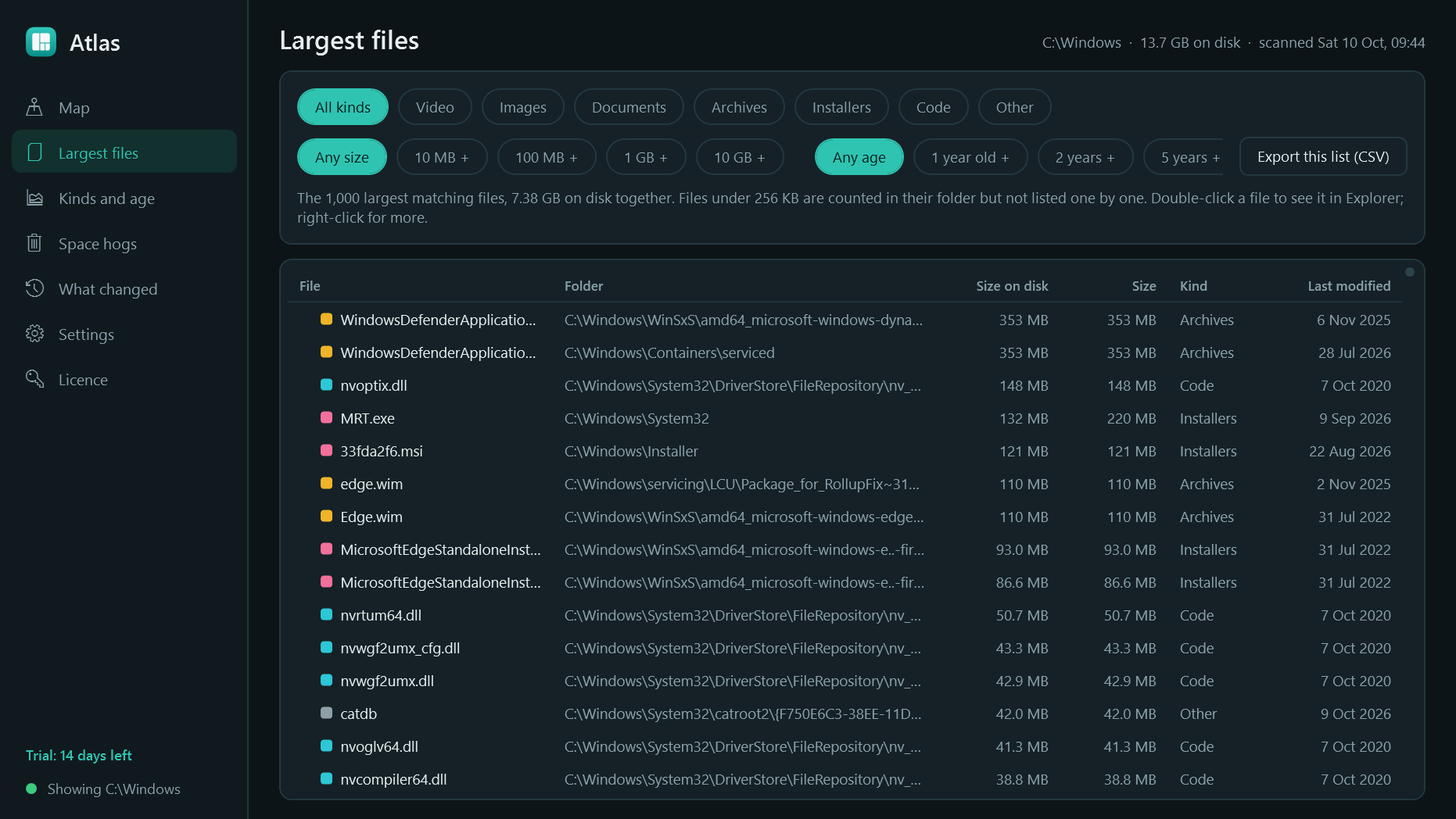
- The 1,000 largest files, with filters for kind, size and age.
- Space by kind: video, images, documents, archives, installers, code and other. And how much has not been touched in 1, 2 and 5 years.
- The usual suspects with their sizes: Downloads, the Recycle Bin, temp folders, browser caches, the Windows Update cache, hibernation and page files, and build folders such as node_modules.
- What changed: the folders that grew or shrank since an earlier scan, and used space over time for each drive.
- Open, show in Explorer, copy path, and move to the Recycle Bin, after a confirmation that names what will go and how much space it holds.
- Light and dark mode, and export of the folder list and the largest files to CSV.
Good to know
- Free to try for 14 days with every feature. After that Atlas needs a licence to keep running; without one it stops, and the scan history it has saved is kept for when you enter a key.
- It never deletes for good. Everything goes to the Recycle Bin, so the space is freed when you empty the bin. It refuses Windows, Program Files and other system folders outright.
- Sizes are the space taken on disk. A file with several names (a hard link) is counted once, so the figure for the Windows folder is lower than Explorer's. Junctions and symbolic links are shown but never followed.
- It needs no administrator rights. Folders Windows keeps to itself are shown as "access denied" rather than skipped, and for a whole drive the difference from the used space Windows reports is shown as its own block on the map.
- Files under 256 KB are counted in their folder, by kind, but not listed one by one.
- It installs for your user account only. The scan history stays on your PC.
One-time purchase for one PC. Includes every version released in the following 12 months; the version you have keeps working after that.
First version.
- Scan a whole drive or a chosen folder, with live progress and cancel. No administrator rights needed.
- A map coloured by kind of file beside a folder tree, with click to look inside and a breadcrumb back up.
- Largest files with filters, space by kind and by age, and a space hogs list.
- What changed since an earlier scan, and used space over time per drive.
- Move to the Recycle Bin after a confirmation; no permanent delete, system folders refused.
- Light and dark mode, CSV export.
Other apps you might like
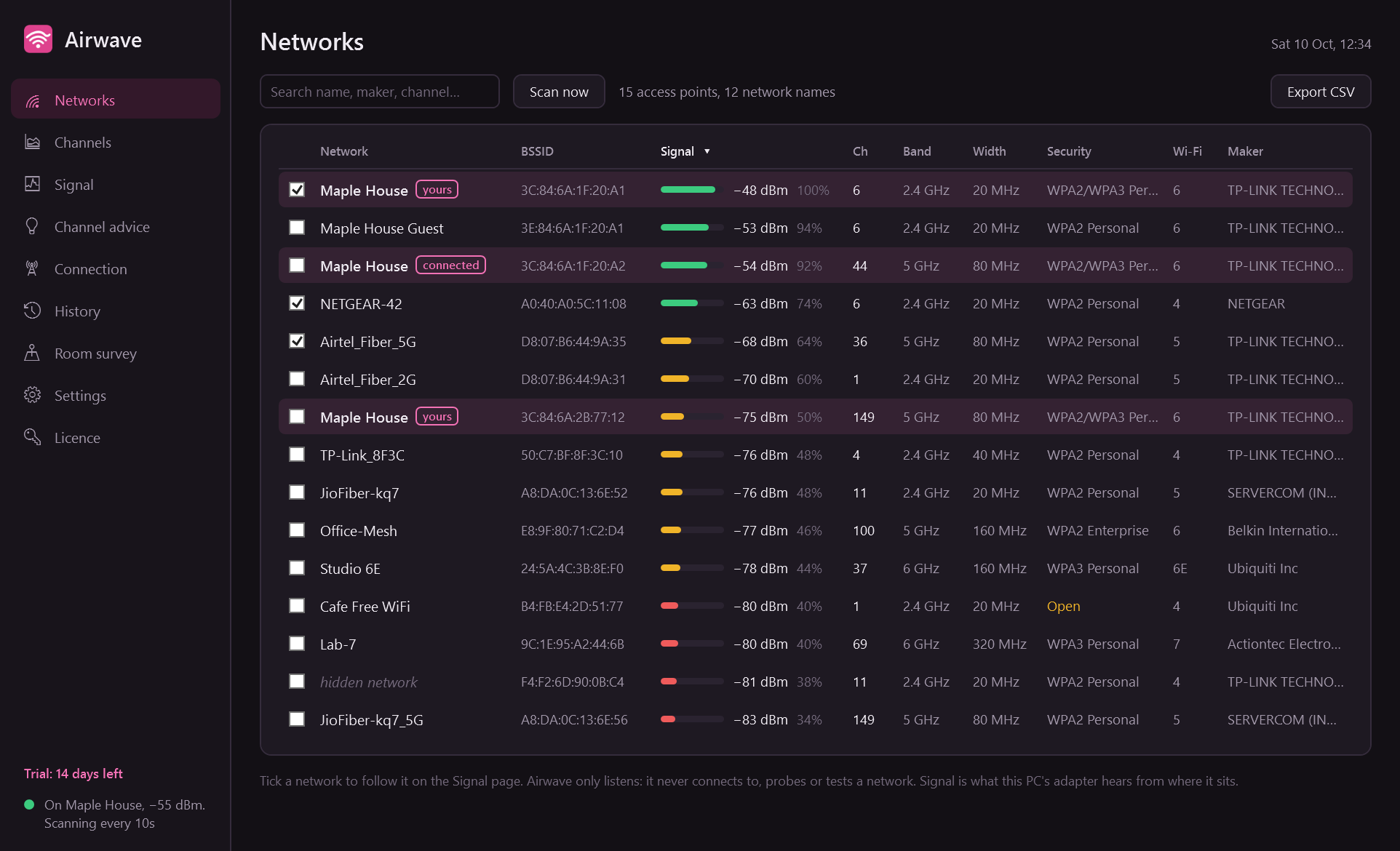

Airwave
Network · v1.0.1See every Wi-Fi network around you, pick the quietest channel, and track your own signal.
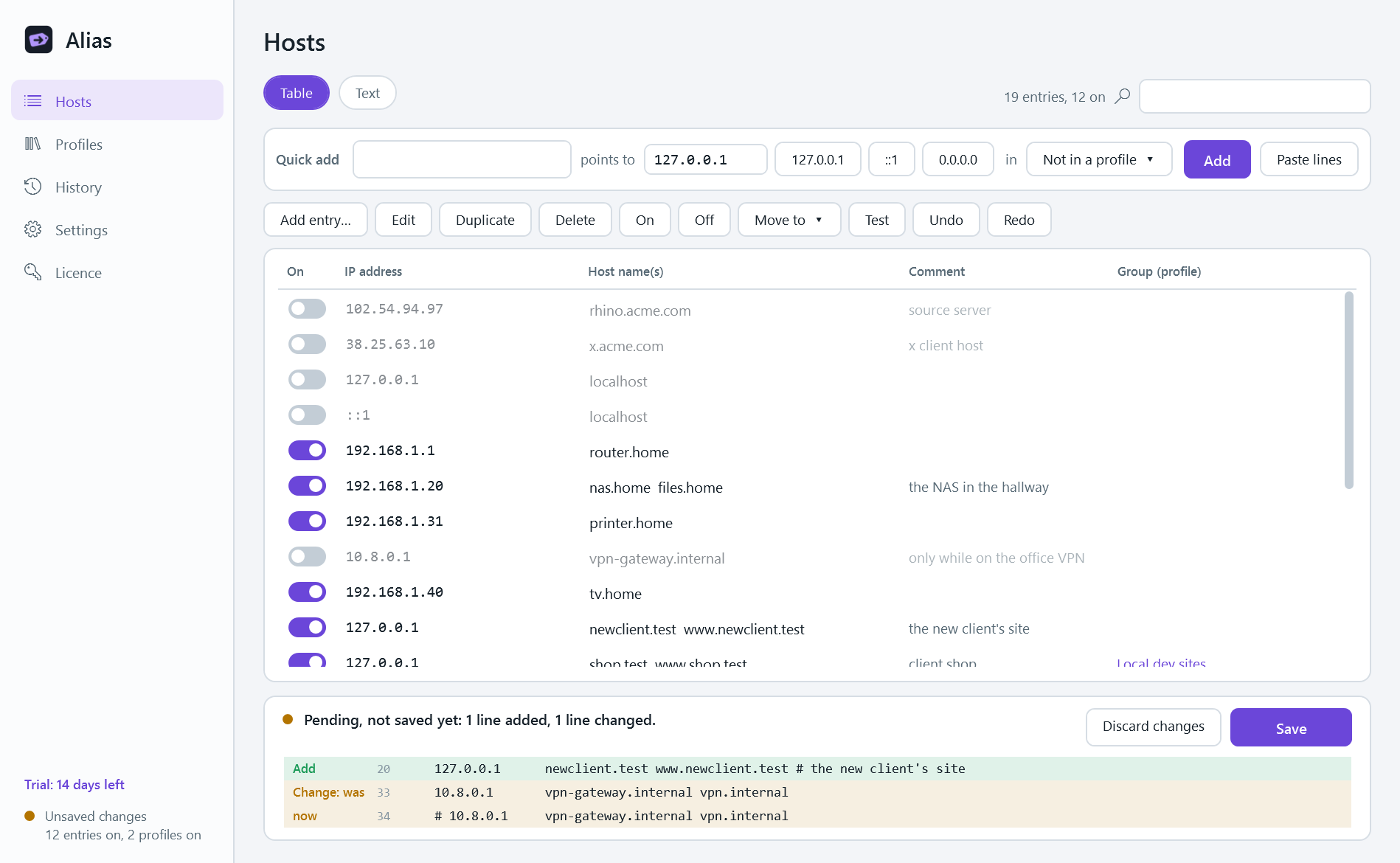

Alias
Network · v1.0.0Edit the Windows hosts file safely, with profiles you switch in one click.
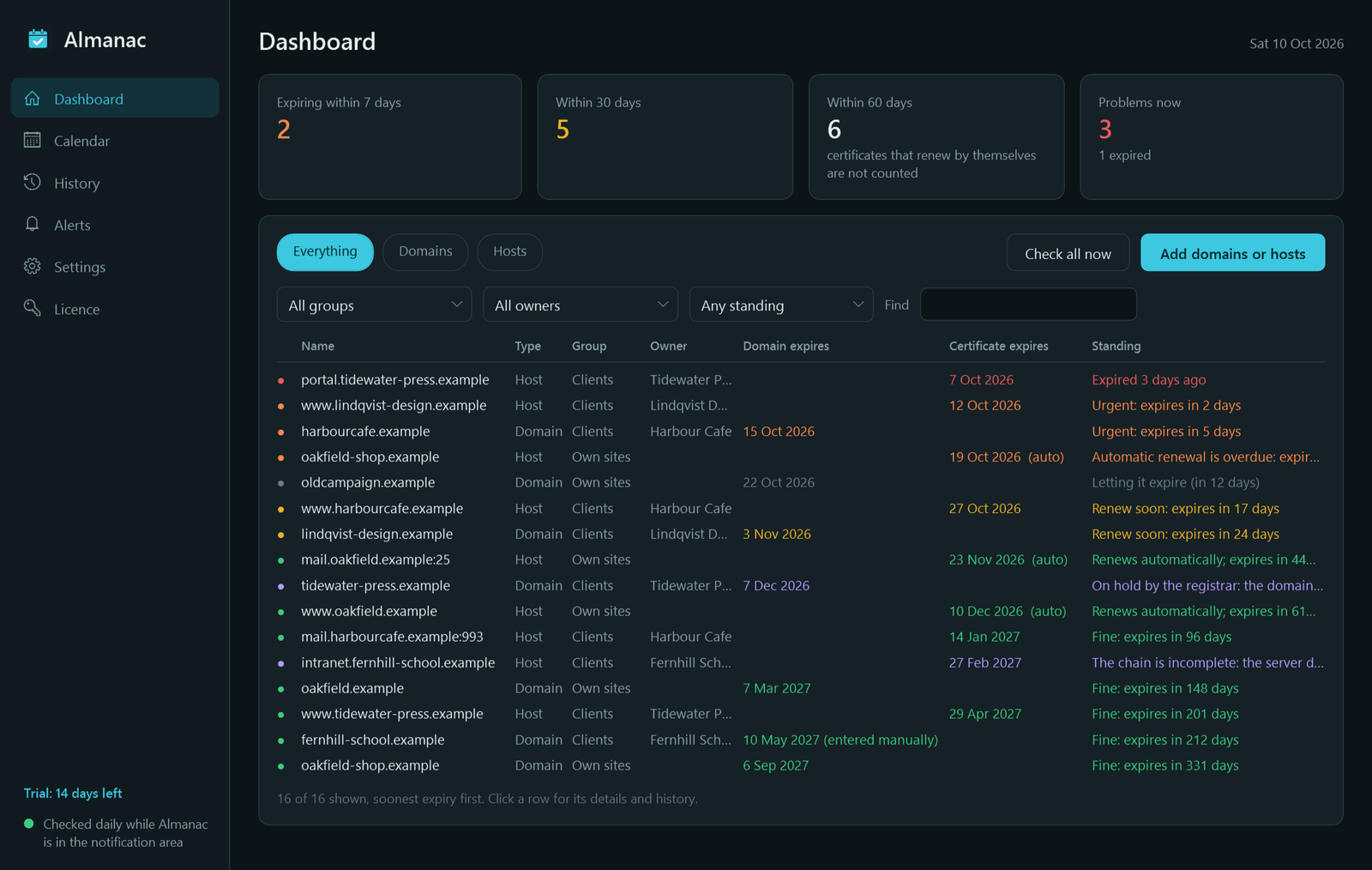

Almanac
Network · v1.0.1Never let a domain or a certificate expire by surprise.