- Apps
- Productivity
- Hourglass
Hourglass
See where your screen time goes, without ever starting a timer.
- 14 days free, every feature
- ₹559 ₹799$10.50 $15 once, no subscription
- Version 1.1.1 · 50.1 MB
- Windows 10 or 11, 64-bit
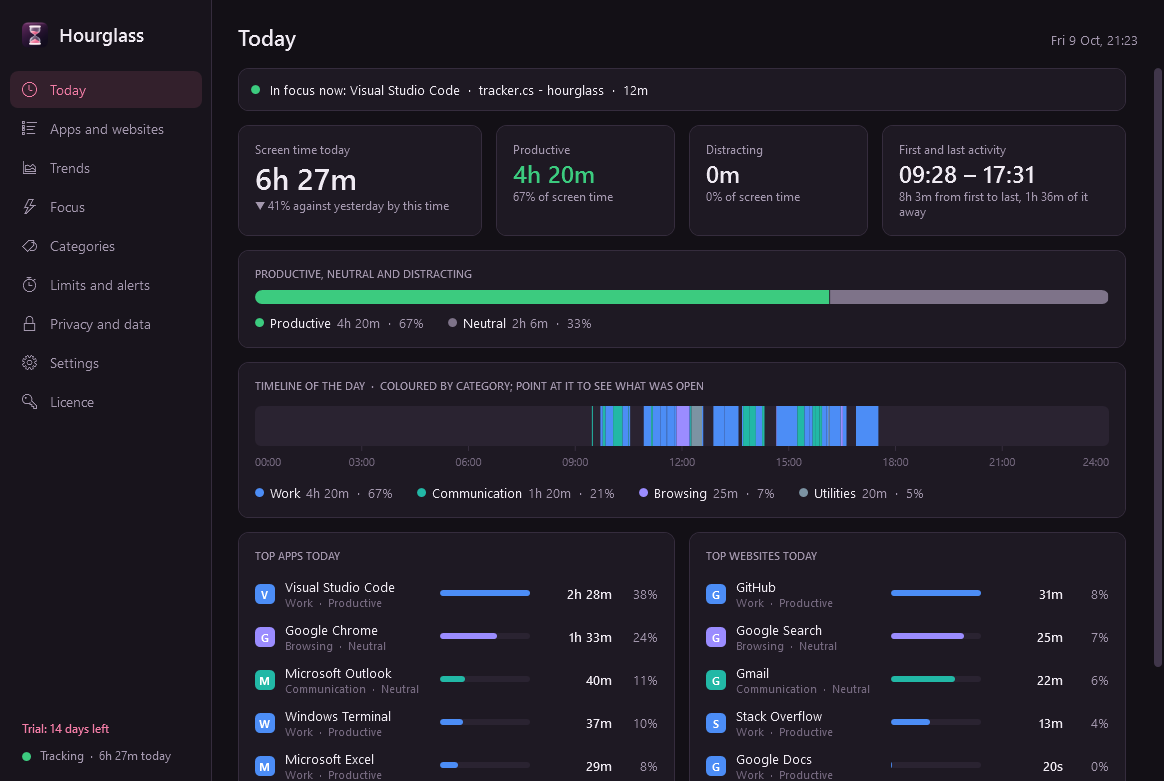
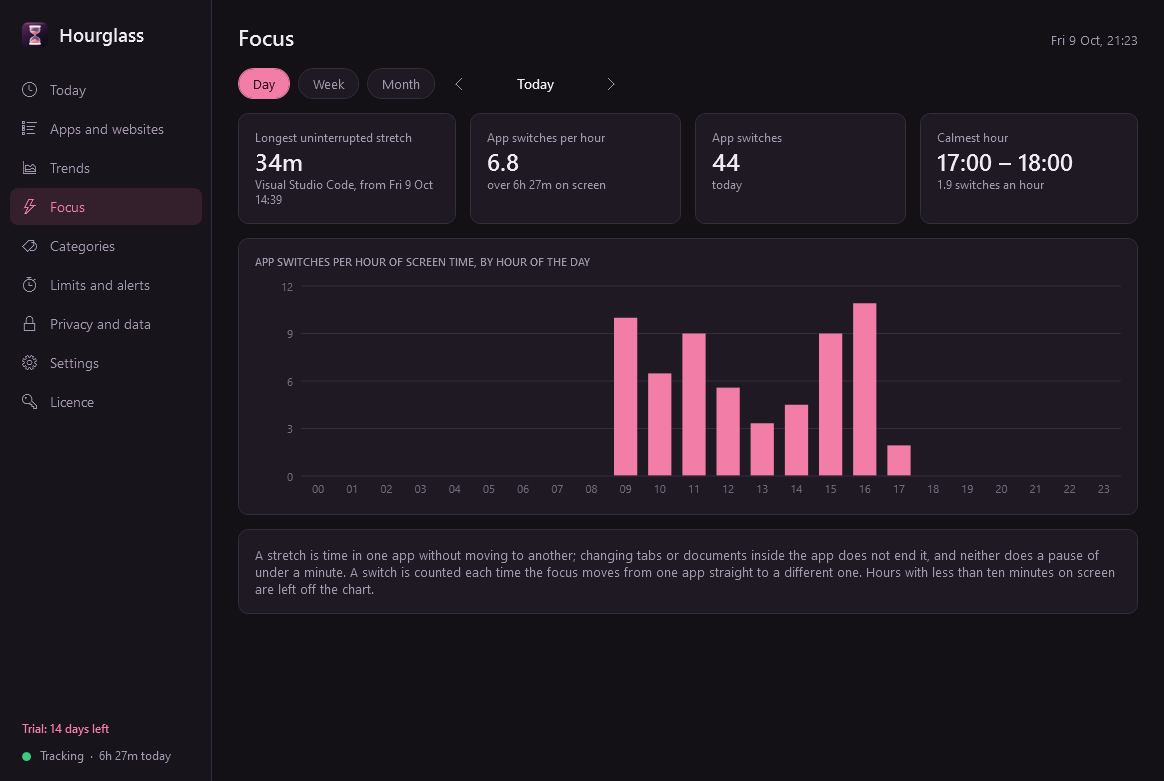
Hourglass sits in the notification area and notes which window is in focus, second by second. You never start or stop a timer. At the end of the day it shows where the time went: which apps, which websites, how much of it was productive, and when you were actually at the PC.
What it does
- Tracks the app and window in focus, and for browsers the website named in the title bar. No browser extension is installed.
- Stops the clock when you step away: after 3 minutes without keyboard or mouse input (you choose the gap), and when the PC is locked or asleep. Sound playing or a full-screen video keeps it running, so a film is not counted as idle.
- Today at a glance: total screen time, productive against distracting, first and last activity, and a timeline of the day coloured by category.
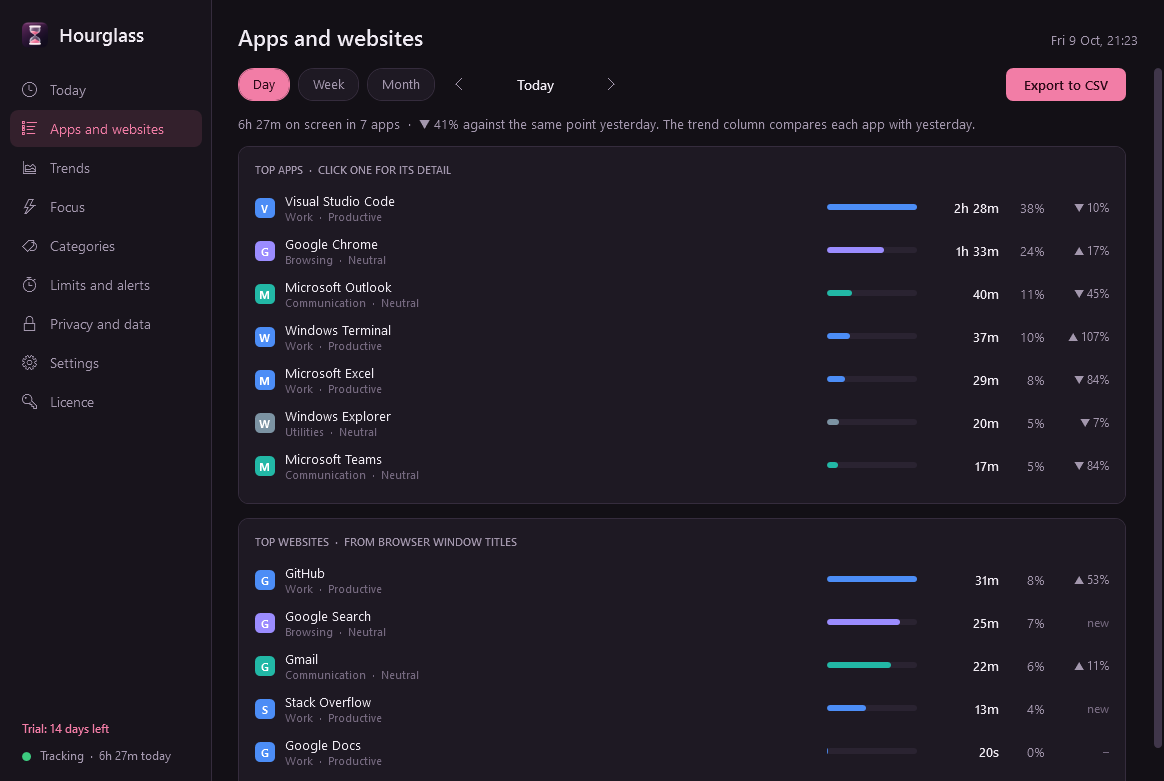
- Top apps and top websites for any day, week or month, with time, share and the trend against the period before.
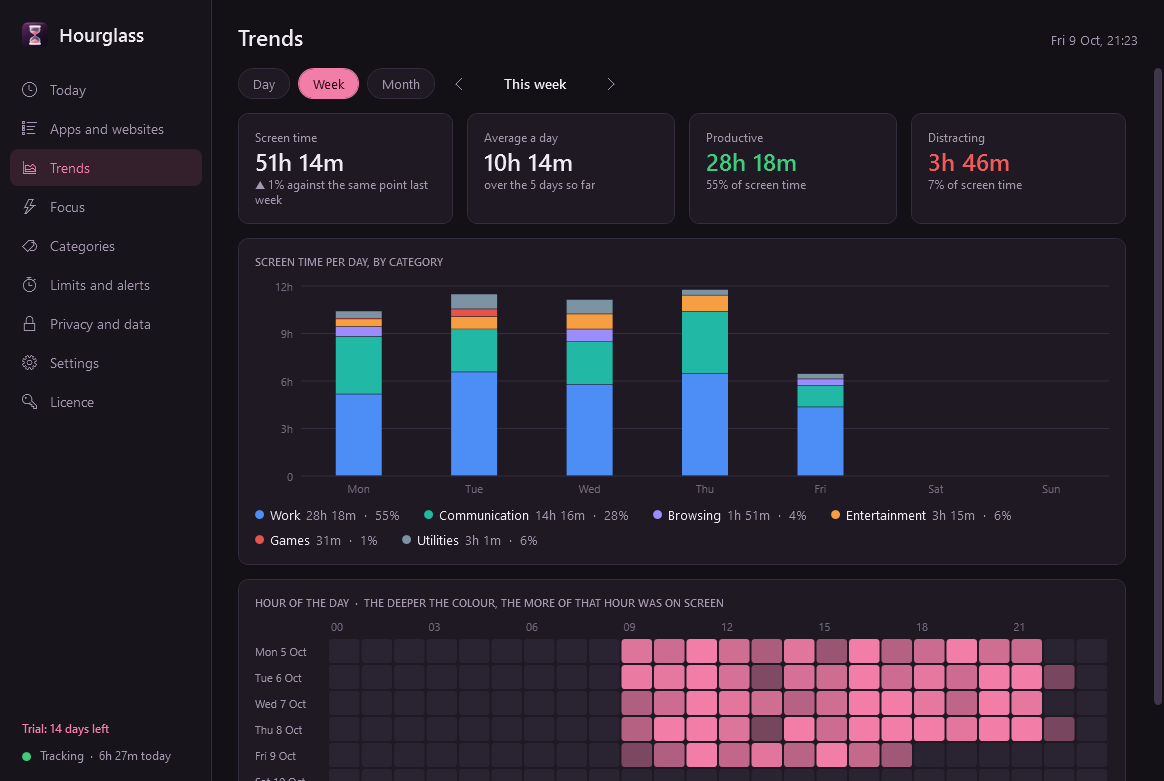
- Daily bars stacked by category and an hour-of-day heatmap. For any app, time per day and the window titles that took the most of it.
- Focus statistics: your longest uninterrupted stretch and how often you switch apps each hour.
- Categories (Work, Communication, Browsing, Entertainment, Games, Utilities) with a productive, neutral or distracting rating. Common apps and sites start with sensible values; change any of them and past days change with it.
- Daily limits per app, website or category, a daily screen time goal and an optional end-of-day summary, as Windows notifications. They only remind you: nothing is blocked or closed.
- Light and dark mode, and export of every session to CSV.
Privacy
- Everything stays in one file on your PC. The only thing Hourglass contacts is this store, to check the licence and look for a new version. No activity is ever sent.
- Pause tracking for 15 or 60 minutes, or until you resume, from the notification-area icon.
- Name apps whose window titles must never be recorded. Private and incognito browser windows are logged as "Private" by default, with no title and no website.
- Delete a day, an app, or everything, whenever you like.
Good to know
- Websites are worked out from the browser's title bar and nothing else, so a page whose title does not name its site is filed under whatever the title does say.
- It records only while it is running, so let it start with Windows.
- It installs for your user account only and never asks for administrator rights.
- The 14-day trial has everything. After it, Hourglass needs a licence: without one it stops tracking and opens only its Licence page. Nothing is deleted, and what was recorded is shown again once a licence is active.
One-time purchase for one PC. Includes every version released in the following 12 months; the version you have keeps working after that.
1.1.1 Latest
9 Oct 2026 · 50.1 MB
- New logo, on the app, the installer and the notification-area icon.
- A licence is now mandatory after the 14-day trial: without one, tracking stops and only the Licence page opens. Nothing is deleted; recorded history is shown again as soon as a licence is active.
- The licence is confirmed every six hours while Hourglass stays running, not only at start-up.
1.0.0
9 Oct 2026 · 49.9 MB
First release.
- Automatic tracking of the app, window and website in focus, with idle, lock and sleep detection.
- Today, Apps and websites, Trends, App detail and Focus pages; categories with a productive, neutral or distracting rating.
- Daily limits, a screen time goal and an end-of-day summary as notifications.
- Pause, private apps, private browser windows excluded, and delete for a day, an app or everything.
- Light and dark mode, CSV export, a 14-day trial and built-in updates.
More from Mintmark
See all apps
Other apps you might like
30% off 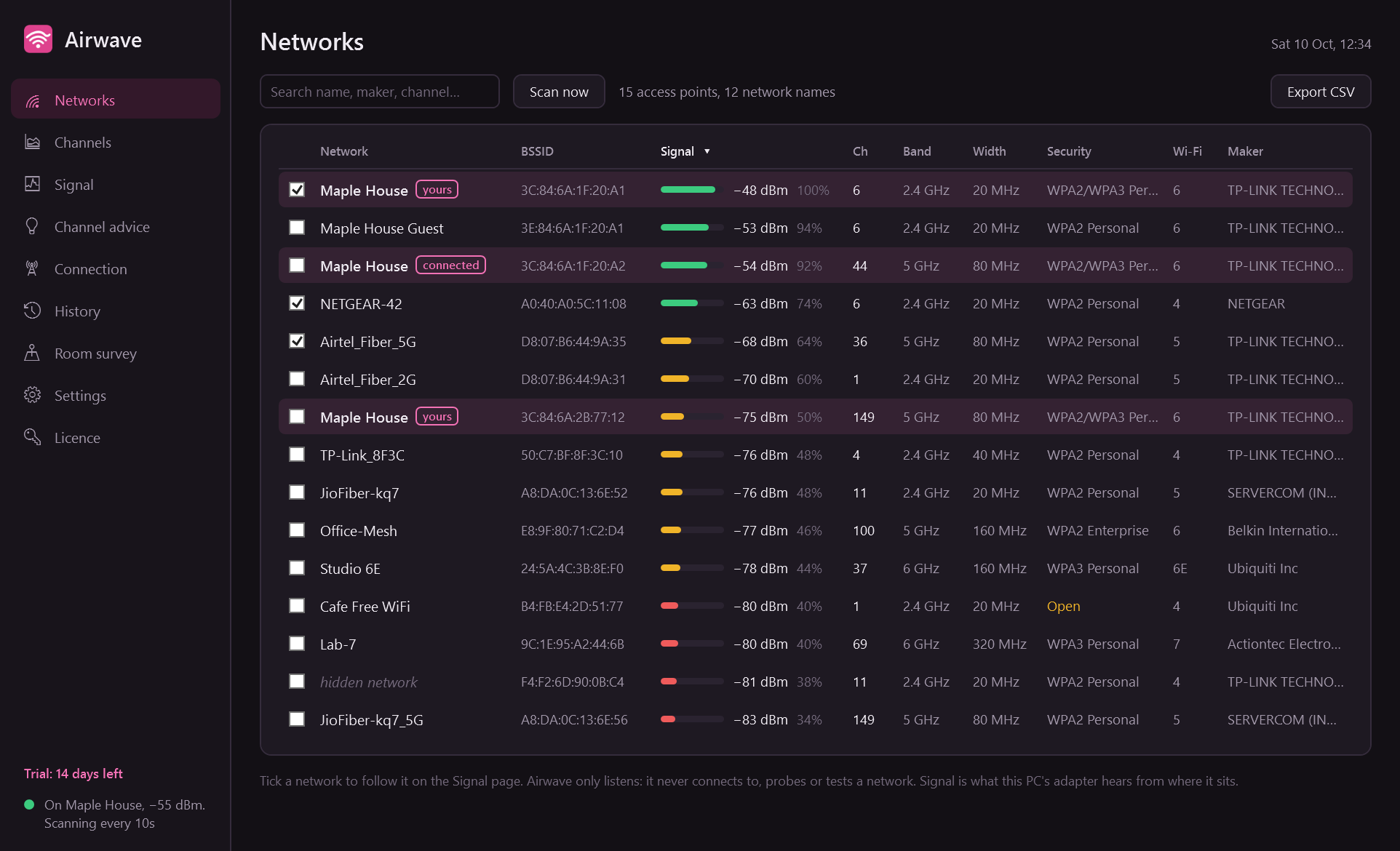

Airwave
Network · v1.0.1See every Wi-Fi network around you, pick the quietest channel, and track your own signal.
₹559 ₹799$10.50 $15
Try free
30% off 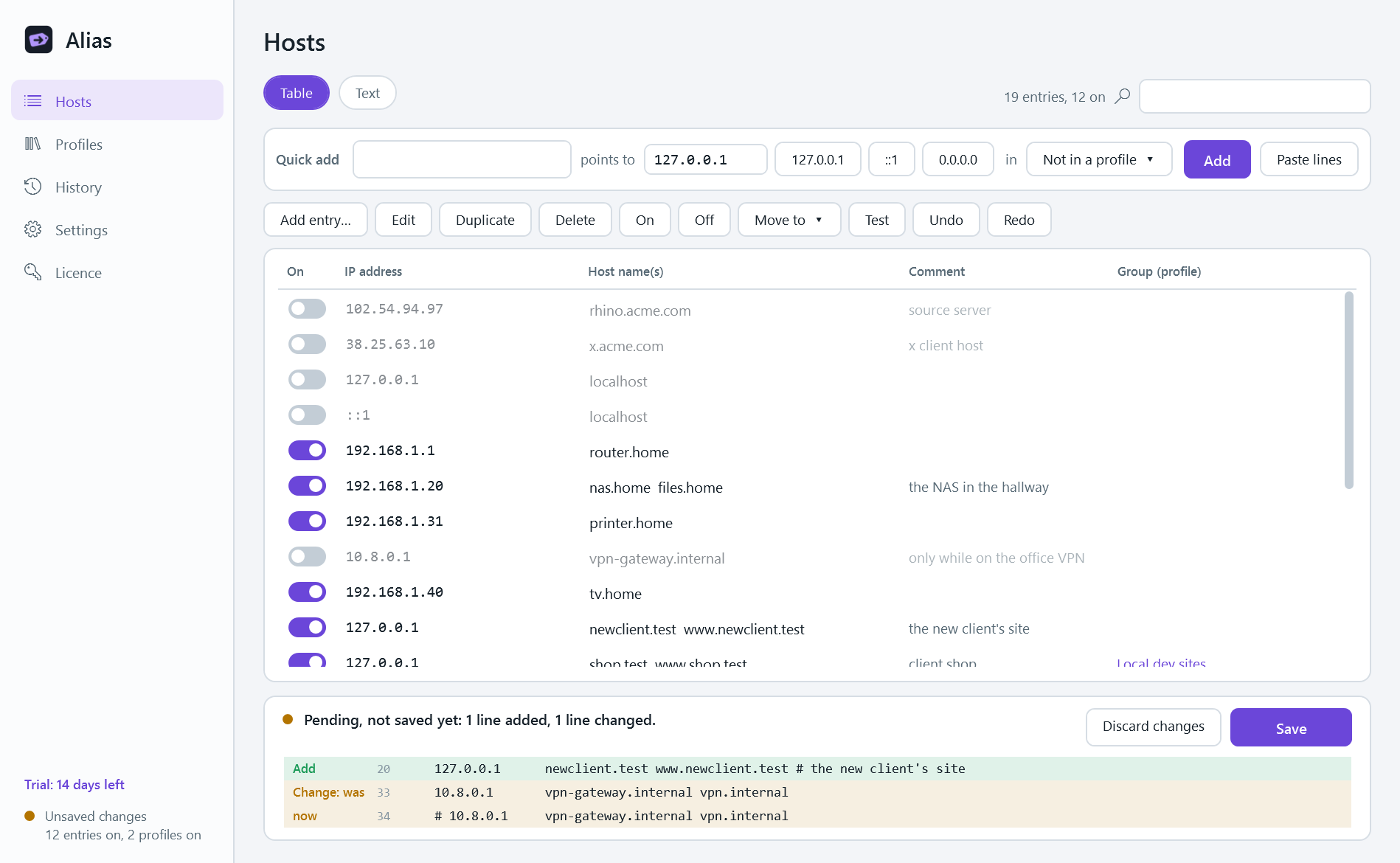
Alias
Network · v1.0.0Edit the Windows hosts file safely, with profiles you switch in one click.
₹559 ₹799$10.50 $15
Try free
30% off 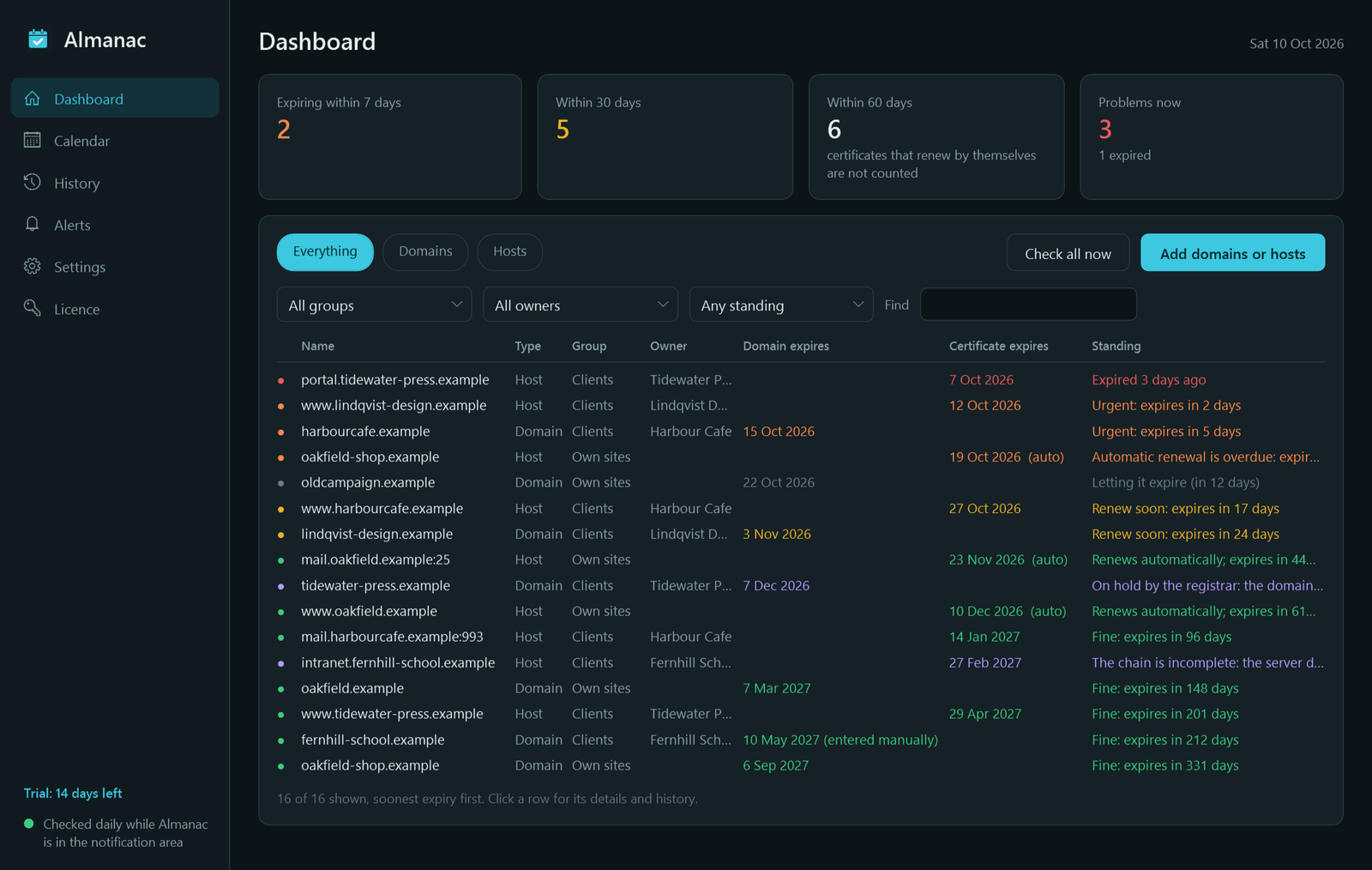

Almanac
Network · v1.0.1Never let a domain or a certificate expire by surprise.
₹559 ₹799$10.50 $15
Try free