
Signpost
Find the fastest, most reliable DNS for your PC, and switch to it in one click.
- 14 days free, every feature
- ₹559 ₹799$10.50 $15 once, no subscription
- Version 1.0.1 · 49.9 MB
- Windows 10 or 11, 64-bit
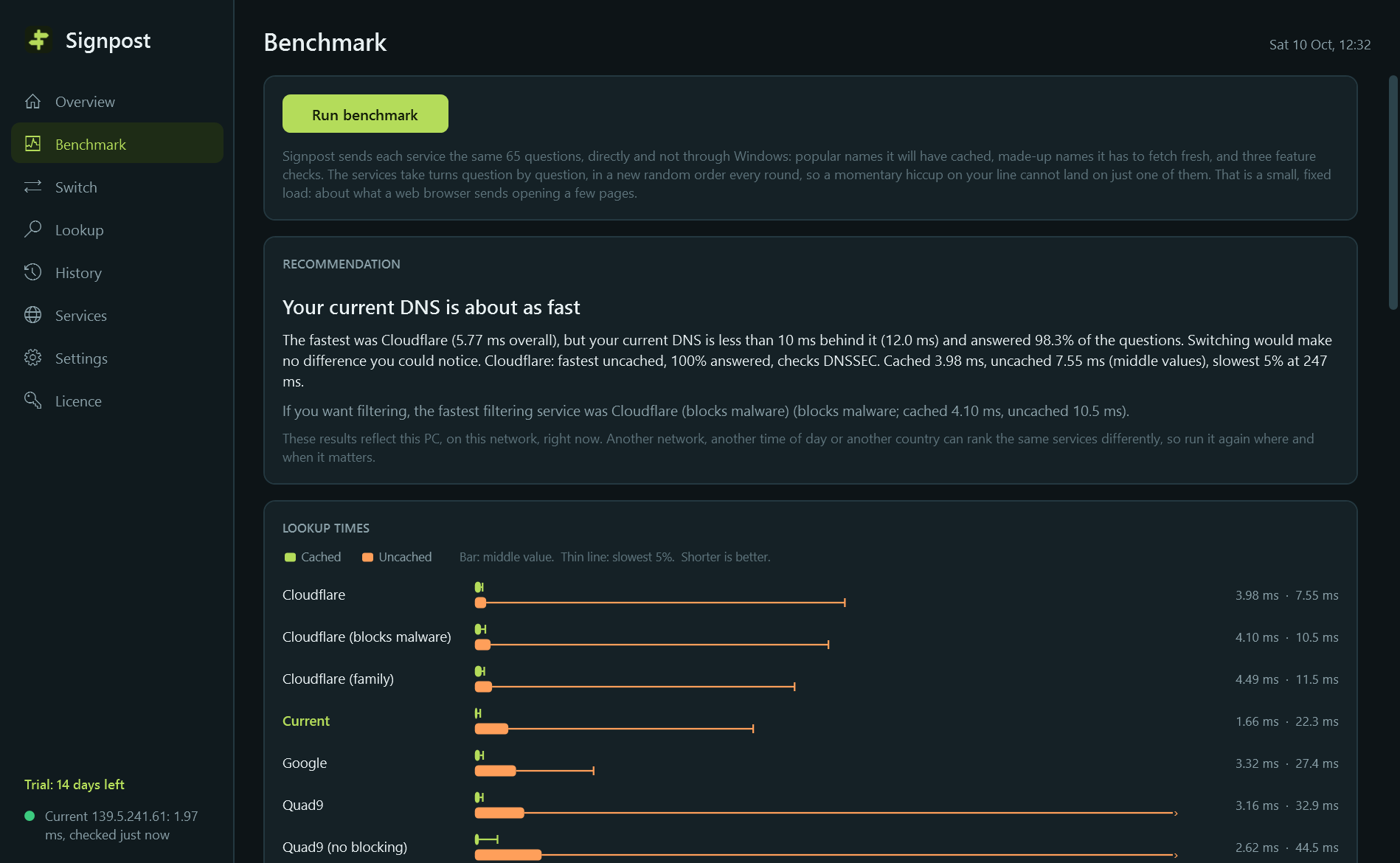
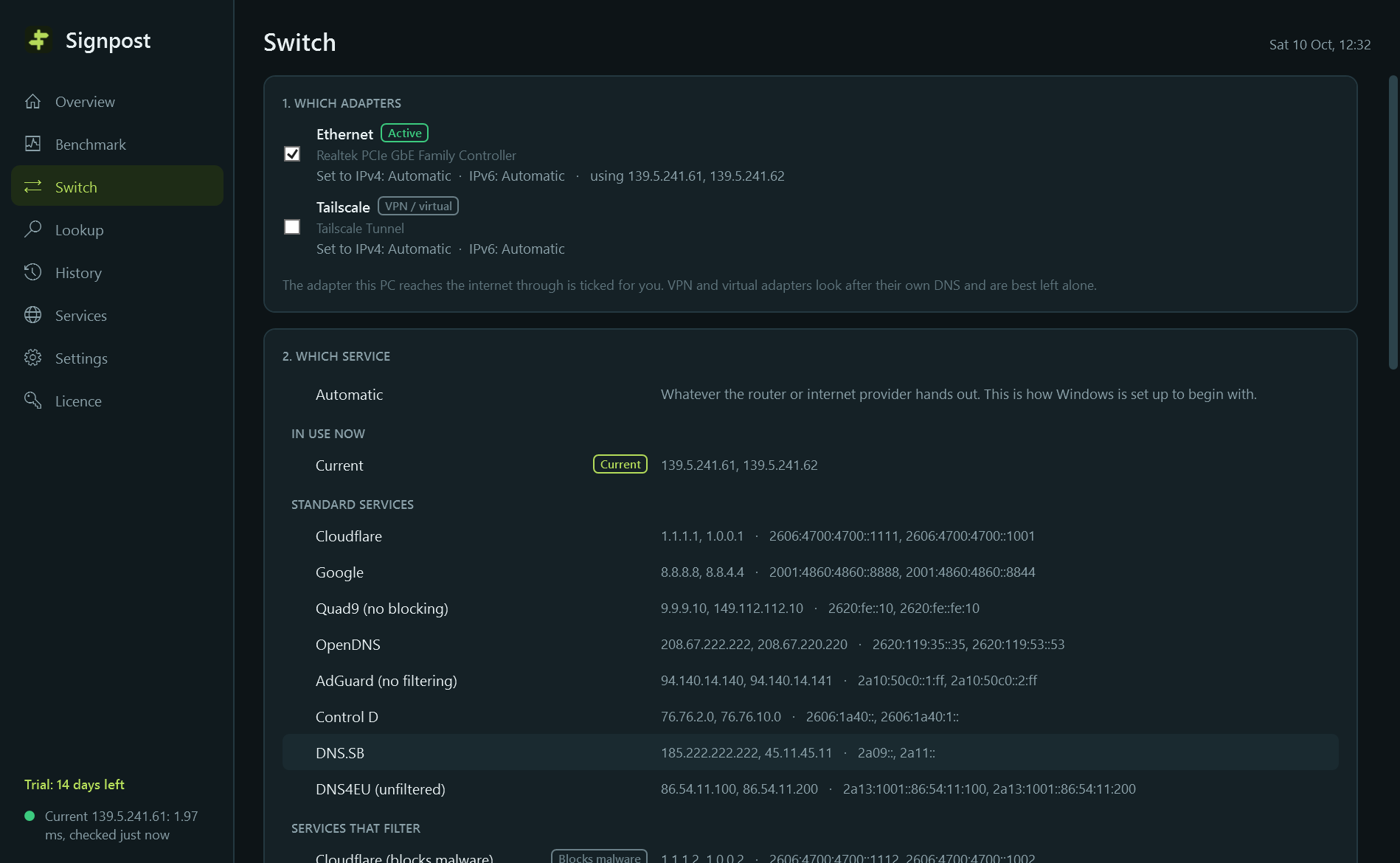
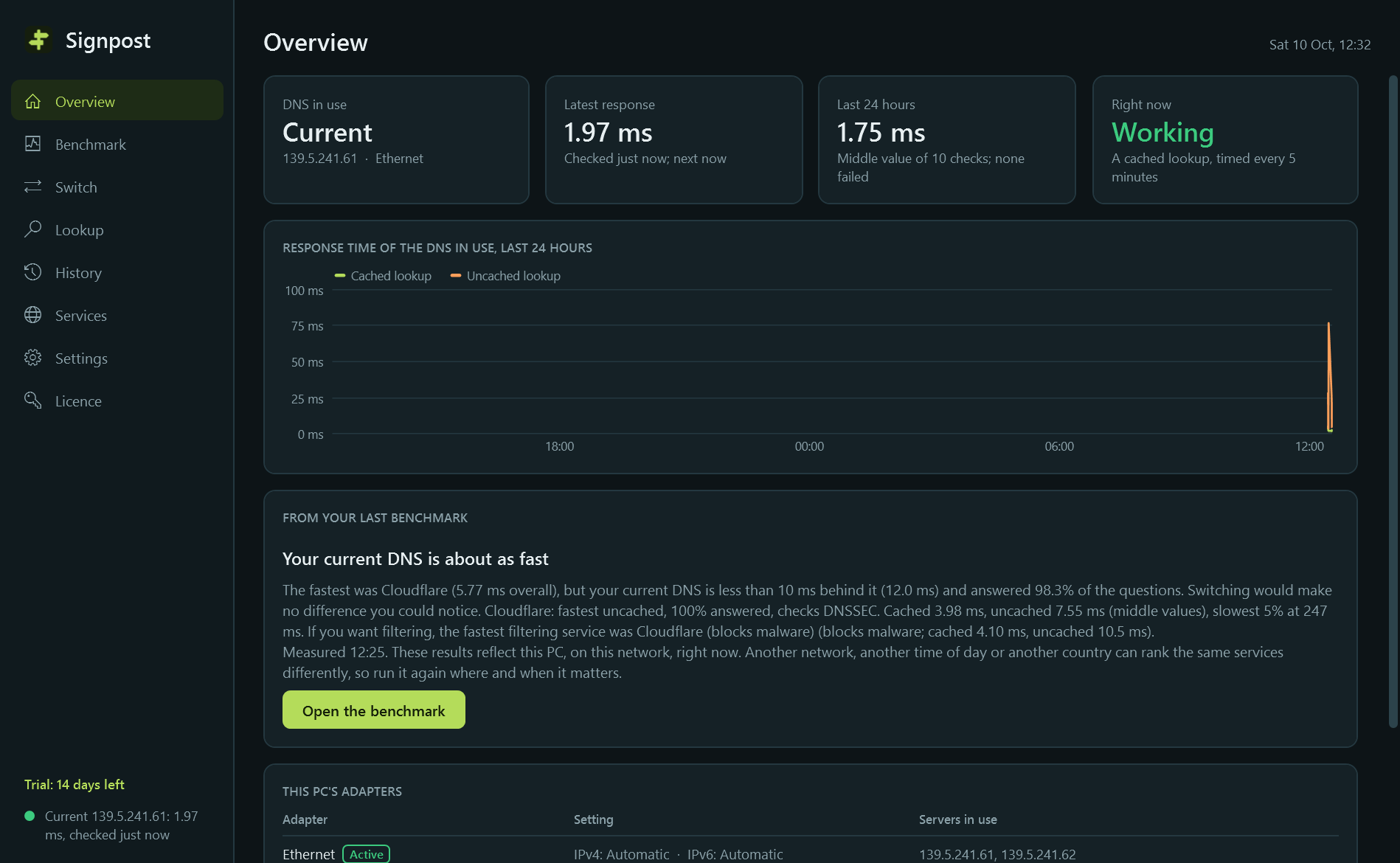
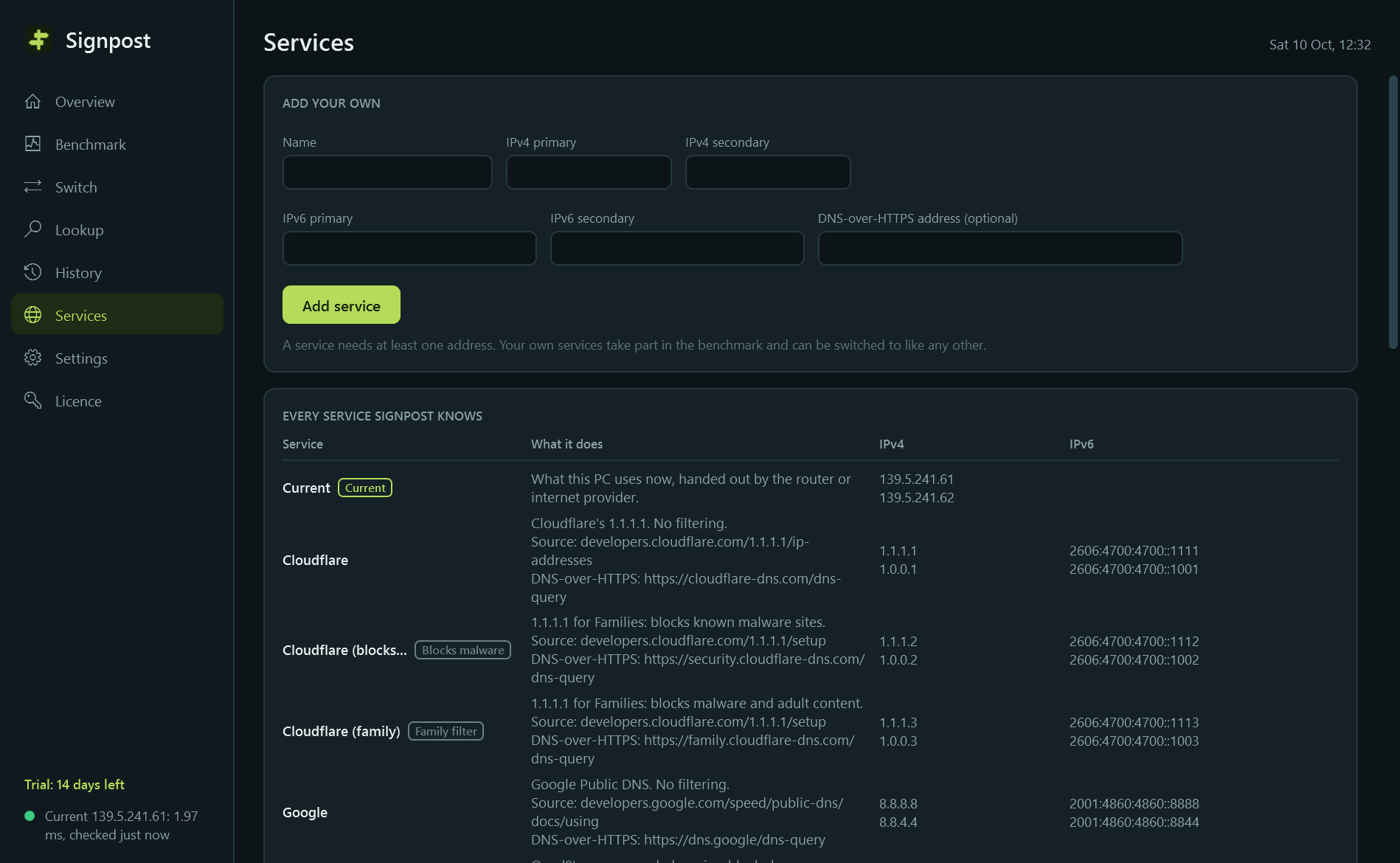
Signpost is about DNS and nothing else: the service that turns every website name into an address before a page can even start loading. It measures which DNS service is fastest and most reliable from your PC, switches to it in one click, and keeps a record of how the one you use is doing.
What it does
- Benchmarks well-known public DNS services, the one your router or provider gave you, and any you add yourself. Questions go straight to each service, not through Windows.
- Three measurements each: cached lookups, uncached lookups, and the share of questions answered. Times are shown as the middle value and the slowest 5%, not just an average.
- Services take turns question by question, so a momentary hiccup on your line cannot unfairly hurt one of them.
- Checks each service for DNS-over-HTTPS, for DNSSEC validation, and for made-up answers to names that do not exist (how some providers show adverts instead of an error).
- A ranked table, a bar chart and a recommendation that gives its reasons. Every run is kept so runs can be compared.
- One-click switching for IPv4 and IPv6 on the adapters you pick, with the DNS cache emptied and a test name resolved to confirm.
- Your original settings are recorded before the first change, and "Restore original" puts them back. If a switch leaves the PC unable to resolve names, Signpost rolls it back by itself.
- Saved profiles (Home, Fast, Family filter) in the notification-area menu, a DNS cache flush, and a lookup box that asks several services the same name and shows the answers side by side.
- A history check every five minutes, with charts for a day, week and month and a list of the times DNS was failing or slow.
- Windows notifications, each with its own switch: your DNS has been failing or very slow for several minutes (with a suggestion from your last benchmark), and a notice when something else changes your PC's DNS settings.
Good to know
- Results reflect your PC, on your network, at that moment. Another network or another time of day can rank the same services differently.
- It is a polite client: a small, fixed number of questions per service per run. Nothing is ever sent in bulk.
- Changing DNS settings needs an administrator, so Windows asks for permission at that moment. Signpost never works around that prompt, and needs no administrator for anything else.
- Filtering services (malware blocking, family filters) are listed as separate entries and are never recommended on speed alone.
- Encrypted DNS for the whole PC is offered on Windows 11. On Windows 10, which cannot do it, the option is not shown.
- Apart from the DNS questions themselves, the only thing Signpost contacts is this store, to check the licence and look for a new version.
- Free to try for 14 days with every feature. After that Signpost needs a licence to keep working; without one it stops measuring and opens only its "trial ended" screen. One thing always stays available: putting back the DNS settings Signpost changed. Nothing is deleted, and your history is shown again once a licence is active.
One-time purchase for one PC. Includes every version released in the following 12 months; the version you have keeps working after that.
The real logo: a lime signpost on a dark tile, on the program, the installer, the notification-area icon and inside the window.
No other changes.
Other apps you might like
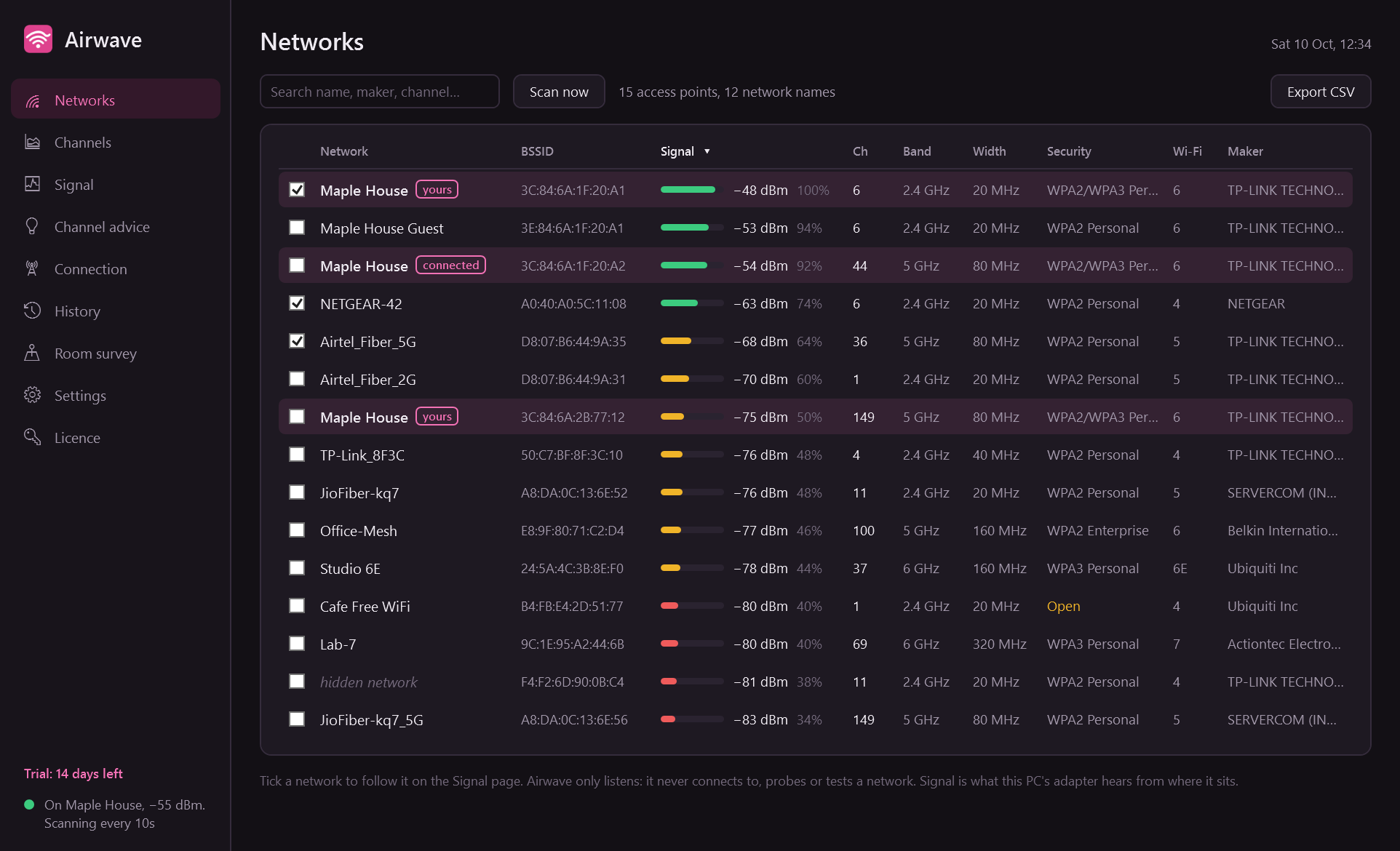

Airwave
Network · v1.0.1See every Wi-Fi network around you, pick the quietest channel, and track your own signal.
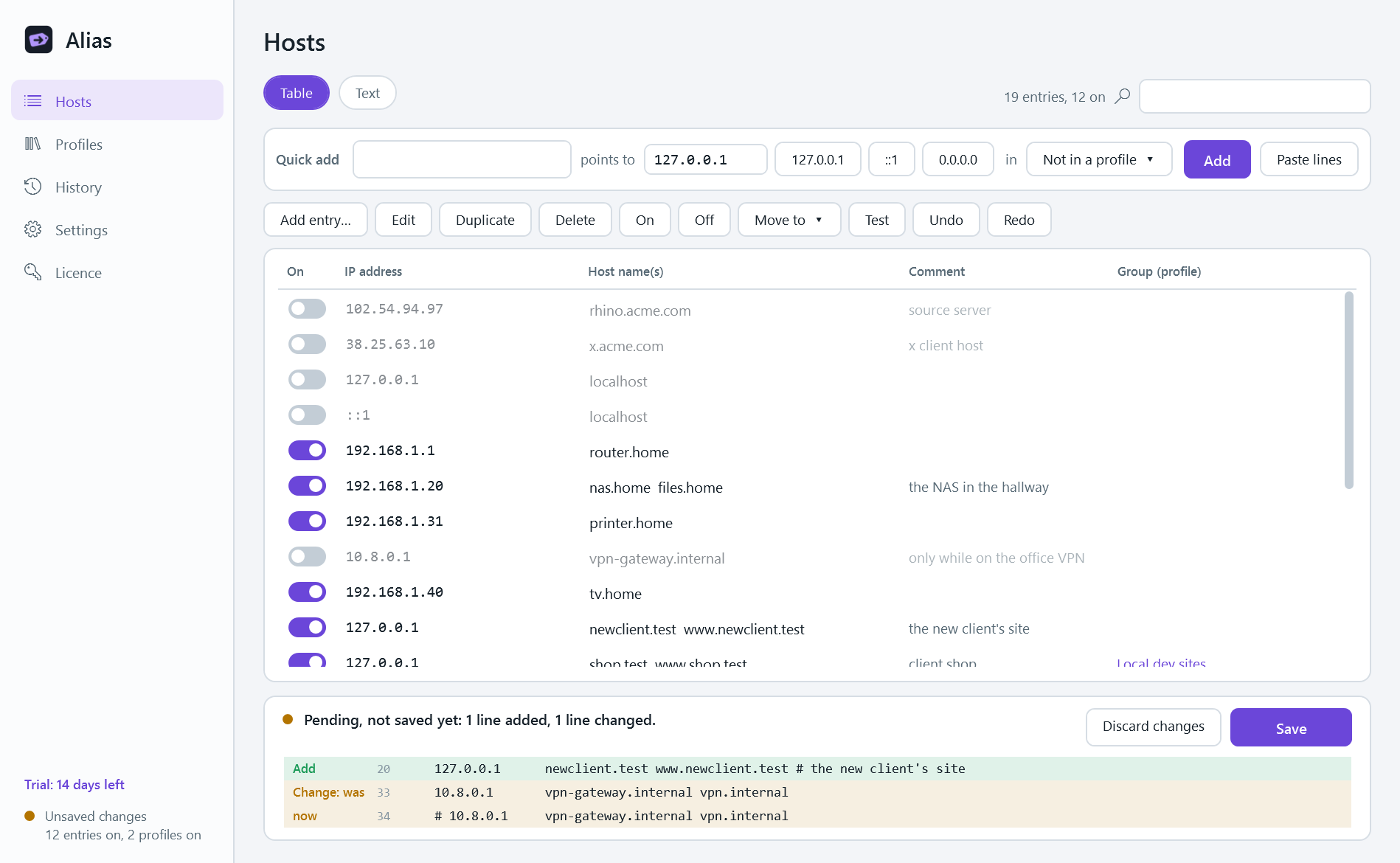

Alias
Network · v1.0.0Edit the Windows hosts file safely, with profiles you switch in one click.
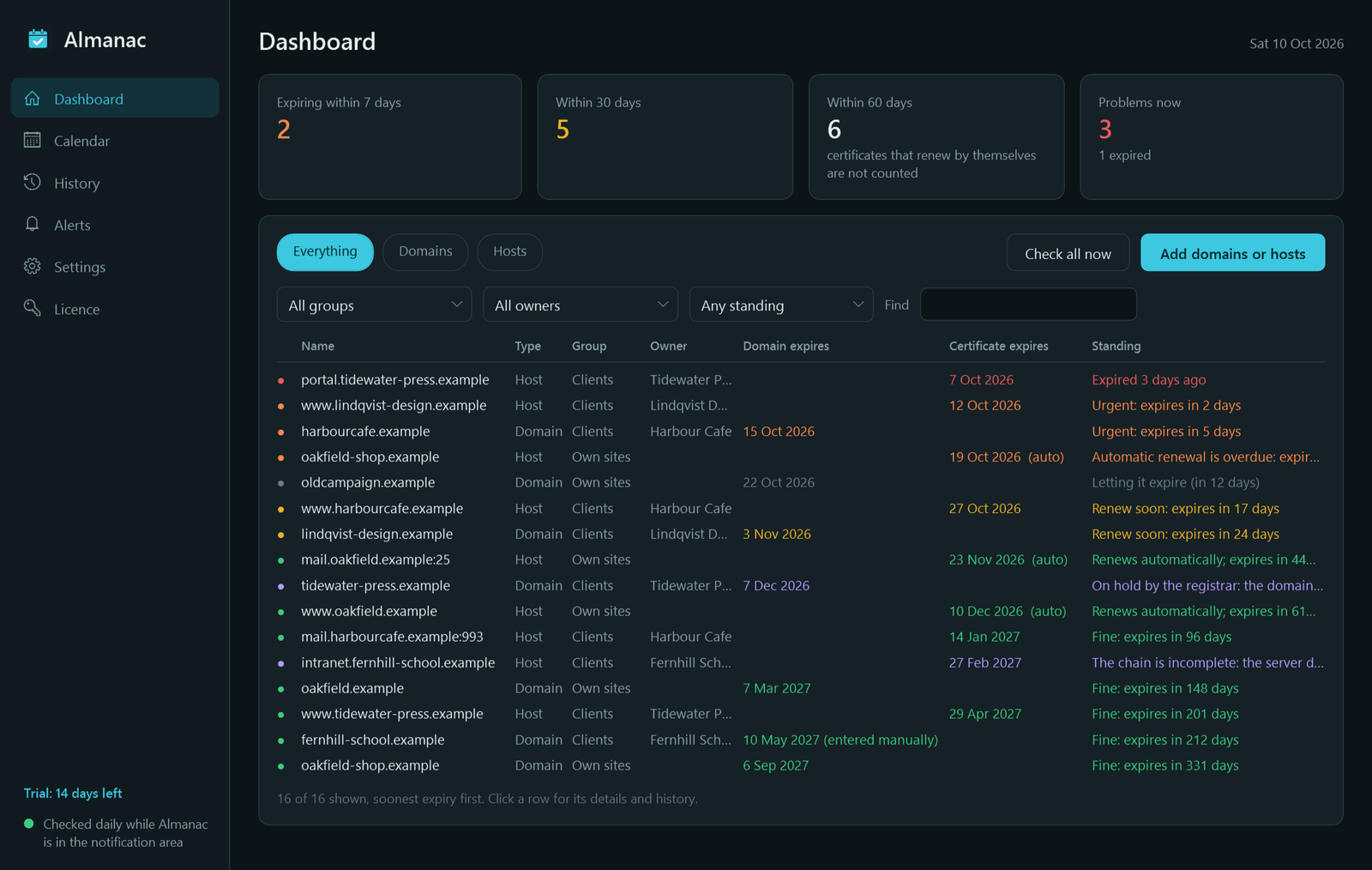

Almanac
Network · v1.0.1Never let a domain or a certificate expire by surprise.