Kickoff
See what slows your PC's start-up, and switch it off or delay it safely.
- 14 days free, every feature
- ₹559 ₹799$10.50 $15 once, no subscription
- Version 1.0.3 · 50.1 MB
- Windows 10 or 11, 64-bit
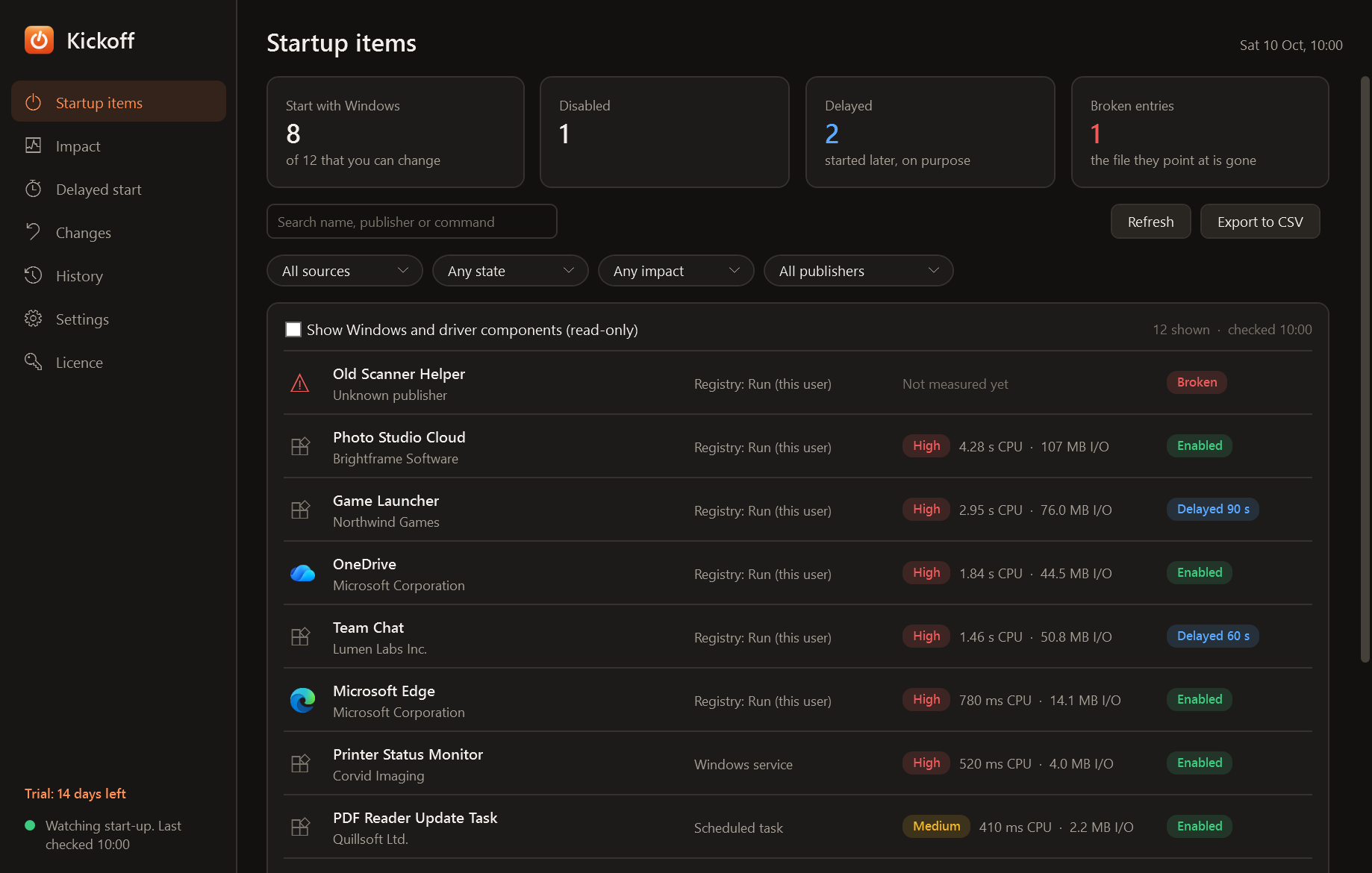
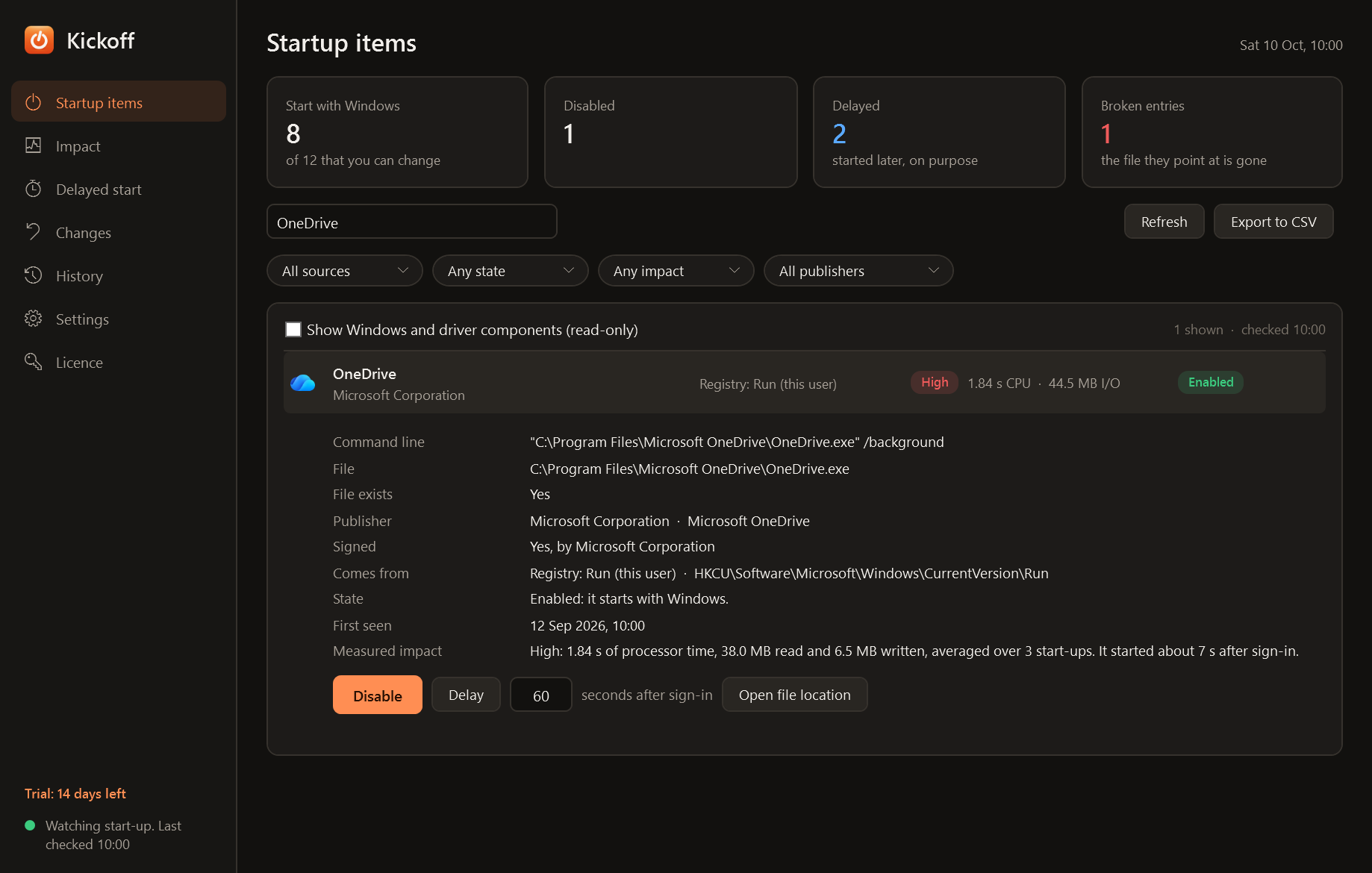
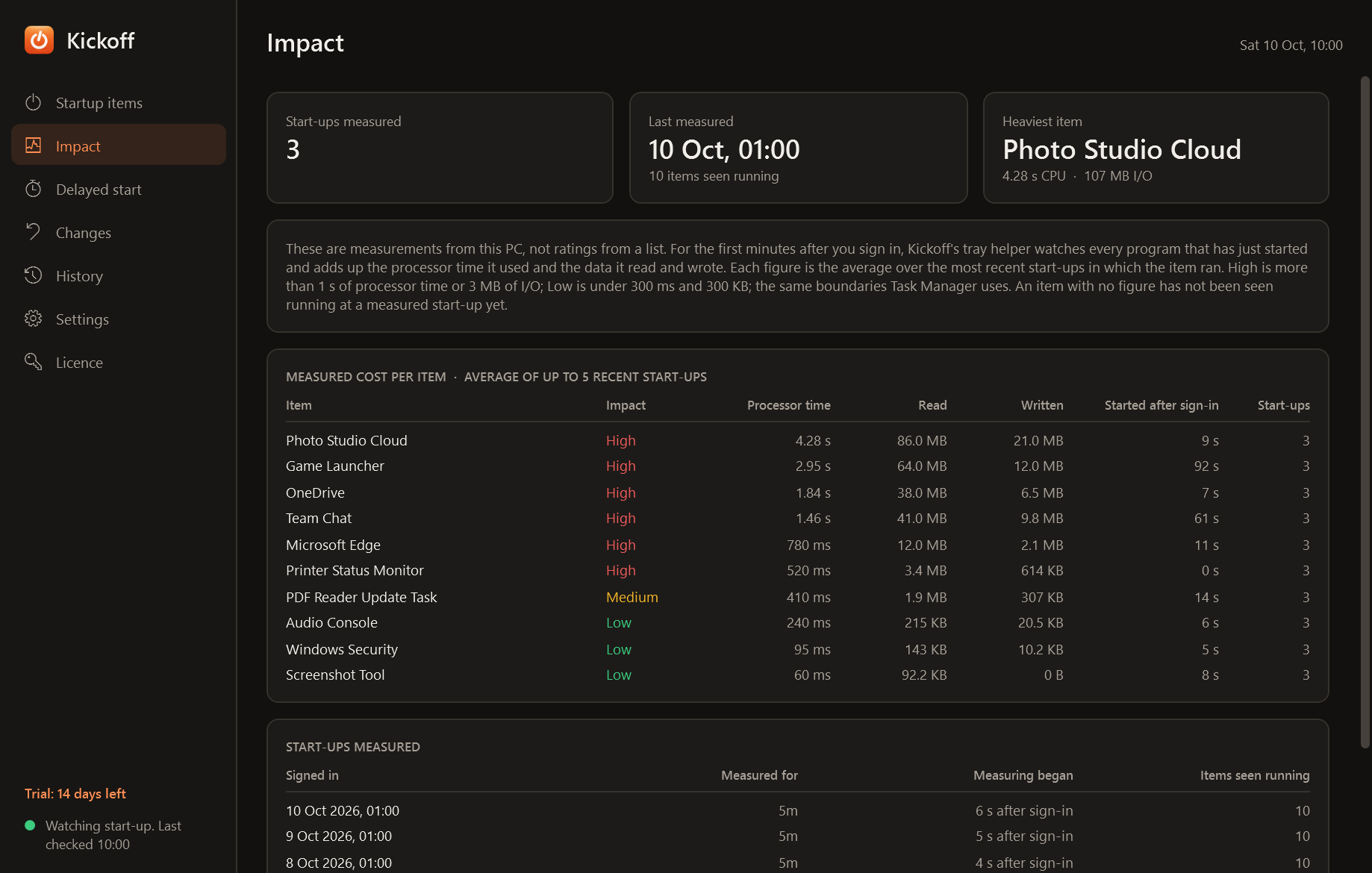
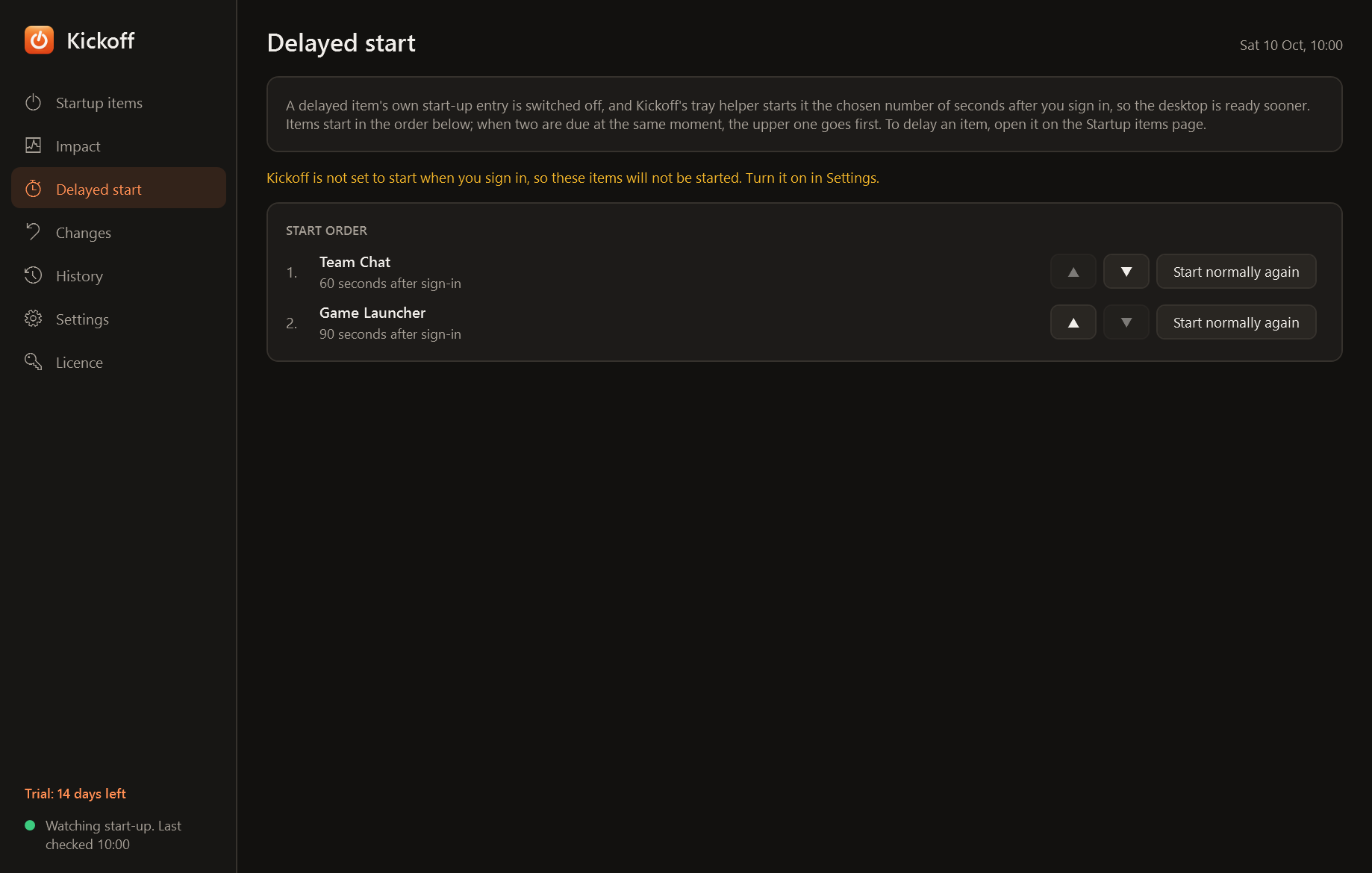
Kickoff shows everything that launches when Windows starts, measures what each item really costs on your PC, and lets you switch items off or start them later, in a way that can always be put back.
What it does
- One list of everything that starts with Windows: the Run and RunOnce registry keys, both Startup folders, scheduled tasks that run at sign-in or boot, automatic services, and Store apps.
- For every item: publisher, command line, the file it runs, whether that file is signed, and whether it still exists. Entries whose file is gone are flagged as broken.
- Measured impact, not a guess. For the first minutes after you sign in, Kickoff adds up the processor time and the data each start-up program read and wrote, and shows Low, Medium or High with the numbers behind it, averaged over recent start-ups.
- Disable and enable items the same way Task Manager does, so nothing is deleted. Tasks and services are disabled, never removed.
- Delay an item: Kickoff starts it a chosen number of seconds after you sign in, in an order you set, so the desktop is ready sooner.
- An undo log with the exact original value of every change, Undo for each one, and "Restore everything to how it was".
- A notification with Allow and Disable when a program adds itself to start-up, and a history of what was added and when.
- Search, filters by source, state, impact and publisher, light and dark mode, and export of the list to CSV.
Good to know
- Impact figures appear after the first restart with Kickoff installed. Until an item has been seen running at a start-up it says "not measured yet".
- Items that belong to one user need no administrator. Machine-wide entries, services and most tasks do, and Windows asks at that moment.
- Parts of Windows and driver services are shown read-only. Security software is labelled, and disabling it asks first.
- A service that shares a Windows host process with others cannot be measured by itself, and a program that starts and exits within the first seconds of sign-in can be missed.
- It installs for your user account only and never asks for administrator rights to install.
- Uninstalling sets delayed items back to starting normally.
- Free to try for 14 days with every feature. After that Kickoff needs a licence to keep working; without one it stops. Changes you already made can still be undone and items you delayed are still started, so your start-up is never left stuck.
One-time purchase for one PC. Includes every version released in the following 12 months; the version you have keeps working after that.
First version on the store.
New logo.
Kickoff needs a licence once the 14-day trial is over; changes already made can still be undone.
Other apps you might like
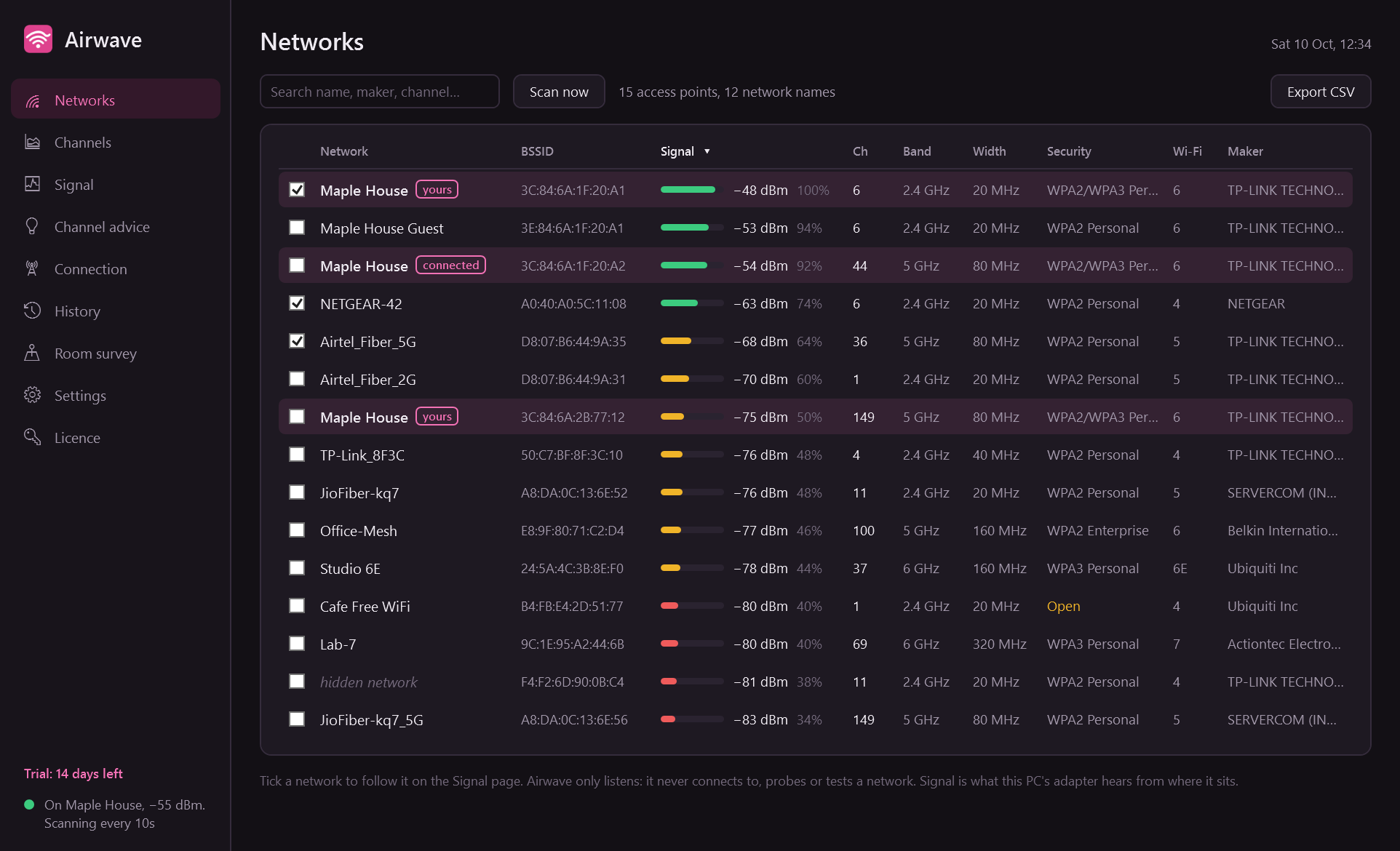

Airwave
Network · v1.0.1See every Wi-Fi network around you, pick the quietest channel, and track your own signal.
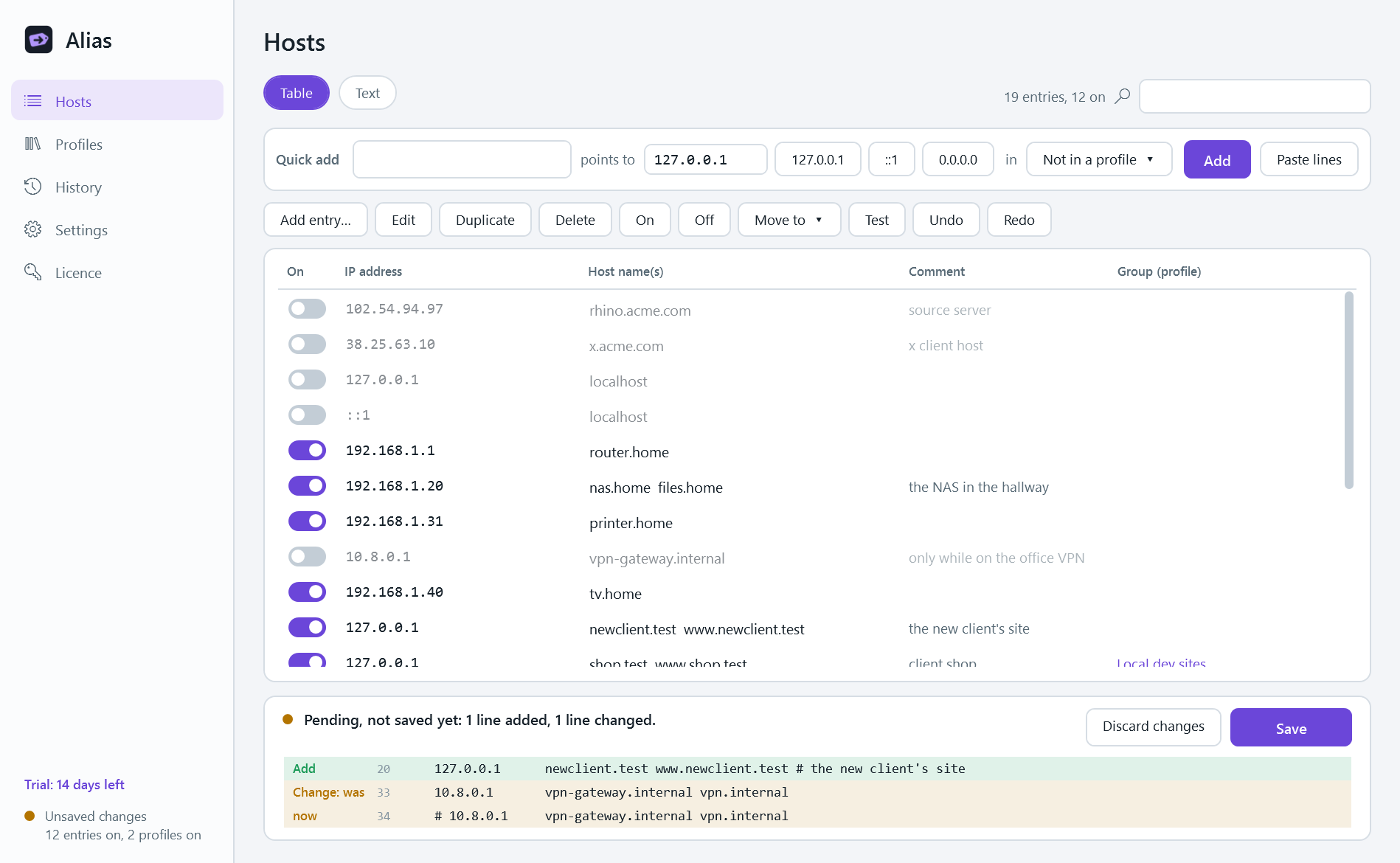
Alias
Network · v1.0.0Edit the Windows hosts file safely, with profiles you switch in one click.
Almanac
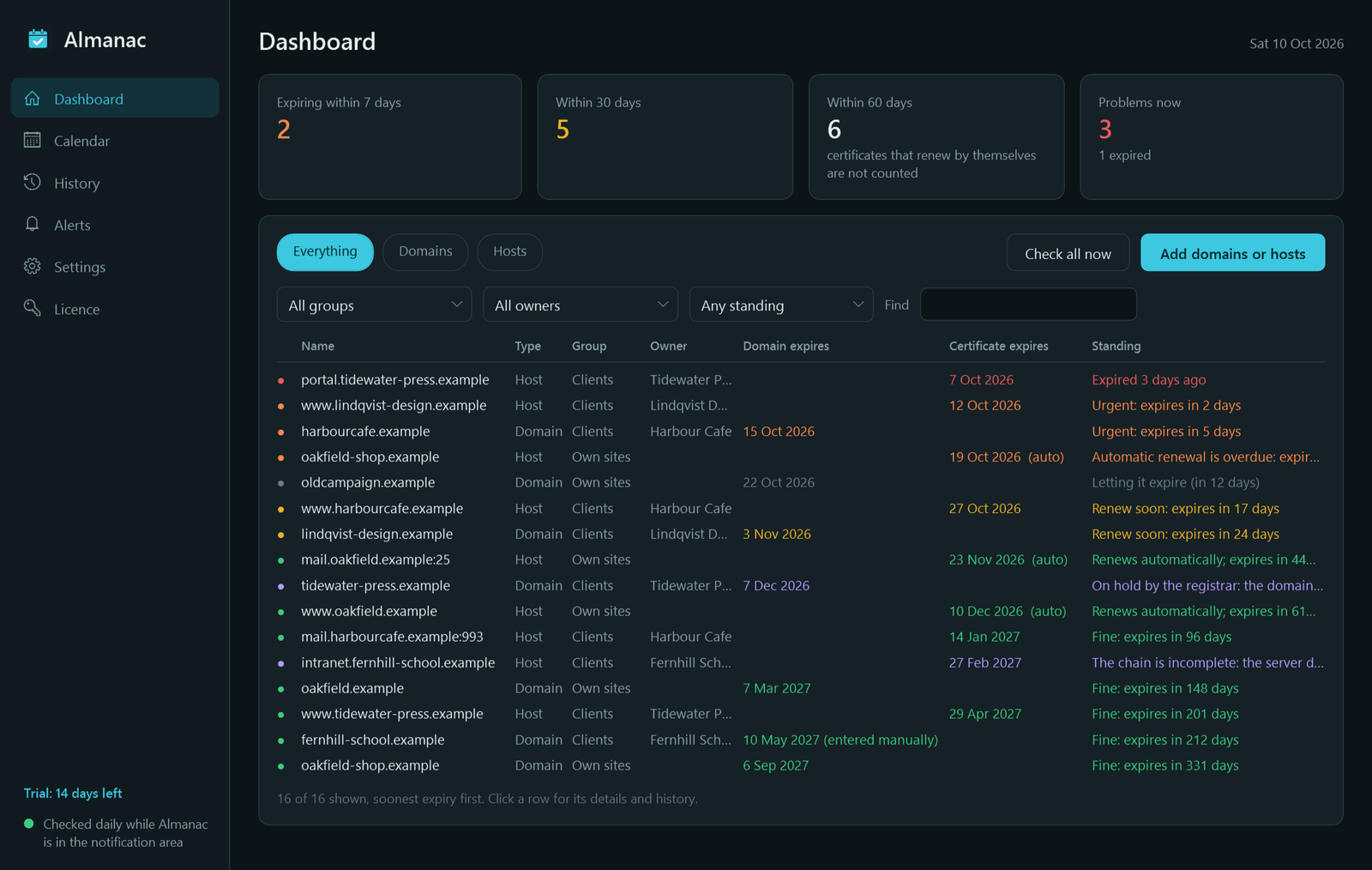
Network · v1.0.1Never let a domain or a certificate expire by surprise.